COVID-19 UPDATE


Important Notice:Beware of scams using ASOWorld's name for part-time recruitment or ASO earning app activities. ASOWorld is not hiring any part-time staff. Trust only official information posted by ASOWorld.

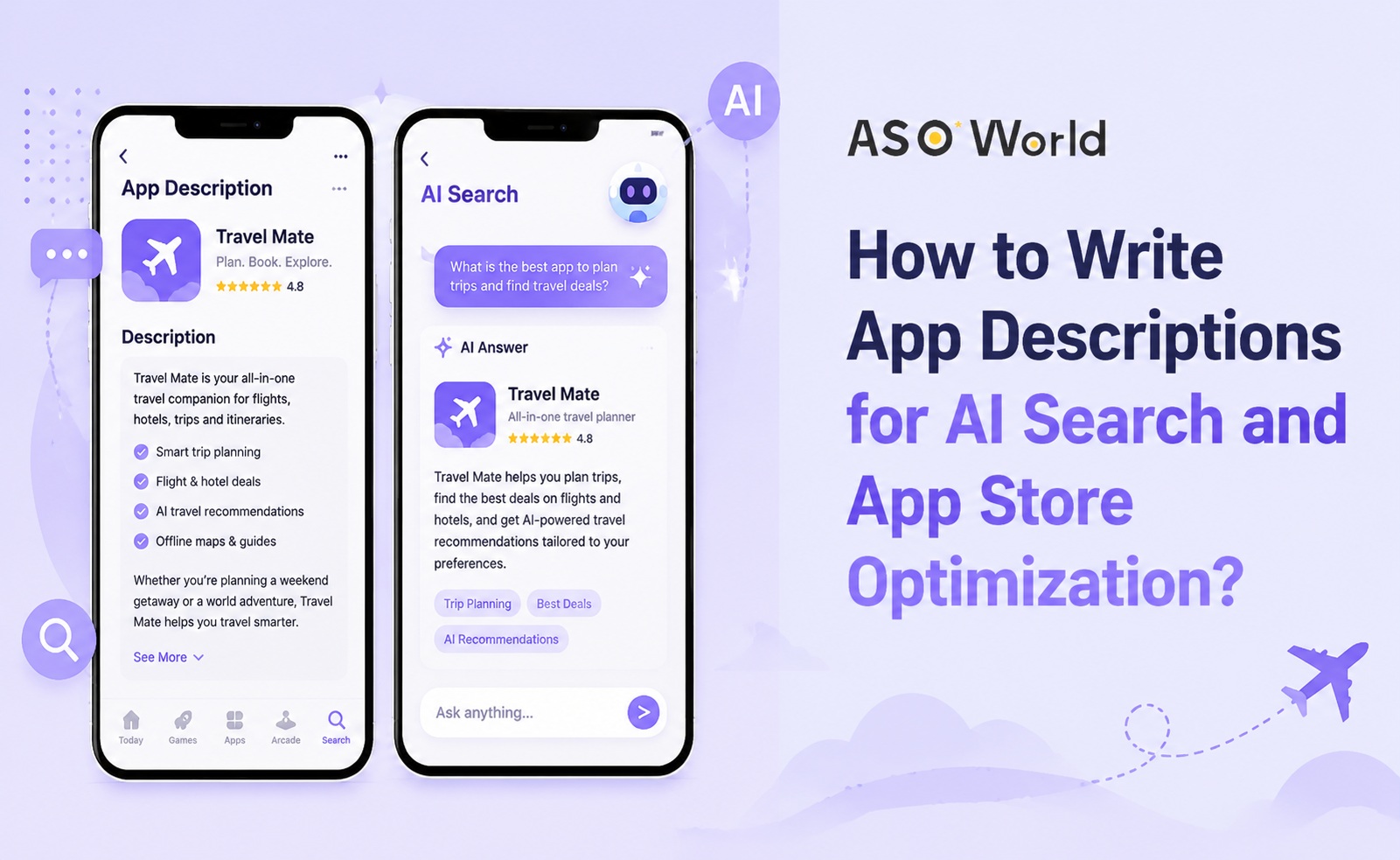
Your app description is no longer just a store listing field.
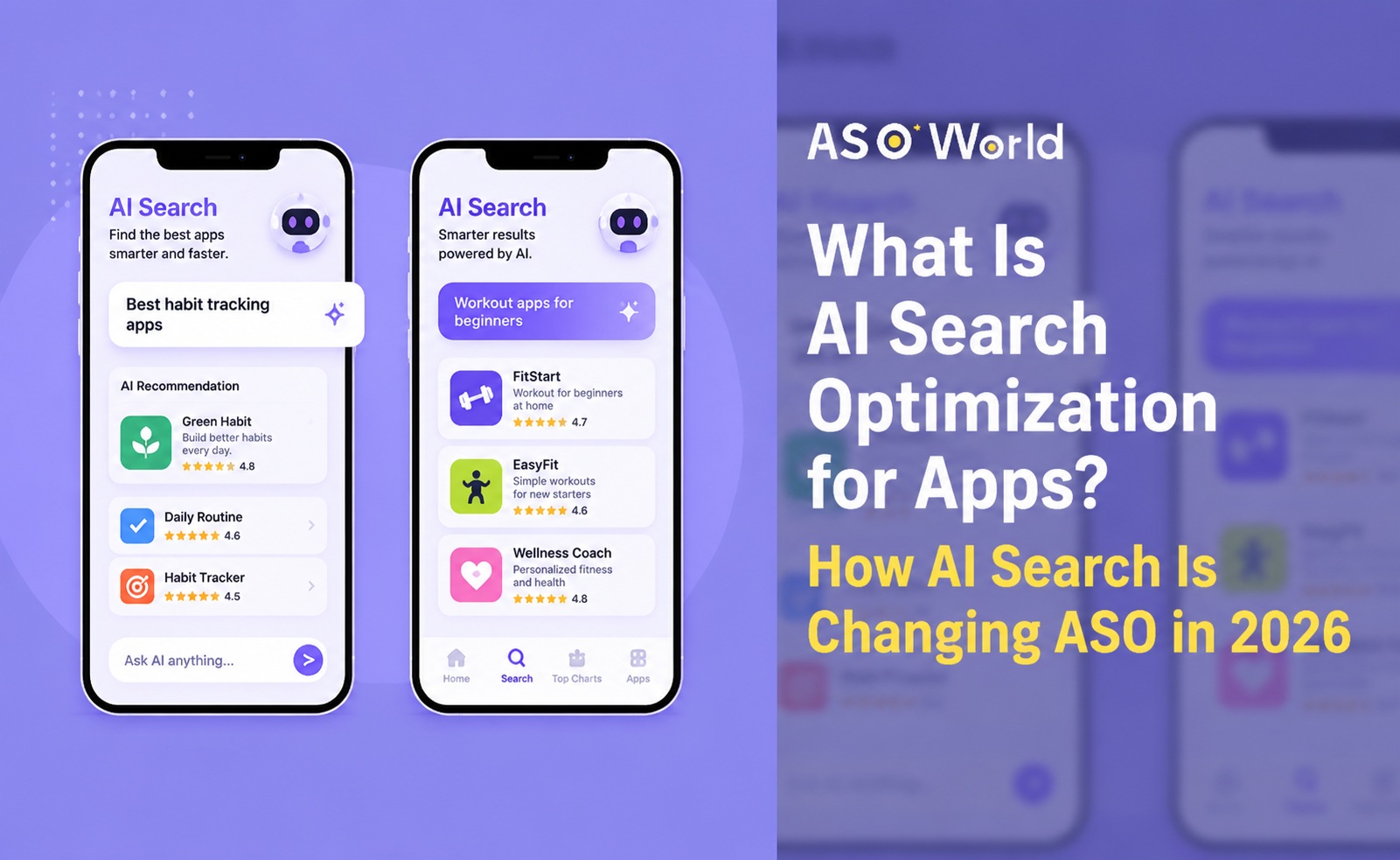
In 2026, it has become a discovery asset, a conversion asset, and increasingly, an AI search signal. Users still search inside the App Store and Google Play, but many also ask AI assistants such as ChatGPT, Gemini, Perplexity, or Google AI-powered search to recommend apps before they enter the store.
That means your app description must now work for three audiences at the same time:
This article explains how to write app descriptions that support both traditional App Store Optimization and AI-driven discovery.
The 2026 ASO and Apple Ads benchmark report shows a clear shift in app discovery. AI app downloads in the U.S. more than doubled between 2023 and 2025, and users increasingly describe their needs to AI assistants before opening the App Store or Google Play.
The same report also highlights that 34% of top apps on both the App Store and Google Play updated their descriptions twice or more in the last year. At the same time, many top apps have not touched their descriptions for over a year.
This is a major opportunity.
If top-performing apps are refreshing descriptions more often, it suggests that app descriptions are not static copy. They are part of an ongoing optimization system. In an AI search environment, outdated descriptions create an additional risk: AI systems may misunderstand your app, miss your best use cases, or fail to associate your app with high-intent user queries.
If you need a broader foundation on how AI search is changing app discovery, read ASOWorld's guide on what AI Search Optimization means for apps.
An AI-ready app description is clear, structured, specific, and useful. It does not simply repeat keywords. It explains what the app does, who it helps, which problems it solves, and why users should trust it.
A weak app description usually looks like this:
“A powerful app with many useful features. Manage tasks, track progress, set reminders, and improve productivity.”
This description is generic. It does not tell users or AI systems who the app is for, what problem it solves, or when it should be recommended.
A stronger description looks like this:
“A task planning app for remote teams that need to manage recurring workflows, assign deadlines, track project progress, and keep team members aligned without switching between multiple productivity tools.”
This version is more useful because it includes:
That level of clarity helps users make decisions. It also gives AI systems richer context for understanding and recommending the app.
App descriptions matter on both major stores, but they work differently.
On the Apple App Store, the description is not the primary keyword-indexing field in the same way as Google Play. However, it still matters for conversion, user trust, product understanding, and external interpretation of your app’s value proposition.
Your App Store description should clearly support:
On Google Play, the short description and full description are more directly connected with search visibility. Keywords in the description can help Google understand your app’s relevance.
However, keyword stuffing is not a sustainable strategy. Google Play descriptions should still be written for users first, with keywords placed naturally inside useful explanations.
For a more tactical breakdown, ASOWorld's article on how to optimize your Google Play description is a highly relevant reference.
Traditional ASO asks:
“Can our app rank for target keywords inside the store?”
AI Search Optimization adds a second question:
“Can AI systems understand when our app should be recommended?”
Users often ask AI assistants in full sentences. They do not only search for “budget app.” They ask:
Your app description should therefore help connect your app to specific user scenarios.
ASOWorld has explained this broader pre-store discovery shift in Beyond ASO: How to Get Your App Recommended by AI. The core idea is simple: app discovery is no longer limited to app store search results. AI assistants may become an additional discovery layer before users reach the store.
Use the following structure to write descriptions that support both ASO and AI search.
The first sentence should explain your app clearly. Avoid vague language such as “the best,” “powerful,” or “all-in-one” unless you support it with specific context.
Use this formula:
[App name] helps [target user] achieve [desired outcome] with [core feature or method].
Examples:
This sentence is important because it anchors the rest of the description. It also makes your app easier for users and AI systems to classify.
Many app descriptions fail because they try to speak to everyone.
AI-driven discovery is often audience-specific. A user may ask for the best app for students, small business owners, parents, remote teams, beginners, travelers, or creators.
Your description should make the target audience explicit when possible.
Weak version:
“Track your tasks and manage your schedule.”
Stronger version:
“Designed for remote teams, freelancers, and project managers who need a simple way to organize tasks, deadlines, and recurring workflows.”
The stronger version gives the app a clearer recommendation context.
Users do not install apps because of features alone. They install apps because those features solve a problem.
Instead of writing:
“Includes reminders, notes, calendar sync, and task lists.”
Write:
“Stay on top of your day by combining reminders, notes, calendar events, and task lists in one workspace.”
This connects features to outcomes.
For AI search, problem-based language is especially useful because users often ask AI assistants about problems, not product features.
A long list of features can be hard to read. Instead, organize features into benefit-driven sections.
Example structure:
This structure helps users scan quickly. It also helps AI systems connect features with user needs.
Keywords still matter, especially on Google Play. But AI-ready descriptions should not be written like keyword lists.
Use keywords inside natural, useful sentences.
Poor keyword usage:
“Budget app, money tracker, finance app, expense tracker, savings app, personal finance app.”
Better keyword usage:
“Use the budget planner to track daily expenses, manage shared spending, monitor savings goals, and build better personal finance habits.”
The second version includes relevant keywords while still helping users understand the app.
If you are still building your keyword foundation, ASOWorld's guide on keyword research and keyword optimization can help you identify better search opportunities before rewriting your description.
Below is a practical structure app marketers can use for both App Store and Google Play descriptions.
Explain the app in one or two sentences.
Example:
“FitStart is a home workout app for beginners who want short, equipment-free training plans. Build a consistent fitness routine with guided workouts, progress tracking, and personalized weekly plans.”
Make the target audience clear.
Example:
“FitStart is designed for busy beginners, home exercisers, and anyone who wants to start working out without going to the gym.”
Group the app’s value around outcomes.
List features only after users understand the benefits.
Add credibility where appropriate.
End with a clear action.
“Download FitStart today and begin your first 10-minute workout.”
Not Sure Where to Begin?
Skip the guesswork — launch your first campaign with ASOWorld in 3 steps.
AI apps should avoid vague claims such as “powered by AI” or “smart assistant.” Instead, explain what the AI actually helps users do.
Better examples:
AI should be described as a benefit, not just a buzzword.
Productivity app descriptions should focus on workflows, audience, and outcomes.
Useful phrases may include:
Finance app descriptions should build trust and explain use cases clearly.
Useful angles include:
Health and fitness descriptions should specify the user level and goal.
For example:
Game descriptions should explain the experience, not just the mechanics.
Include:
App descriptions should not remain unchanged for years.
The 2026 benchmark report shows that a meaningful share of top apps update descriptions multiple times per year. This does not mean every app needs constant rewriting, but it does suggest that descriptions should evolve with:
A practical update cycle could look like this:
| Update Trigger | Description Action |
|---|---|
| New feature launch | Add new feature-to-benefit section |
| Low conversion rate | Rewrite opening summary and benefits |
| New keyword opportunity | Add natural long-tail keyword coverage |
| Negative review pattern | Clarify expectations or highlight improvements |
| Seasonal demand | Update use cases and promotional language |
Words like “best,” “ultimate,” “powerful,” and “easy-to-use” are not enough. Explain why the app is useful and for whom.
Features should be connected to user outcomes. A feature list alone does not explain value.
AI search and modern ASO both reward specificity. Descriptions should include natural language that reflects real user needs.
Direct translation is not localization. Different countries may have different search behaviors, expectations, and value propositions.
If your description emphasizes “team collaboration,” your screenshots should show team collaboration. If your description focuses on “AI writing,” your screenshots should show AI writing workflows.
Ratings, reviews, awards, and credible user outcomes can improve conversion. If users do not trust the app, they may not install it even if the description is clear.
For apps that need to improve trust and store-page conversion, ASOWorld's Ratings & Reviews service can support a stronger credibility foundation as part of a broader ASO plan.
You can use the following template as a starting point.
[App Name] is a [category] app for [target audience] who want to [main outcome].
With [App Name], you can:
- [Benefit 1 connected to feature]
- [Benefit 2 connected to feature]
- [Benefit 3 connected to feature]
- [Benefit 4 connected to feature]
Designed for [audience/use case], [App Name] helps you [solve specific problem] without [common pain point].
Key features:
- [Feature 1]
- [Feature 2]
- [Feature 3]
- [Feature 4]
Why users choose [App Name]:
- [Trust signal or value proposition]
- [Review-based benefit]
- [Differentiator]
- [Specific use case]
Download [App Name] today and [clear CTA].
“TaskPro is a productivity app with tasks, reminders, calendar, notes, and project tools. It helps users work better and stay organized.”
“TaskPro is a task management app for remote teams, freelancers, and project managers who need a simple way to organize daily work, recurring deadlines, and shared project updates.
Plan your day with task lists, set reminders for important deadlines, sync work with your calendar, and keep project notes in one place. Whether you are managing client work, team workflows, or personal priorities, TaskPro helps you stay focused without switching between multiple productivity tools.
Use TaskPro to create tasks, assign priorities, track progress, and build a more organized workflow from your phone.”
The rewritten version is stronger because it adds audience, use cases, benefits, and natural keyword coverage.
Writing a better app description is only one part of ASO. To improve visibility and conversion, the description should work together with your title, subtitle, keywords, screenshots, ratings, reviews, and install strategy.
ASOWorld can support different stages of this process.
If your app listing is incomplete or unclear, start by improving the core store assets. ASOWorld's App Store Optimization service can help optimize app title, subtitle, description, icon, screenshots, and other listing elements depending on your selected plan.
If your description is clear but your app does not rank for enough target keywords, keyword research and ranking analysis should come next.
ASOWorld's ASO keyword ranking tools can help you evaluate keyword visibility, ranking movement, and search opportunities.
After improving metadata and keyword targeting, some apps need campaign support to build search momentum. ASOWorld's Keyword Installs service can help connect app promotion with target keyword visibility goals.
AI search, user behavior, app store algorithms, and competitor positioning will continue to change. Growth teams should treat app descriptions as part of a recurring ASO cycle:
On the Apple App Store, descriptions are not the main keyword-indexing field, but they still influence conversion, user understanding, and store-page quality. On Google Play, descriptions play a more direct role in keyword relevance.
Write for users first, but structure the content clearly enough for AI systems to understand. The best descriptions are useful to both humans and machines.
It should be long enough to explain the app clearly, but structured enough to scan quickly. Focus on clarity, benefits, use cases, and natural keyword coverage.
No. Keyword stuffing can hurt readability and user trust. Use relevant keywords naturally in sentences that explain real value.
Update descriptions when your app launches new features, targets new keywords, enters new markets, receives repeated user feedback, or sees weak conversion performance. At minimum, review descriptions regularly as part of your ASO workflow.
App descriptions are becoming more important, not less.
In the past, many teams treated descriptions as a one-time publishing task. In 2026, that approach is risky. Descriptions now support app store visibility, user conversion, AI-driven discovery, and brand positioning.
A strong app description should answer four questions clearly:
If your description cannot answer these questions, it may be limiting your growth.
To prepare your app for both traditional ASO and AI search, start with clear positioning, natural keyword usage, benefit-driven copy, trust signals, and regular updates. Then connect your description with the rest of your ASO system: screenshots, ratings, reviews, keyword tracking, and install campaigns.
Ready to improve your app listing for AI search and app store growth? Start your ASO growth plan with ASOWorld.
Get a good start for your app optimization with practical ASO guideline!
Want to get the latest Guides & Insights from ASOWorld?
Related posts