COVID-19 UPDATE


Important Notice:Beware of scams using ASOWorld's name for part-time recruitment or ASO earning app activities. ASOWorld is not hiring any part-time staff. Trust only official information posted by ASOWorld.

To understand how the title, subtitle & detailed description of your app affect the keyword coverage and ASO results in the Google Play store.


To understand the main elements of your application in the Google Play store optimization by our step-by-step guideline, and understand how to optimize the most important ASO content: application title, change description and detailed description, and in-depth study of keyword coverage in the Google Play store.
You can easily modify these subdivision elements in the Google Play console to maximize your app ranking results!
The App Store optimization algorithms for iOS and Android apps are different. Stores are different, and each store has different rules. but the goal is always the same: make your app stand out from other apps, increase its visibility, increase its conversion rate, and increase the number of installs.
The keywords in the app title, short description, and the long description will help the app store machine learning understand your app well. The keywords or short sentences that appeared in these position will be split into words to help the app store algorithm determining the relevance between the application and search needs. Optimizing this content is also important in ASO and will directly affect the key ranking factors to this application.
By optimizing content such as the title description, the installation conversion rate of your app will also be improved. Therefore, it is necessary to keep the content in these positions creative and attractive while considering the keywords coverage, so as to increase the download conversion rate of users.
Click "Learn More" to drive your apps & games business with ASO World app promotion service now.
Optimizing your title and description is only effective when you're targeting the right keywords in the first place. Many developers make the mistake of choosing keywords based on intuition — or by copying competitors — only to find their app ranking for terms with little search volume or impossible competition.
The smarter approach is to ground your optimization in real data before writing a single character of metadata.
ASOWorld's Keyword Research Tools give you a clear picture of the keyword landscape in your app category — including search volume, keyword difficulty, and ranking trends across different markets and languages. With this data, you can prioritize the keywords most likely to bring qualified users to your app, and ensure every character of your title and description is working toward discoverability that actually converts.
The title of the Google Play Store is one of the first visible elements in the store list and can contain up to 50 characters. The best practice is to keep the brand name and add 3-4 most important keywords next to the brand name. In this way, your title will re-establish the ASO effect, thereby improving the ranking of the keywords contained in it.
In the Google Play store, the perfect title structure is as follows: brand name + keywords, or keyword + brand name.
The important thing is to use a maximum of 50 characters to optimize the title, but don’t do keyword stuffing to avoid excessive “junk”. For example, the titles of some applications contain very useful keywords, but the same keywords are repeated many times, stacked with the brand name, and the readability is poor. This can confuse users and reduce conversion rates.
Instead, a great title should include the brand name and target keywords to convey key functions and tasks of application programming, and convey clear messages about the purpose.
A good idea is to add emoji in the title to attract users’ attention and increase conversion rate. But if you are considering advertising in Google later, please note that if Google detects emoji in it, then Google Ads UAC campaigns will not be able to run.
The subtitle (Short Description) is an 80-character string that is displayed to the user in the list and can then be expanded to view the full description. The subtitle optimization of this position needs to consider the user experience and conversion rate, and the description should highlight the best features of the application to convince users and increase the conversion rate. At the same time, it should contain important keywords that you want your app to rank in Google Play search.
Like other text descriptions in the Google Play store, you can add some emojis to the content during optimization to make the content more attractive.
After fully investigating your competitors, highlight your core competitiveness. In addition to considering the search volume of keywords at this position, you must also consider whether your application has special features or advantages that are different from your competitors, so as to increase the conversion rate.
The detailed description on the Google Play Store can contain up to 4.000 characters. Use them to give a comprehensive, clear, and structured description of the function and purpose of your application. Enter your keywords multiple times, especially in the first and last sentences of the text, to help Google Play rank your app for these keywords and add more content to the rest of the text.
When rewriting and replacing the detailed description to optimize, use the outline and rich format to provide structure for the text, and make full use of all available characters for a complete narrative.
Use rich formatting and bullet points to organize the text; include emojis in the text; provide links to social media pages, including calls to action, to make the description vivid and eye-catching.
Keyword coverage refers to the total number of search queries for which your app appears in Google Play results. The wider your coverage, the more organic entry points your app has — and the less dependent you are on ranking for any single competitive term.
Unlike the Apple App Store, which provides a dedicated keyword field, Google Play derives all keyword signals directly from your visible metadata: the title, short description, and long description. This means the text optimization steps covered above are the primary lever for expanding your coverage — but they are not the only one.
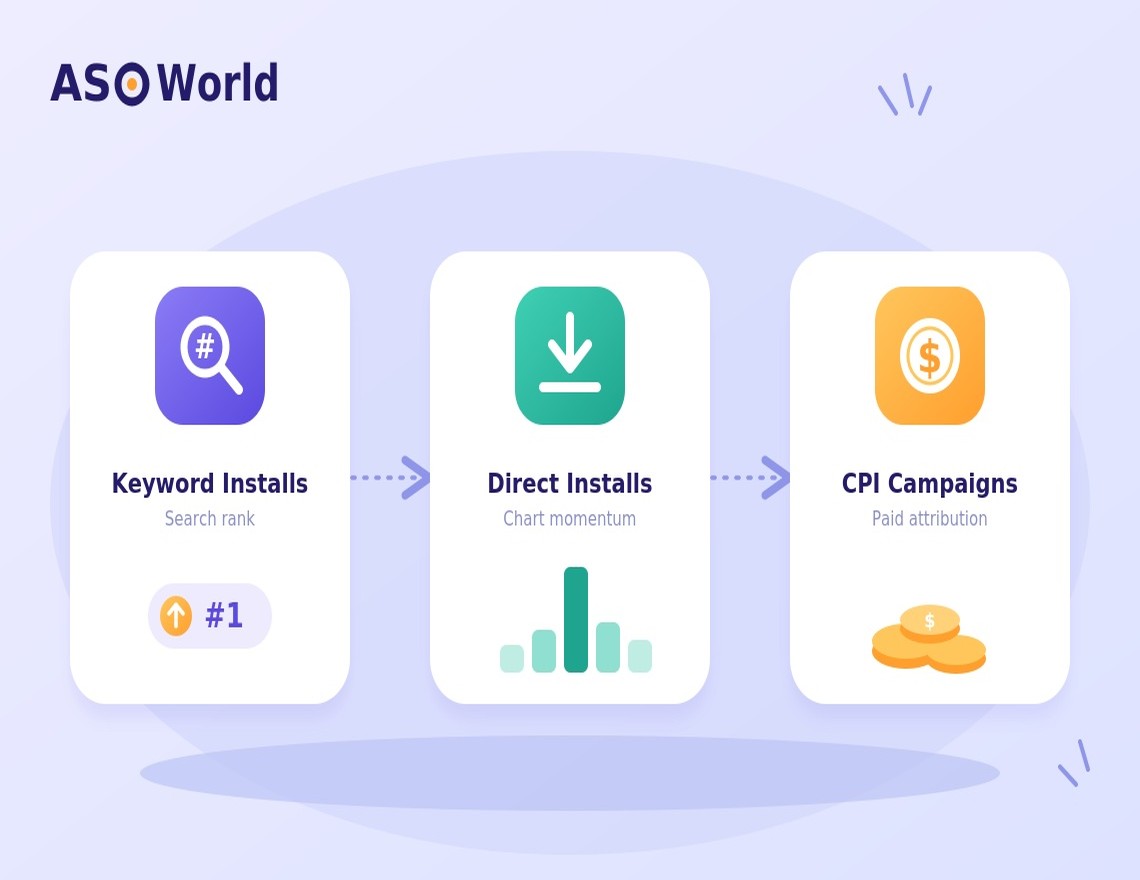
Once your keywords are embedded in the right positions, Google Play's algorithm still needs behavioral signals to determine how prominently to rank your app for those terms. Installs — specifically, installs that originate from a keyword search — are among the strongest relevance signals the algorithm recognizes. An app with well-optimized metadata but few keyword-driven installs will often stall in mid-tier rankings, unable to break into the top positions where the majority of clicks happen.
This is where a targeted Keyword Install strategy becomes a direct complement to your metadata work. By driving real users to discover and install your app through specific keyword searches, you generate the behavioral signal that tells Google Play: this app is relevant to this search query, and users agree.
ASOWorld's Keyword Installs service is built around exactly this mechanism. Rather than treating installs as a vanity metric, the service is designed to reinforce the specific keywords you've already optimized in your metadata — creating a compounding effect where on-page signals and behavioral signals work together to lift your rankings.
The recommended workflow is straightforward:
This two-layer approach — metadata optimization paired with keyword-driven install signals — is what separates apps that plateau after an initial ASO pass from those that continue gaining organic visibility over time.
Title optimization, changing subtitles, and replacing detailed descriptions are the most important elements in ASO mobile application search and conversion rates, but there are other segments that can help increase visibility and keyword ranking. For example, application screenshots, Icon, etc.
The optimization techniques for these secondary factors have been detailed in our previous blog. In order to get a better conversion rate, app screenshots shouldn’t be really just screenshots, it’s better to display a designed feature panel about the app. When designing your Icon, try to make users relevant to the meaning of your brand. A good conversion rate will further promote your app’s ranking.
The URL of the application package can also contain some keywords, which can also increase the relevance weight and add points. Read our case study to understand its possible impact on keyword rankings.
Optimizing your Google Play title, short description, and long description is the essential foundation of any ASO strategy — but lasting visibility comes from combining strong metadata with the right signals to back it up.
Here's where to go next depending on where you are in the process:
🔍 Not sure which keywords to target?
Start with ASOWorld's free Keyword Research Tools to identify high-opportunity terms in your category before you rewrite a single word of your metadata.
📈 Already optimized your metadata and want to accelerate rankings?
Keyword Installs let you drive real, search-sourced installs on your target keywords — reinforcing your metadata optimization with the behavioral signals Google Play's algorithm responds to.
🏆 Want guaranteed results on specific keywords?
ASOWorld's Guaranteed Keyword Ranking Service is built for teams with clear ranking targets and defined timelines.
🛠 Need experts to handle your full metadata strategy?
ASOWorld's ASO Service covers end-to-end metadata optimization, copywriting, and ongoing performance management — so your listings are always working as hard as possible.
 Mobile Growth,App Store Optimization,
Get FREE Optimization Consultation
Let's Grow Your App & Get Massive Traffic!
All content, layout and frame code of all ASOWorld blog sections belong to the original content and technical team, all reproduction and references need to indicate the source and link in the obvious position, otherwise legal responsibility will be pursued.