COVID-19 UPDATE


Important Notice:Beware of scams using ASOWorld's name for part-time recruitment or ASO earning app activities. ASOWorld is not hiring any part-time staff. Trust only official information posted by ASOWorld.

Google Play keywords rising without installs or dropping again? Keep core terms, test 3–5 iOS keywords for 7 days, and scale only what the data supports.


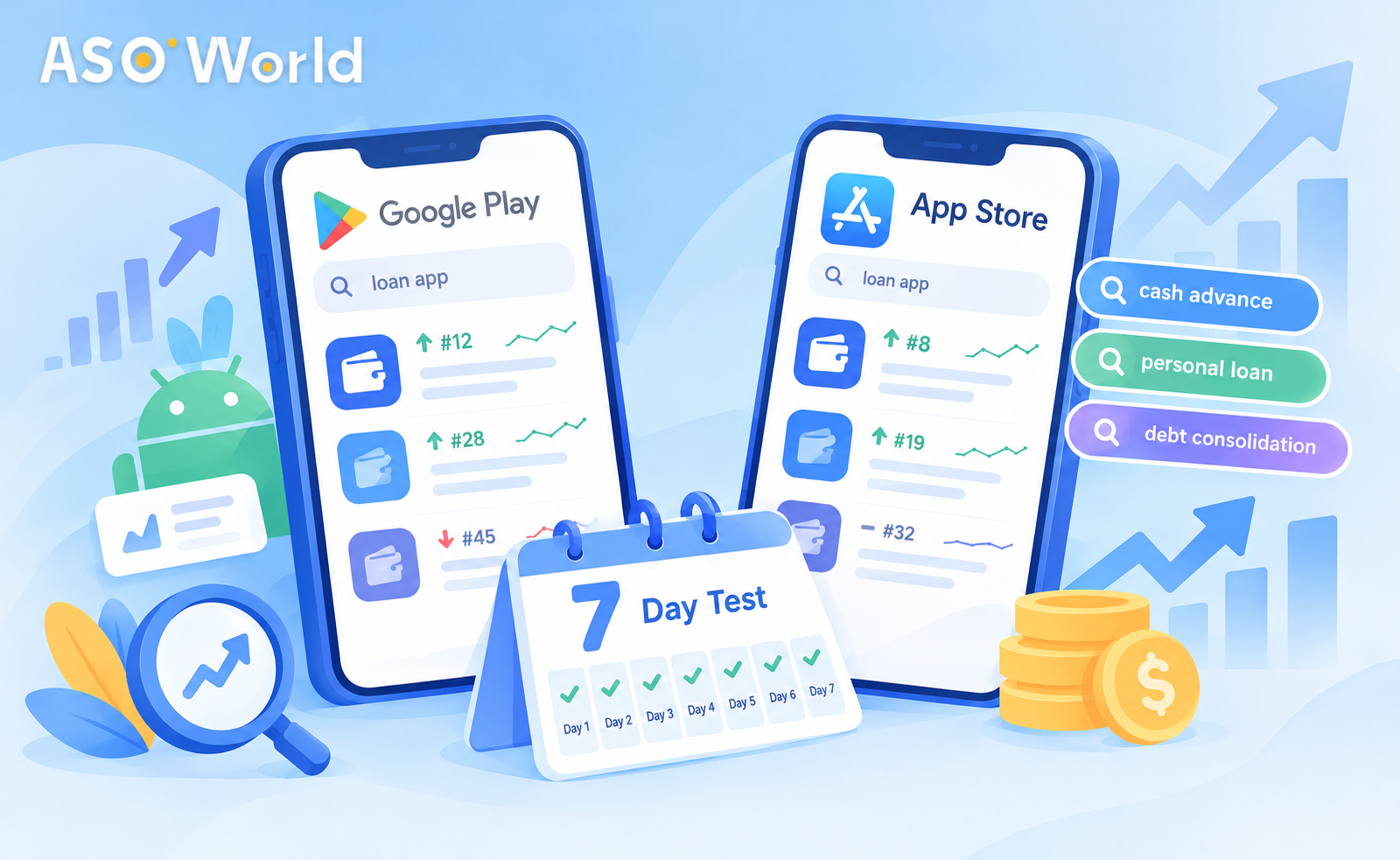
TL;DR: Many developers have reported unusual Google Play keyword behaviour this autumn: rankings that rise without bringing installs, and keywords that drop again soon after reaching the top. Don't abandon Google Play, and don't move your whole budget on a hunch. Keep your core Android terms at a maintenance pace, then run a small, seven-day test on three to five iOS keywords with a clear success rule. Scale only what the data supports.
When a channel that used to work starts behaving unpredictably, the instinct is to either push harder or walk away. Both are expensive. A better answer is a short, controlled test that tells you - with your own numbers - whether moving budget to the App Store makes sense for your app right now.
This guide covers what developers are seeing on Google Play, how the two stores differ in ways that matter for your budget, and a day-by-day test plan you can start this week.
Across our conversations with developers over the past few weeks, three patterns come up again and again:
Nobody outside Google can say exactly why. Ranking systems are updated constantly, competition shifts before the holiday season, and category-level volatility is a normal feature of the stores. What matters for your budget is not the cause - it is whether your app is affected, and whether another channel gives you a more predictable return right now.
Not entirely. Stopping abruptly can let rankings you already earned decay, and Android is still where much of the world's install volume lives - especially in markets like India, Indonesia, and Brazil.
Instead, split your Android keywords into two groups:
| Group | Description | What to do |
|---|---|---|
| Core terms | Keywords already in the top positions that bring installs | Hold at a lighter maintenance pace |
| Unstable terms | Keywords that climbed and dropped, or rank without installs | Pause new spend and observe for one to two weeks |
This frees budget for a test without giving up what already works.
Understanding the differences helps you set the right expectations for the test.
| Factor | App Store (iOS) | Google Play |
|---|---|---|
| Metadata indexed | Title, subtitle, and a hidden 100-character keyword field | Title, short description, and full description |
| Speed of response | Often visible within a few days | Usually needs about seven to nine days to stabilise |
| Decay when support stops | Faster - movement fades if activity stops | Slower, but less predictable this season |
| Planning rhythm | Continuous effort of at least several days | Weekly blocks; don't judge by day three |
| Prerequisite for keyword campaigns | App should already rank in the top 250 for the term in that country | Same |
The practical takeaway: iOS gives you a faster read on whether a keyword responds, which makes it well suited to short tests. That speed cuts both ways - you need continuous effort, not a one-day burst.
The goal is to answer one question with your own data: Does a small, steady push on iOS move rankings and installs for my app?
Choose three to five iOS keywords that pass two filters:
Confirm your app already ranks somewhere in the top 250 for each term in the target country. If it does not, fix metadata first - no campaign can rank an app the store doesn't associate with the keyword.
Record a baseline for each keyword: current rank, daily impressions, and daily organic installs.
Instead of a large one-off order, run a modest daily volume for seven consecutive days. As a reference point, many developers start at around a hundred installs per day across the test keywords, adjusted for how competitive the terms are. Keyword installs on iOS start from $0.30 each (check the page for current pricing), which keeps a full week's test small relative to a typical monthly budget.
| Day | Action | What to log |
|---|---|---|
| 0 | Select keywords; record baseline rank, impressions, installs | Baseline sheet |
| 1–2 | Start steady daily volume on all test keywords | Rank once per day, same time |
| 3 | First check: any keyword moving? | Rank change vs. baseline |
| 4–5 | Keep volume unchanged - don't react to daily noise | Impressions and organic installs |
| 6–7 | Final read | Rank, impressions, organic installs vs. baseline |
Two rules matter most: don't skip days, and don't change volume mid-test. Gaps make iOS movement fade; mid-test changes make results impossible to read.
| Result | Interpretation | Next step |
|---|---|---|
| Rank up, organic installs up | Keyword responds and converts | Scale gradually; add one or two related terms |
| Rank up, installs flat | Visibility works, conversion doesn't | Fix icon, screenshots, rating before scaling |
| Rank flat | Term too competitive or relevance too weak | Swap for a longer-tail variant |
| Rank up, then fell back by day 7 | Support too light for this term | Re-test with steadier volume, or drop |
When a keyword reaches a strong position, don't keep pushing at the same intensity. Step down to a lighter maintenance pace - it protects your budget and keeps movement looking natural.
Here is how the plan typically plays out for a hypothetical local-services app that has been running Android keyword campaigns in Brazil:
The specific numbers will differ for every app. The point is the structure: protect what works, test small, read honestly, then scale.
ASOWorld First Order Discount
Get 50% off on your first order to start your app growth!
Don't forget them. After one to two weeks of observation, check whether the paused terms recovered on their own, stayed where they were, or fell out of the rankings. Terms that held their position without support are worth a light maintenance pace again. Terms that fell out entirely can be re-tested later in the season - ideally after your rating and listing conversion improve, since a stronger listing makes every keyword easier to hold.
Keyword campaigns are designed to improve search ranking. They do not necessarily show up as a jump in your total install count, and that confuses many teams. If the immediate goal is install volume - for example, to climb a category chart before the holidays - direct installs are the more appropriate tool.
Package (direct) app installs increase total downloads, which can support overall chart position. Many developers combine both: direct installs for chart momentum, keyword installs to hold priority search terms.
There is no universal ratio, but these starting points match what we see working this season:
| Situation | Suggested starting split | Reasoning |
|---|---|---|
| Strong Android rankings, unstable recent results | Hold Android core terms; test iOS with 20–30% of keyword budget | Protect earned ranks while testing |
| Android campaigns not converting for weeks | Shift toward iOS-led budget, with Android at maintenance | Put money where results are measurable |
| New app, no history on either store | Start on the store where your audience is; test small on both | Avoid assumptions |
| Strong iOS test results | Scale iOS gradually; keep a small Android presence | Diversify, don't concentrate |
Re-evaluate every two weeks. Allow about 14 days after a change before reallocating again - anything shorter mostly measures noise.
For a broader view of how rankings, chart position, and user acquisition fit together across both stores, see our approach to boosting app rankings and user acquisition.
Ranking and conversion are separate. A higher rank on a low-volume or poorly matched term may bring few installs. Check the term's volume and your listing's conversion rate.
Many developers report steadier, faster-to-read results on iOS this season, but it varies by app and category. That is why a seven-day test with your own data beats a blanket switch.
Three to five. Fewer gives too little data; more spreads a small budget too thin.
Start modestly - many developers begin around a hundred installs per day across the test terms - and adjust for keyword competition. Consistency matters more than size.
Yes. Keyword campaigns work on terms the store already associates with your app.
Yes. Direct installs support total downloads and chart position; keyword installs target search ranking. Use each for its own goal.
Not sure where to start? Our team can help you pick test keywords, set a pacing plan for both stores, and read the results. Explore the full app promotion service - new users get 50% off their first order.
Get FREE Optimization Consultation
Let's Grow Your App & Get Massive Traffic!
All content, layout and frame code of all ASOWorld blog sections belong to the original content and technical team, all reproduction and references need to indicate the source and link in the obvious position, otherwise legal responsibility will be pursued.