COVID-19 UPDATE


Important Notice:Beware of scams using ASOWorld's name for part-time recruitment or ASO earning app activities. ASOWorld is not hiring any part-time staff. Trust only official information posted by ASOWorld.

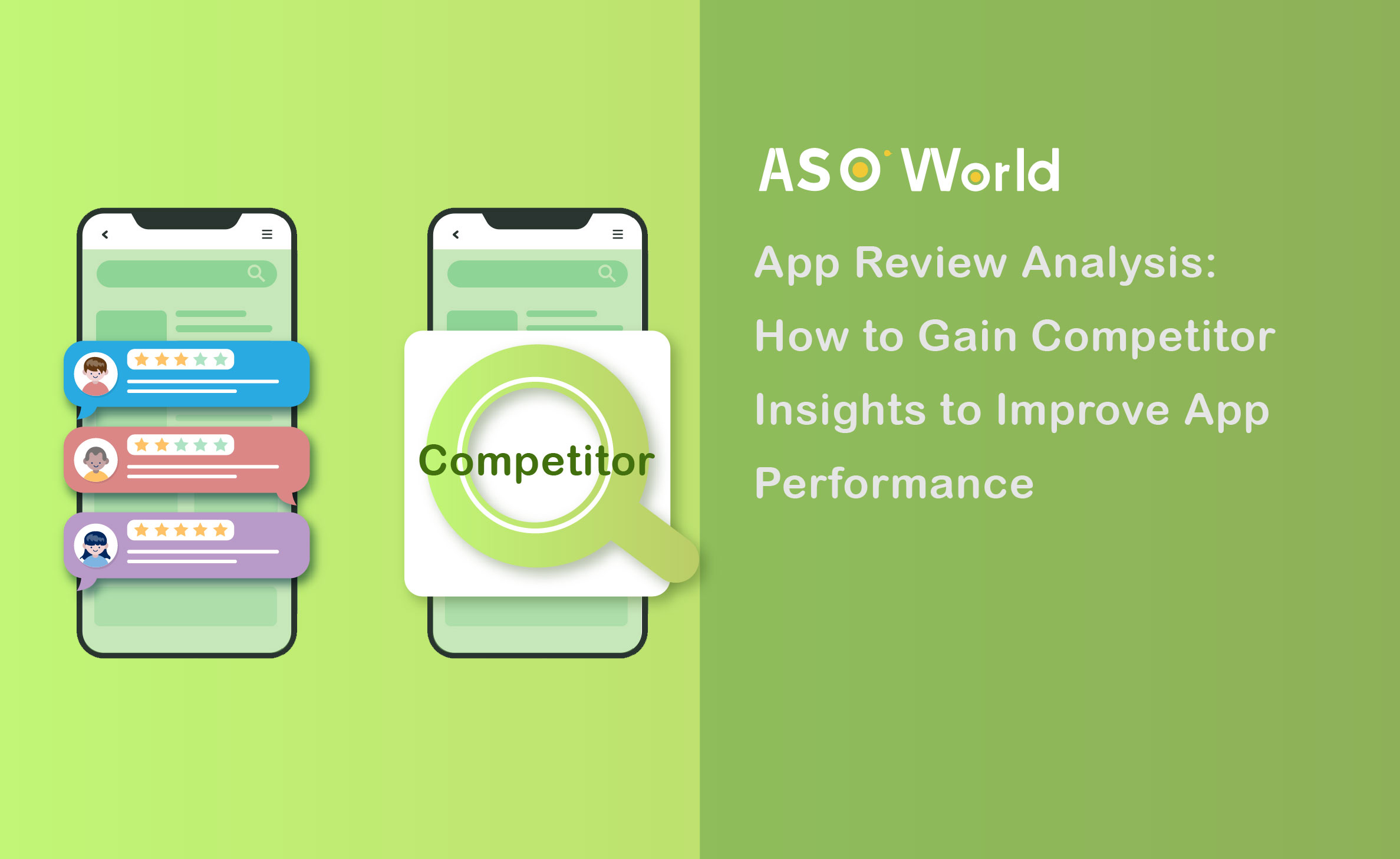
While it might initially seem daunting, this article unveils a swift and effective method to extract valuable insights from your competitors' app reviews. Let's delve into the importance of analyzing competitor reviews and how you can do it with just a few clicks.
If you're involved in app review management, you're aware that user feedback - whether positive or negative - provides crucial information. It's an excellent tool for app marketers to pinpoint app issues, identify areas for improvement, and understand which features users appreciate the most.
Competitor app review analysis involves examining user feedback on your competitors' apps within the same store and market. The goal is to identify the strengths and weaknesses of your competition, allowing you to enhance your own app.
👉 Maximizing the Power of Ratings & Reviews for ASO: Takeaways for App Developers
In the realm of competitor analysis, many app marketers prioritize quantitative metrics, often overlooking the rich insights that app reviews can provide. This oversight is understandable, given the time-consuming nature of sifting through numerous reviews.
However, app ratings and reviews hold significant value and should not be ignored. We'll explore this topic more thoroughly later, but it's important to recognize that examining your competitors' app reviews is a vital component of comprehensive competitor analysis.
Here are key reasons why app marketers and developers should focus on competitor app review analysis:
👉 The Understanding and Practice Collect User Feedback and Reviews for Mobile Apps
ASO World First Order Discount
Get 50% off on your first order to start your app growth!
Having established why app review analysis is a crucial part of competitor research, let's explore the fundamental steps to follow and how smart platforms can simplify the process.
Your competitors for review analysis purposes are any apps that rank for the same keywords your users search for — not just the names you already know. Search your core terms in the App Store and Google Play, and note which apps consistently appear in the top results.
Prioritize competitors that:
Manual browsing only gets you so far. Tools like FoxData or ASOWorld's analysis features allow you to pull large review volumes, filter by rating, date, and keyword, and export for structured analysis.
Focus your collection on:
This is where most teams make a critical mistake: they only look at negative reviews.
Negative reviews tell you where competitors lose users. Positive reviews tell you where they win them. Both are necessary for a complete picture.
|
What You Find in Reviews |
What You Do With It |
|
Competitor's top complaint: "too many ads" |
Highlight your monetization model in screenshots and description |
|
Users repeatedly praise competitor's offline mode |
Evaluate whether this feature gap is worth closing |
|
Feature request goes unanswered for 3+ months |
Build it, announce it, monitor the review response |
|
Users switching from a competitor explain why |
Use their exact language in your Store Listing positioning |
|
Competitor sentiment drops after an update |
Increase paid spend during this vulnerability window |
Your app's review is not just a reputation signal — it is an active variable that determines how efficiently your entire growth stack performs.
A strong review baseline affects three areas simultaneously:
Conversion: Users make download decisions within seconds of landing on your product page. What they see first is not your feature list — it's your star rating and the tone of your most recent reviews. Thin review volume, unanswered complaints, or a pattern of negative feedback triggers immediate hesitation before a single word of your description gets read. Research consistently shows that apps with stronger review profiles and higher ratings convert significantly better — moving from a 3-star to a 4-star rating alone can increase conversion rates by up to 89%. Every impression you earn — organic or paid — is only as valuable as the review profile it lands on.
Advertising ROI: On Apple Search Ads, your product page conversion rate feeds directly into how the platform scores your ad's competitiveness. On Google App Campaigns, apps with weaker review profiles receive lower quality scores, which means less impression volume at the same bid. In short, poor reviews inflate your cost-per-install and reduce your paid reach at the same time — not because your targeting is wrong, but because your product page is losing users before they convert.
Real-world example: How a local service app turned a rating problem into a growth lever
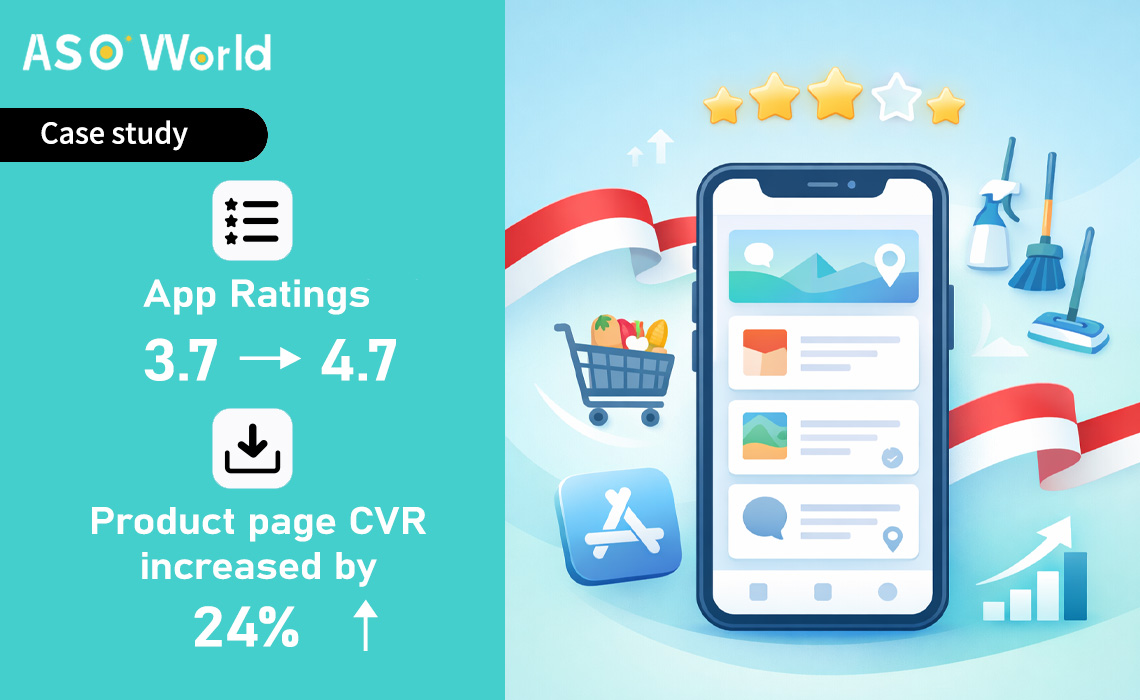
An Indonesian grocery delivery and home cleaning app came to ASOWorld with a 3.7-star rating — despite strong internal performance metrics including an 88% on-time delivery rate. The disconnect was clear: happy users weren't leaving reviews, while frustrated ones were.
Within 30 days, ASOWorld's rating optimization program lifted the app's rating from 3.7 to 4.7 stars. The downstream impact was immediate and measurable:
The budget didn't change. The targeting didn't change. The only variable was the rating — and it changed everything downstream.
Seasonal Campaigns: High-traffic periods amplify everything — including the damage a weak review profile causes. When seasonal traffic spikes, every user lands on the same product page and sees the same first signal: your star rating and recent reviews. A cluster of unaddressed negative reviews, or simply too few recent positive ones, is enough to break conversion at the exact moment you've paid the most to drive traffic there. Pushing rankings during a peak period without first repairing your review health means paying premium prices to drive users to a page that loses them on arrival.
💡 Expert Tip: Before scaling any seasonal campaign or paid push, audit your review baseline first — not just the star average, but the recency, volume, and sentiment of your most visible reviews. The target threshold for entering a high-traffic window is a rating of 4.3 stars or above, supported by a steady stream of recent, relevant reviews. Below this level, increased spend accelerates waste, not growth.
This is where ASOWorld's ratings and reviews services make a direct impact. Whether you're preparing for a seasonal peak, scaling a paid campaign, or recovering from a bad update cycle, we help you build and maintain the review baseline that makes every other growth effort work harder.
👉 A Complete Guide of Buying App Store and Google Play Reviews to Boost Your App to The Top
Talk to our team about your app's review health ↓
ASOWorld First Order Discount
Get 50% off on your first order to start your app growth!
Q: Does my app's rating affect how my paid ads perform on Apple Search Ads and Google?
Yes, directly. On Apple Search Ads, your product page conversion rate is a factor in how the platform evaluates your ad's competitive strength. A low rating reduces conversion on the product page, which signals underperformance to the system and increases the cost required to maintain visibility over time. On Google App Campaigns, app store page data — including rating — is used to generate creatives and assess ad quality scores. Lower-rated apps receive less impression volume at the same bid level compared to higher-rated competitors.
Q: What is a good app rating to maintain before running a large campaign?
The recommended threshold before scaling any significant paid campaign or entering a seasonal peak period is 4.3 stars or above radaso.com. Below 4.0, the rating itself becomes a visible conversion barrier that paid spend cannot efficiently overcome. The investment in repairing your review baseline before scaling will almost always produce a better return than increasing budget on a weak product page.
Q: How do competitor reviews help me find the right timing for paid campaigns?
When a competitor's rating drops — after a problematic update, a controversial pricing change, or a feature rollback — their users become measurably more open to alternatives. Monitoring competitor review sentiment on a weekly basis allows you to identify these vulnerability windows and increase your own paid bidding during the period when displaced users are actively looking for options. This means the same budget captures higher-intent users than it would during a neutral period.
Q: How far in advance should I start preparing my reviews for a seasonal campaign?
Six to eight weeks before a peak period is the recommended starting point. This allows enough time to: pull competitor review data from the equivalent period in the prior year, identify the most common negative themes in your own recent reviews, address fixable issues through product updates or UX improvements, communicate those fixes in your update notes, and optimize the timing of your in-app review prompts. Entering a high-traffic window with a repaired rating baseline consistently outperforms entering with a strong budget but a weak product page.
Q: Can responding to negative reviews actually improve my app's rating?
Yes. According to Google, developers who respond to user reviews see an average boost of +0.7 in their app rating. Users frequently update their original negative rating after receiving a thoughtful developer response — particularly when the response acknowledges the specific issue and communicates that it has been addressed. A 72-hour maximum response time during peak periods is a practical standard to work toward.
Get a good start for your app optimization with practical ASO guideline!
Want to get the latest Guides & Insights from ASOWorld?
Related posts