COVID-19 UPDATE


중요 공지:파트타임 채용이나 ASO 수익 앱 활동을 위해 ASOWorld의 이름을 사용하는 사기에 주의하세요. ASOWorld는 파트타임 직원을 채용하지 않습니다. ASOWorld가 게시한 공식 정보만 신뢰하세요.

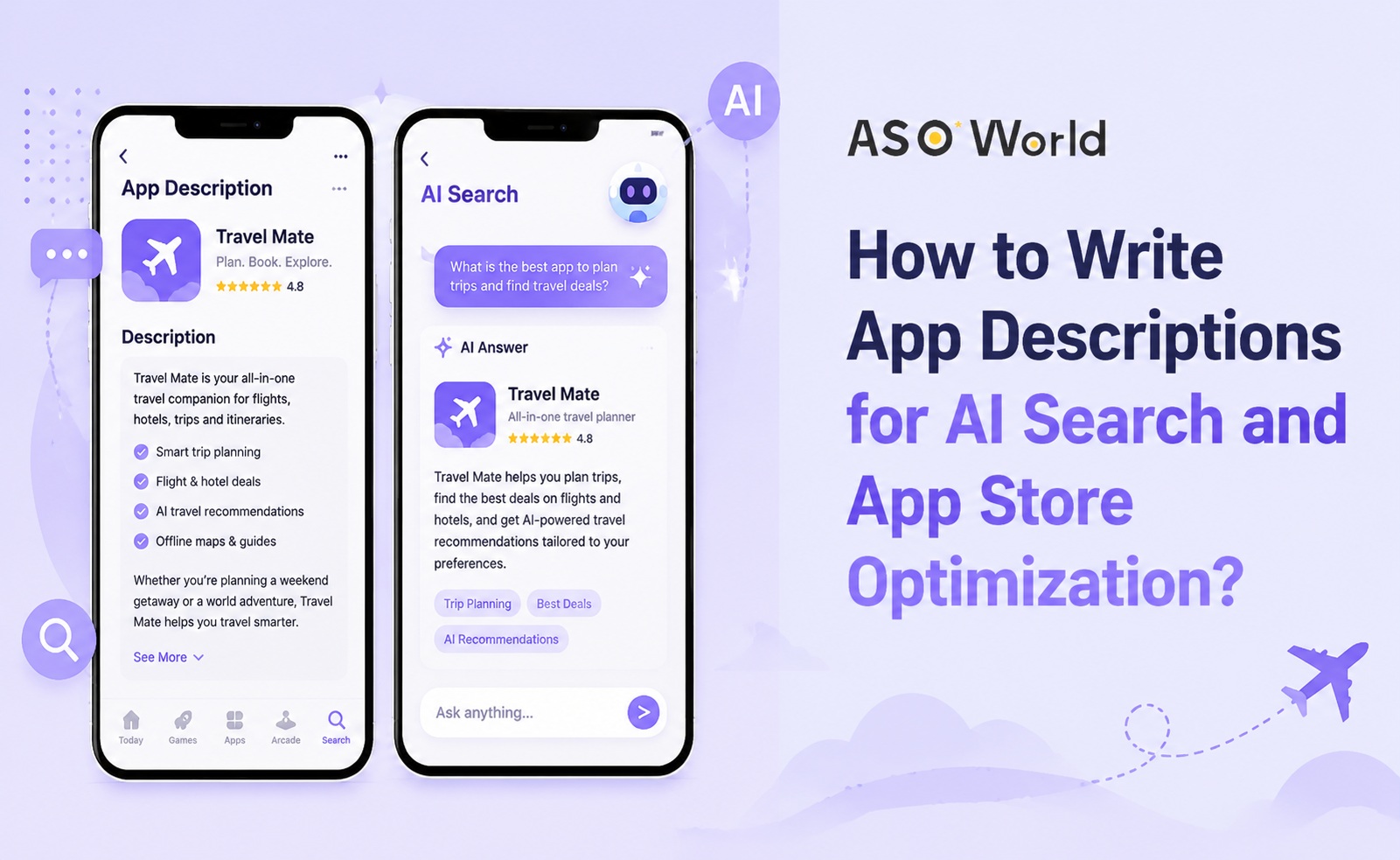
앱 설명은 더 이상 단순한 스토어 등록 항목이 아닙니다.
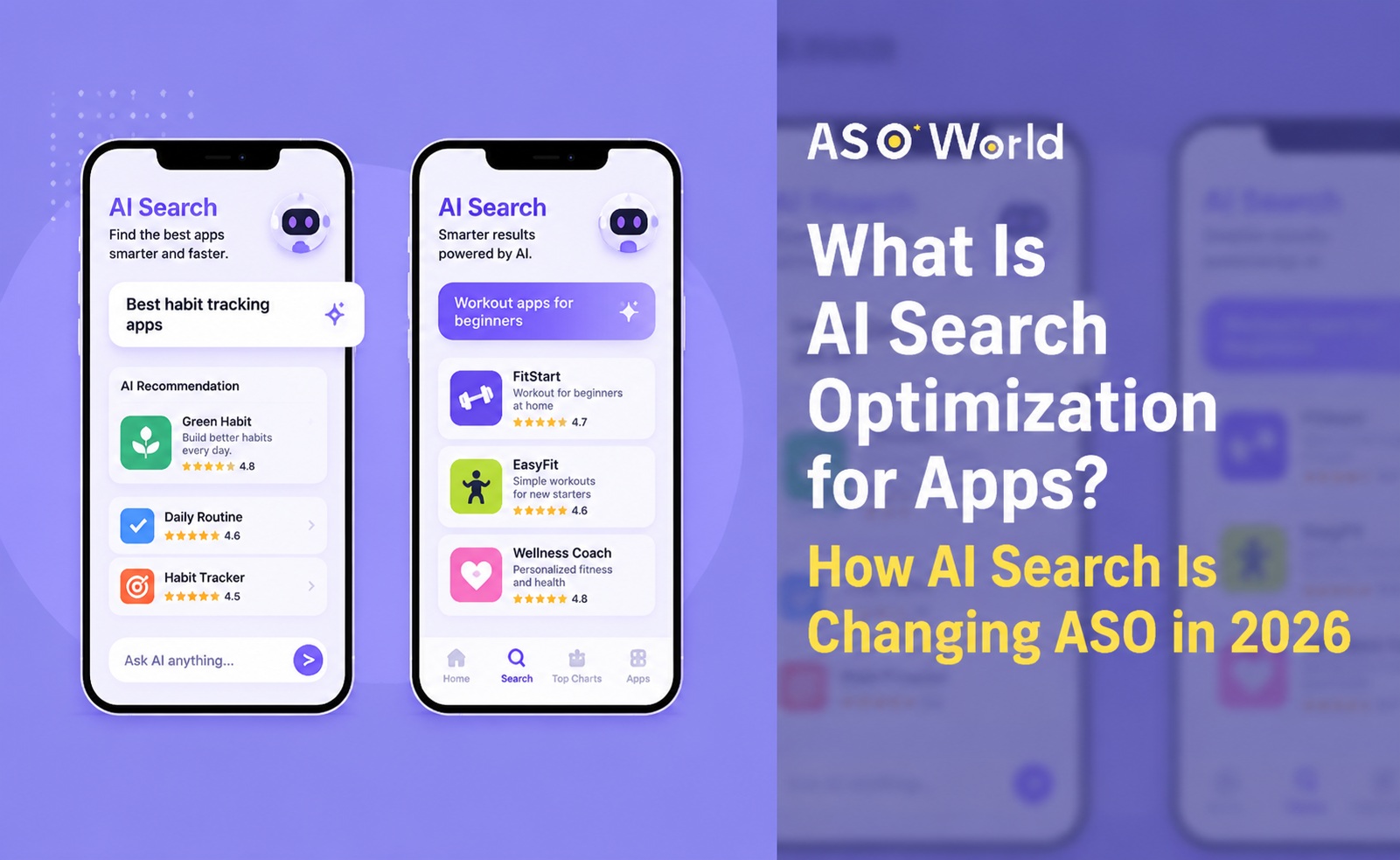
2026년, 앱 설명은 발견 자산(discovery asset), 전환 자산(conversion asset)이 되었으며, 점점 AI 검색 신호로도 작용하고 있습니다. 사용자들은 여전히 앱스토어와 구글 플레이 내부에서 검색하지만, 많은 사람들이 스토어에 들어가기 전에 ChatGPT, Gemini, Perplexity 또는 Google AI 기반 검색과 같은 AI 어시스턴트에게 앱을 추천해달라고 요청합니다.
이는 앱 설명이 동시에 세 가지 대상에 맞춰져야 한다는 의미입니다:
본 문서에서는 기존의 앱스토어 최적화(ASO)와 AI 주도 발견 모두를 지원하는 앱 설명 작성 방법을 설명합니다.
2026년 ASO 및 Apple Ads 벤치마크 보고서는 앱 발견 방식의 명확한 변화를 보여줍니다. 미국에서 AI 앱 다운로드 수는 2023년부터 2025년 사이 두 배 이상 증가했으며, 사용자들은 점점 더 앱스토어나 구글 플레이를 열기 전에 AI 어시스턴트에게 필요 사항을 설명하고 있습니다.
동일한 보고서는 또한 앱스토어와 구글 플레이 상위 앱 중 34%가 지난 해에 설명을 두 차례 이상 업데이트했다는 점을 강조합니다. 동시에, 많은 상위 앱은 1년 넘게 설명을 수정하지 않았습니다.
이는 큰 기회입니다.
상위 성과를 내는 앱들이 설명을 더 자주 새로 고친다면, 이는 앱 설명이 정적인 카피(copy)가 아니라는 것을 의미합니다. 앱 설명은 지속적인 최적화 시스템의 일부입니다. AI 검색 환경에서 오래된 설명은 추가적인 리스크를 만듭니다: AI 시스템이 귀하의 앱을 잘못 이해하거나, 최적의 사용 사례(use case)를 놓치거나, 고의도(high-intent) 사용자 쿼리와 연결하지 못할 수 있습니다.
AI 검색이 앱 발견을 어떻게 바꾸고 있는지에 대한 더 넓은 기초 지식이 필요하다면, ASOWorld의 AI Search Optimization이 앱에 의미하는 바에 대한 가이드를 읽어보세요.
AI 준비된 앱 설명은 명확하고, 구조적이며, 구체적이고 유용해야 합니다. 키워드를 단순히 반복해서는 안 됩니다. 앱이 무엇을 하는지, 누구를 돕는지, 어떤 문제를 해결하는지, 그리고 사용자가 왜 신뢰해야 하는지 설명해야 합니다.
약한 앱 설명은 보통 다음과 같습니다:
"많은 유용한 기능을 갖춘 강력한 앱입니다. 할 일을 관리하고, 진행 상황을 추적하고, 알림을 설정하고, 생산성을 향상시키세요."
이 설명은 제네릭(generic)합니다. 이 앱이 누구를 위한 것인지, 어떤 문제를 해결하는지, 또는 언제 추천되어야 하는지 사용자나 AI 시스템에게 알려주지 않습니다.
더 강력한 설명은 이런 식입니다:
"반복되는 워크플로우를 관리하고, 마감일을 할당하고, 프로젝트 진행 상황을 추적하며, 여러 생산성 도구를 번갈아 사용하지 않고 팀원들을 한 곳에 모을 수 있도록 도와주는 원격팀용 업무 계획 앱입니다."
이 버전이 더 유용한 이유는 다음을 포함하기 때문입니다:
그런 수준의 명확성은 사용자가 결정을 내리는 데 도움이 됩니다. 또한 AI 시스템이 앱을 이해하고 추천할 때 더 풍부한 맥락(context)을 제공합니다.
앱 설명은 두 주요 스토어 모두에서 중요하지만, 작동 방식은 다릅니다.
Apple 앱스토어에서 설명은 구글 플레이처럼 동일한 방식으로 주요 키워드 색인 필드는 아닙니다. 하지만 전환(conversion), 사용자 신뢰, 제품 이해, 그리고 앱의 가치 제안(value proposition)에 대한 외부 해석에 여전히 영향을 미칩니다.
앱스토어 설명은 다음을 명확하게 지원해야 합니다:
구글 플레이에서는 짧은 설명(short description)과 전체 설명(full description)이 검색 노출도와 더 직접적으로 연결됩니다. 설명 속 키워드는 Google이 앱의 관련성을 파악하는 데 도움이 될 수 있습니다.
하지만 키워드 채우기(keyword stuffing)는 지속 가능한 전략이 아닙니다. 구글 플레이 설명은 여전히 사용자를 위해 먼저 작성되어야 하며, 키워드는 유용한 설명 속에 자연스럽게 배치되어야 합니다.
보다 전술적인(tactical) 분석이 필요하다면, ASOWorld의 구글 플레이 설명 최적화 방법에 대한 글이 매우 관련性 높은 참고자료입니다.
기존 ASO는 이렇게 묻습니다:
"우리 앱이 스토어 내에서 타겟 키워드로 순위를 올릴 수 있나요?"
AI 검색 최적화는 두 번째 질문을 던집니다:
"AI 시스템이 우리 앱을 언제 추천해야 하는지 이해할 수 있나요?"
사용자들은 종종 AI 어시스턴트에게 완전한 문장으로 질문합니다. 그들은 "예산 앱(budget app)"만 검색하지 않습니다. 이렇게 묻습니다:
따라서 귀하의 앱 설명은 특정 사용자 시나리오(user scenario)와 앱을 연결하는 데 도움이 되어야 합니다.
ASOWorld는 Beyond ASO: How to Get Your App Recommended by AI에서 이러한 광범위한 스토어 이전(pre-store) 발견 전환에 대해 설명했습니다. 핵심 아이디어는 간단합니다: 앱 발견은 더 이상 앱스토어 검색 결과에 국한되지 않습니다. AI 어시스턴트는 사용자가 스토어에 도달하기 전에 추가적인 발견 레이어가 될 수 있습니다.
ASO와 AI 검색을 모두 지원하는 설명을 작성하기 위해 다음 구조를 사용하세요.
첫 문장은 앱을 명확하게 설명해야 합니다. "최고의", "강력한", "올인원(all-in-one)"과 같은 모호한 표현은 구체적인 맥락 없이 사용하지 마세요.
이 공식을 사용하세요:
[앱 이름]은 [핵심 기능 또는 방법]으로 [타겟 사용자]가 [원하는 결과]를 달성하도록 돕습니다.
예시:
이 문장은 나머지 설명의 기반이 되므로 중요합니다. 또한 사용자와 AI 시스템 모두가 앱을 분류하기 쉽게 만듭니다.
많은 앱 설명이 모든 사람에게 말하려다 실패합니다.
AI 주도 발견은 종청 audience-specific(청audience-specific)합니다. 사용자는 학생, 소규모 비즈니스 owner, 부모, 원격팀, 초보자, 여행자, 또는 크리에이터를 위한 최고의 앱을 요청할 수 있습니다.
가능하면 설명에서 타겟 청중을 명확히 밝히세요.
약한 버전:
"할 일을 추적하고 일정을 관리하세요."
더 강력한 버전:
"원격팀, 프리랜서, 프로젝트 매니저를 위해 설계되었으며, 할 일, 마감일, 반복되는 워크플로우를 간편하게 정리할 수 있습니다."
더 강력한 버전은 앱에 더 명확한 추천 맥락(recommendation context)을 부여합니다.
사용자는 기능 자체때문에 앱을 설치하지 않습니다. 그 기능이 문제를 해결하기 때문에 앱을 설치합니다.
이렇게 쓰지 마세요:
"알림, 메모, 캘린더 동기화, 할 일 목록을 포함합니다."
이렇게 쓰세요:
"알림, 메모, 캘린더 일정, 할 일 목록을 하나의 워크스페이스에 결합하여 하루를 관리하세요."
이는 기능을 결과(outcome)와 연결합니다.
AI 검색의 경우, 문제 기반 언어(problem-based language)가 특히 유용합니다. 왜냐하면 사용자들은 종종 제품 기능이 아닌 문제에 대해 AI 어시스턴트에게 묻기 때문입니다.
긴 기능 목록은 읽기 어렵습니다. 대신 기능을 혜택 중심 섹션으로 조직하세요.
예시 구조:
이 구조는 사용자가 빠르게 스캔할 수 있도록 돕습니다. 또한 AI 시스템이 기능과 사용자 요구를 연결하는 데 도움이 됩니다.
특히 구글 플레이에서 키워드는 여전히 중요합니다. 하지만 AI 준비 설명은 키워드 목록처럼 작성되어서는 안 됩니다.
자연스럽고 유용한 문장 안에서 키워드를 사용하세요.
잘못된 키워드 사용:
"예산 앱, 돈 추적기, 금융 앱, 지출 추적기, 저축 앱, 개인 금융 앱."
더 나은 키워드 사용:
"예산 계획 도구를 사용하여 일일 지출을 추적하고, 공동 지출을 관리하며, 저축 목표를 모니터링하고, 더 나은 개인 금융 습관을 형성하세요."
두 번째 버전은 사용자가 앱을 이해하는 데 도움이 되면서 관련 키워드를 포함합니다.
키워드 기초를 아직 구축 중이라면, ASOWorld의 키워드 리서치 및 키워드 최적화 가이드가 설명을 다시 작성하기 전에 더 나은 검색 기회를 식별하는 데 도움이 될 수 있습니다.
아래는 앱 마케터가 앱스토어와 구글 플레이 설명 모두에 사용할 수 있는 실용적인 구조입니다.
앱을 한두 문장으로 설명하세요.
예시:
"FitStart는 짧은 운동 기구 없는 훈련 계획을 원하는 초보자를 위한 홈 운동 앱입니다. 안내 운동, 진행 상황 추적, 맞춤형 주간 계획으로 꾸준한 피트니스 루틴을 구축하세요."
타겟 청중을 명확히 하세요.
예시:
"FitStart는 바쁜 초보자, 홈 운동러, 헬스장에 가지 않고 운동을 시작하고 싶은 모든 사람을 위해 설계되었습니다."
앱의 가치를 결과 중심으로 그룹화하세요.
사용자가 혜택을 이해한 후에만 기능을 나열하세요.
적절한 곳에 신뢰도를 더하세요.
명확한 행동으로 마무리하세요.
"오늘 FitStart를 다운로드하고 첫 10분 운동을 시작하세요."
AI 앱은 "AI 기반(powered by AI)" 또는 "스마트 어시스턴트(smart assistant)"와 같은 모호한 주장을 피해야 합니다. 대신 AI가 사용자에게 실제로 무엇을 도와주는지 설명하세요.
더 나은 예시:
AI는 유행어(buzzword)가 아닌 혜택으로 설명되어야 합니다.
생산성 앱 설명은 워크플로우, 청중, 결과에 집중해야 합니다.
유용한 표현에는 다음이 포함될 수 있습니다:
금융 앱 설명은 신뢰를 구축하고 사용 사례를 명확히 설명해야 합니다.
유용한 각도(angle)에는 다음이 포함됩니다:
건강 및 피트니스 설명은 사용자 레벨과 목표를 구체적으로 명시해야 합니다.
예를 들어:
게임 설명은 메커니즘뿐만 아니라 경험을 설명해야 합니다.
포함할 내용:
앱 설명은 수년 동안 변경되지 않은 상태로 두어서는 안 됩니다.
2026년 벤치마크 보고서는 상위 앱의 상당수가 연간 여러 번 설명을 업데이트한다는 것을 보여줍니다. 이는 모든 앱이 끊임없이 다시 작성해야 한다는 의미는 아니지만, 설명은 다음과 함께 진화해야 함을 시사합니다:
실용적인 업데이트 주기는 다음과 같을 수 있습니다:
| 업데이트 트리거 | 설명 조치 |
|---|---|
| 새 기능 출시 | 새로운 기능-혜택 섹션 추가 |
| 낮은 전환율 | 오프닝 요약 및 혜택 재작성 |
| 새 키워드 기회 | 자연스러운 롱테일(long-tail) 키워드 커버리지 추가 |
| 부정적 리뷰 패턴 | 기대치 명확화 또는 개선 사항 강조 |
| 시즌별 수요 | 사용 사례 및 프로모션 언어 업데이트 |
"최고의", "궁극의", "강력한", "사용하기 쉬운"과 같은 단어는 충분하지 않습니다. 앱이 왜 유용하고 누구를 위한 것인지 설명하세요.
기능은 사용자 결과와 연결되어야 합니다. 기능 목록만으로는 가치를 설명하지 않습니다.
AI 검색과 현대 ASO 모두 구체성(specificity)에 보상을 줍니다. 설명은 실제 사용자 요구를 반영하는 자연어를 포함해야 합니다.
직접 번역은 로컬라이제이션이 아닙니다. 다른 국가는 다른 검색 행태, 기대, 가치 제안을 가질 수 있습니다.
설명이 "팀 협업"을 강조한다면, 스크린샷은 팀 협업을 보여야 합니다. 설명이 "AI 글쓰기"에 초점을 맞춘다면, 스크린샷은 AI 글쓰기 워크플로우를 보여야 합니다.
평점, 리뷰, 수상, 신뢰할 수 있는 사용자 결과는 전환을 개선할 수 있습니다. 사용자가 앱을 신뢰하지 않으면 설명이 명확하더라도 설치하지 않을 수 있습니다.
신뢰와 스토어 페이지 전환을 개선해야 하는 앱의 경우, ASOWorld의 Ratings & Reviews 서비스가 더 넓은 ASO 계획의 일부로 더 강력한 신뢰 기반을 지원할 수 있습니다.
다음 템플릿을 시작점으로 사용할 수 있습니다.
[앱 이름]은 [메인 결과]를 원하는 [타겟 청중]을 위한 [카테고리] 앱입니다.
[앱 이름]으로 다음을 할 수 있습니다:
- [기능과 연결된 혜택 1]
- [기능과 연결된 혜택 2]
- [기능과 연결된 혜택 3]
- [기능과 연결된 혜택 4]
[청중/사용 사례]를 위해 설계된 [앱 이름]은 [일반적인 불편함] 없이 [특정 문제]를 해결하도록 돕습니다.
주요 기능:
- [기능 1]
- [기능 2]
- [기능 3]
- [기능 4]
사용자가 [앱 이름]을 선택하는 이유:
- [신뢰 신호 또는 가치 제안]
- [리뷰 기반 혜택]
- [차별화 포인트]
- [특정 사용 사례]
오늘 [앱 이름]을 다운로드하고 [명확한 CTA].
"TaskPro는 할 일, 알림, 캘린더, 메모, 프로젝트 도구를 갖춘 생산성 앱입니다. 사용자가 더 잘 일하고 정돈된 상태를 유지하도록 돕습니다."
"TaskPro는 일일 업무, 반복되는 마감일, 공유 프로젝트 업데이트를 간편하게 정리할 수 있는 간단한 방법이 필요한 원격팀, 프리랜서, 프로젝트 매니저를 위한 업무 관리 앱입니다.
할 일 목록으로 하루를 계획하고, 중요한 마감일에 대한 알림을 설정하고, 캘린더와 업무를 동기화하고, 프로젝트 메모를 한 곳에 보관하세요. 클라이언트 업무, 팀 워크플로우 또는 개인 우선순위를 관리하든, TaskPro는 여러 생산성 도구를 번갈아 사용하지 않고 집중할 수 있도록 돕습니다.
TaskPro를 사용하여 할 일을 생성하고, 우선순위를 할당하고, 진행 상황을 추적하고, 휴대폰에서 더 정돈된 워크플로우를 구축하세요."
재작성된 버전이 더 강력한 이유는 청중, 사용 사례, 혜택, 자연스러운 키워드 커버리지를 추가했기 때문입니다.
더 나은 앱 설명을 작성하는 것은 ASO의 한 부분에 불과합니다. 가시성과 전환을 개선하려면, 설명은 타이틀, 부제목, 키워드, 스크린샷, 평점, 리뷰, 설치 전략과 함께 작동해야 합니다.
ASOWorld는 이 과정의 다양한 단계를 지원할 수 있습니다.
앱 리스팅이 불완전하거나 명확하지 않다면, 핵심 스토어 자산을 개선하는 것부터 시작하세요. ASOWorld의 App Store Optimization 서비스는 선택한 플랜에 따라 앱 타이틀, 부제목, 설명, 아이콘, 스크린샷 및 기타 리스팅 요소를 최적화하는 데 도움이 될 수 있습니다.
설명이 명확하지만 앱이 충분한 타겟 키워드에 순위하지 않는다면, 다음 단계는 키워드 리서치와 순위 분석이어야 합니다.
ASOWorld의 ASO 키워드 순위 도구는 키워드 가시성, 순위 변동, 검색 기회를 평가하는 데 도움이 될 수 있습니다.
메타데이터와 키워드 타겟팅을 개선한 후, 일부 앱은 검색 모멘텀을 구축하기 위해 캠페인 지원이 필요합니다. ASOWorld의 Keyword Installs 서비스는 앱 프로모션을 타겟 키워드 가시성 목표와 연결하는 데 도움이 될 수 있습니다.
AI 검색, 사용자 행태, 앱스토어 알고리즘, 경쟁사 포지셔닝은 계속 변할 것입니다. 성장 팀은 앱 설명을 반복적인 ASO 사이클의 일부로 취급해야 합니다:
Apple 앱스토어에서 설명은 주요 키워드 색인 필드는 아니지만, 여전히 전환, 사용자 이해, 스토어 페이지 품질에 영향을 미칩니다. 구글 플레이에서는 설명이 키워드 관련성에서 더 직접적인 역할을 합니다.
사용자를 위해 먼저 작성하되, AI 시스템이 이해할 수 있을 만큼 내용을 명확하게 구조화하세요. 최고의 설명은 인간과 기계 모두에게 유용합니다.
앱을 명확하게 설명할 수 있을 만큼 길어야 하지만, 빠르게 스캔할 수 있을 만큼 구조화되어야 합니다. 명확성, 혜택, 사용 사례, 자연스러운 키워드 커버리지에 집중하세요.
아니요. 키워드 채우기(stuffing)는 가독성과 사용자 신뢰를 해칠 수 있습니다. 실제 가치를 설명하는 문장 속에서 관련 키워드를 자연스럽게 사용하세요.
앱이 새로운 기능을 출시하거나, 새로운 키워드를 타겟팅하거나, 새로운 시장에 진입하거나, 반복적인 사용자 피드백을 받거나, 전환 성과가 약할 때 설명을 업데이트하세요. 최소한 ASO 워크플로우의 일부로 정기적으로 설명을 검토하세요.
앱 설명은 덜 중요해지는 것이 아니라 더 중요해지고 있습니다.
과거 많은 팀은 설명을 일회성 출판 작업으로 취급했습니다. 2026년, 그 접근법은 위험합니다. 설명은 이제 앱스토어 가시성, 사용자 전환, AI 주도 발견, 브랜드 포지셔닝을 지원합니다.
강력한 앱 설명은 다음 네 가지 질문에 명확하게 답해야 합니다:
설명이 이 질문들에 답할 수 없다면, 성장을 제한하고 있을 수 있습니다.
기존 ASO와 AI 검색 모두에 앱을 준비시키려면, 명확한 포지셔닝, 자연스러운 키워드 사용, 혜택 중심 카피, 신뢰 신호, 정기적인 업데이트부터 시작하세요. 그런 다음 설명을 ASO 시스템의 나머지 부분과 연결하세요: 스크린샷, 평점, 리뷰, 키워드 추적, 설치 캠페인.
AI 검색과 앱스토어 성장을 위해 앱 리스팅을 개선할 준비가 되셨나요? ASOWorld로 ASO 성장 계획을 시작하세요.
Get a good start for your app optimization with practical ASO guideline!
Want to get the latest Guides & Insights from ASOWorld?
관련 마케팅 가이드라인