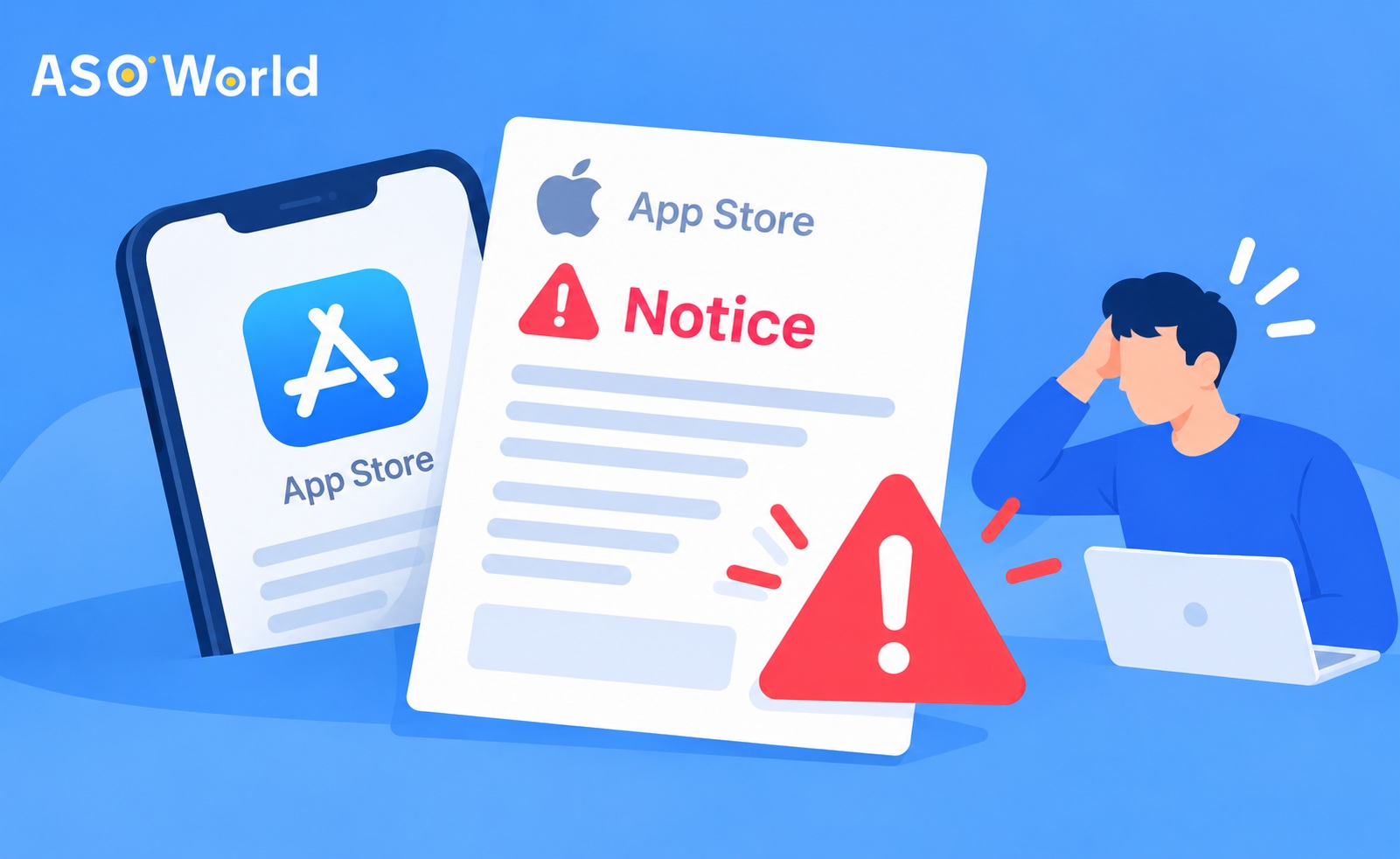
In short: An App Store notice about fraudulent or manipulative activity is a warning that Apple's systems have flagged something around your app, usually rankings, ratings, reviews or installs that don't look like the behaviour of genuine users. It isn't yet a termination, but repeated or ignored warnings can lead to your app being removed and, under Apple's Developer Code of Conduct, to your removal from the Developer Program. The right response is calm and swift: secure your account, stop any non-organic activity linked to the app, audit every third party involved with it, record what you've changed, and rebuild growth using the levers Apple explicitly permits. Then plan your next campaigns using the pre-launch checks in this guide.
Few emails cause app developers more anxiety. It turns up with little detail, mentions “fraudulent activity” or “manipulation”, and leaves you wondering whether your account is about to vanish. Some developers respond by doing nothing and hoping it blows over. Others keep receiving notices and gradually lose confidence in every growth decision they make.
Neither approach works well. This guide explains what these notices usually mean, which activities typically set them off, and sets out a practical plan for the first 72 hours and the 30 days that follow.
This article is general guidance, not legal advice. Apple's guidelines change, so always read the current version on developer.apple.com.
First of All, Is the Email Genuine?
Phishing emails posing as Apple are common. Before you act on anything:
- Don't click any links in the email. Sign in to App Store Connect or the Apple Developer site directly in your browser.
- Look in the Resolution Center and your account messages. Genuine compliance notices about your apps will normally be visible inside App Store Connect.
- Check the sender carefully, but don't rely on that alone, as sender names are easy to fake.
- Turn on two-factor authentication for every Apple ID with access to your developer account, and review who on your team has access.
If the notice doesn't appear anywhere in your official accounts, treat the email as suspicious.
What Does Apple Mean by “Fraudulent Activity”?
Apple's App Store Review Guidelines contain a Developer Code of Conduct (section 5.6). Two parts matter most here:
- 5.6.3 Discovery Fraud covers the manipulation of the App Store's discovery systems: charts, search, reviews and referrals.
- 5.6.4 App Quality covers the signals Apple monitors once an app is live, such as negative customer reports and unusually high refund rates.
Apple also states that repeated manipulative or fraudulent behaviour can lead to removal from the Apple Developer Program, and that reinstating a terminated account requires a written statement describing the improvements made.
In plain terms, a warning usually means that Apple's systems have spotted a pattern around your app that doesn't resemble real customer behaviour, and Apple wants that pattern to stop.
What Typically Sets Off These Warnings?
Apple doesn't publish how it detects problems, and notices rarely name a specific cause. Going by what developers commonly report, warnings tend to follow patterns such as these:
| Pattern |
Why it can look suspicious |
| Ratings or reviews arriving in bursts |
Real users rarely rate an app in large, sudden waves |
| The volume of ratings rising far faster than downloads |
Ratings ought to follow genuine usage |
| Installs or reviews from countries where the app has no real audience |
Activity that has no connection with the app's market |
| Sharp jumps in chart or keyword positions followed by sudden falls |
Movement that marketing, new features or seasonality can't explain |
| Many similar-sounding reviews within a short period |
Repetitive content looks coordinated |
| High refund rates or user complaints |
A quality signal that Apple mentions explicitly |
| Activity run by a third party you don't fully control |
You're responsible for promotion carried out on your behalf |
One point is worth stressing: you're responsible for anything done to promote your app, including work by agencies, freelancers or vendors. “Somebody else did it” isn't a defence that Apple is obliged to accept.
Public reporting also suggests that enforcement can be abrupt. In late 2025, a former head of App Review publicly criticised Apple's crackdown on fraud for terminating some accounts with little explanation and withholding developer revenue. Whatever you make of that criticism, the practical lesson is the same: treat a first warning as your best chance to change course.
What Should You Do in the First 72 Hours?
Work through these steps in order, and keep a dated log of everything you do, as you may need it later.
- Verify the notice inside App Store Connect. Confirm that it's genuine and note exactly which app and which issue it refers to.
- Secure access. Review team roles, remove anyone who no longer needs access, and confirm that two-factor authentication is on everywhere.
- Pause all non-organic activity linked to the app. That includes paid or incentivised installs, review or rating campaigns, ranking campaigns and any referral schemes. Pause first and analyse afterwards.
- List every third party involved with the app. Agencies, freelancers, ad networks, review vendors, affiliate partners: what each one does, since when, and in which countries.
- Map activity against the timeline. Compare the dates on which ratings, reviews, installs and rankings changed with the dates on which each campaign or vendor began.
- Check your own product signals. Look at recent refund requests, one-star reviews and support tickets. A quality problem can look like a fraud problem.
- Don't argue by email. If you believe the notice is mistaken, reply through the official channel with facts rather than frustration.
What you should not do: keep the same campaigns going at a lower volume “to see what happens”, move the same activity to a new account or a new app, or delete evidence. These are the behaviours most likely to turn a warning into a termination.
How Should You Reply to Apple?
If the notice invites a reply, or if you need to appeal the removal of an app through App Review, keep it short and factual:
- Acknowledge the notice and identify the app.
- Say what you found in your audit (for example, a vendor whose activity you've now stopped).
- Say what you've changed, giving dates.
- Describe your process from now on: how you now approve third parties and monitor activity.
Avoid blaming Apple, speculating about competitors, or promising things that you can't verify. If your account is terminated, Apple's guidance indicates that reinstatement depends on a written statement of improvements, so the log you began in the first 72 hours becomes the foundation of that statement.
The Compliance Response in Brief
Boiled down to its essentials, the compliant playbook runs like this: secure the account, pause everything non-organic linked to the app while you investigate, audit every third party, record what you find and change, answer Apple factually through official channels, and then rebuild on the foundations that the stores reward: accurate metadata, honest creatives, product quality and genuine user feedback. The sequence is deliberately about pausing, verifying and documenting before any promotion, paid or organic, picks up again. Its purpose is to replace the pattern that drew scrutiny with one that you fully understand and control, whatever mix of channels you choose to grow with later. A good first step is a neutral self-audit: ASOWorld's free ASO diagnostic tool reviews the optimisation quality of your key metadata on both the App Store and Google Play and flags the areas worth fixing, so that the rebuild starts from facts rather than guesswork.
The 30-Day Recovery Plan: Growth Without Red Flags
Once the urgent steps are done, treat the next 30 days as a cooling-off period. Non-organic activity stays paused while the app settles, and the month is about showing, mostly to yourself, that the app can grow on clean signals.
| Week |
Focus |
Actions |
| 1 |
Stabilise |
Keep non-organic activity paused; fix any bug that's driving refunds or one-star reviews; reply to recent reviews |
| 2 |
Listing quality |
Check the title, subtitle, keywords, screenshots and description for accuracy and relevance |
| 3 |
Natural ratings |
Add the native in-app rating prompt, or change when it appears, so that it follows a moment of success |
| 4 |
Measure and decide |
Compare impressions, conversion rate, rating trend and refund rate with week 1 |
Week 1: Fix the Product Signals
If users are asking for refunds, complaining or leaving one-star reviews, fix that before anything else. A structured approach (diagnose the root cause, respond to the specific complaints, improve sentiment, then monitor every week) protects your rating while you rebuild.
Week 2: Make the Listing Accurate and Relevant
Misleading metadata brings in users who aren't a good match, which leads to refunds and complaints. Make sure that your title, subtitle and screenshots describe what the app actually does. To test your metadata against best practice in optimisation, run it through ASOWorld's free ASO diagnostic tool, which grades the optimisation quality of key metadata on both stores and highlights the elements with room for improvement.
Week 3: Let Ratings Come From Real Users
Apple's native rating prompt can only be shown to each user a limited number of times a year, so timing matters. Trigger it after a completed task or a successful session, never at first launch and never in return for a reward. Raising conversion from the traffic you already have also builds up quietly: users who are a better match rate higher and ask for fewer refunds, which strengthens every other signal in this plan.
Week 4: Diagnose Before You Spend Again
Before you restart any paid growth, work out whether your app has a visibility problem or a conversion problem. Our ASO budget diagnostic takes you through the ranking buckets and sources of impressions, so that you put your budget where it genuinely helps and avoid restarting the pattern that caused the warning.
When Does the Cooling-Off Period End?
There's no official timer. The cooling-off period ends when the evidence says so, not when the calendar does. Before you restart any growth activity, confirm that all of the following have held for at least two weeks in a row:
- Refunds and complaints are back within their normal range, and the volume of support requests has settled.
- The trend in ratings is stable or recovering, with the volume of reviews roughly following downloads.
- No new notices or flags have appeared inside App Store Connect.
- The trigger is understood: you can explain in one paragraph what drew the warning and what has changed since.
- Everything still running is documented: every active campaign and vendor, with its pace and countries.
When you do restart, begin on a smaller scale than the original plan, one channel at a time, and keep up the weekly review rhythm from week 4. Growth that resumes in steps is far easier to monitor and correct than growth that resumes all at once.
How Can You Lower the Risk of Another Warning?
- Approve every third party in writing, and know exactly what each one does, in which countries and at what pace.
- Watch the shape of your data. Ratings should rise roughly in line with downloads, and rankings should move with real marketing or feature releases.
- Avoid bursts. Any sudden spike in installs, ratings or reviews invites scrutiny.
- Keep monthly records of campaigns, vendors and changes.
- Favour the levers Apple endorses: metadata, creatives, Apple Search Ads, in-app events, custom product pages and genuine user feedback.
- If you work with growth partners, keep the arrangement transparent. Support with third-party promotion is a normal part of this industry. What protects you is knowing exactly what is being done, at what pace and for which audience, so that the activity reflects genuine demand rather than distorting it.
How Should You Plan Lower-Risk Campaigns in Advance?
Most warnings aren't caused by one bad decision. They build up across campaigns that were never designed as a whole. Run through this checklist before your next campaign starts, whether after a warning or simply as routine practice:
- Put the whole campaign on one page first. Set out the goal, target metric, countries, flight dates, daily caps and the scope of every vendor in writing. If it doesn't fit on one page, it isn't ready to run.
- Tie volume to your product calendar. Link pushes to launches, feature releases and seasonal peaks that the app can explain. A spike with a visible cause reads as marketing, whereas a spike with no story behind it invites questions.
- Match activity to your real audience. Choose countries, languages and platforms where the app genuinely has users. Activity unconnected to the app's market is the first pattern in the table of triggers above.
- Ramp up in steps, with caps agreed in advance. Begin with the smallest volume that can move the metric, hold it for long enough to read the data, then scale. Caps set beforehand remove the temptation to push harder mid-flight.
- Define "normal" before launch, and what breaks it. Set thresholds for the speed of ratings against downloads, refund rate and review sentiment; book a weekly review slot; and name the person who can pause any line within 24 hours.
- Map every channel to one goal and one metric. Search terms to their ranks, chart pushes to launch windows, ads to attributed installs, so that every line in a report explains itself.
- Start from an accurate listing. Metadata and creatives that overpromise attract the wrong users, and refunds and one-star reviews are quality signals that Apple explicitly watches.
None of this slows growth down in any meaningful way. It makes every campaign explainable afterwards, to your team and, should it ever come to it, in a written statement to Apple.
Common Misconceptions
“One warning means my account is about to be closed.”
Not necessarily. A warning is a signal to change course. What you do next matters more than the notice itself.
“If I turn the volume down, I'll be fine.”
Reducing the volume doesn't change the underlying pattern. Pause, audit and rebuild.
“A vendor did it, so it's not my problem.”
Apple treats activity carried out on behalf of your app as your responsibility.
“A new developer account will solve it.”
Moving the same activity to a new account is precisely the kind of behaviour that the Developer Code of Conduct is designed to stop.
FAQ
What does an App Store fraudulent activity warning mean?
It means that Apple has flagged activity around your app, often ratings, reviews, rankings or installs, that doesn't look like genuine customer behaviour, typically under the discovery fraud rules in the Developer Code of Conduct.
Will Apple terminate my developer account after one warning?
Not automatically, but repeated or ignored manipulative behaviour can lead to the removal of your app and of your place in the Developer Program. Take the first warning seriously.
How can I tell whether the warning email is genuine?
Sign in to App Store Connect directly and look for the notice there. Don't click the links in the email itself.
Should I stop all marketing after a warning?
Pause non-organic activity linked to the app (incentivised installs, review or ranking campaigns, referral schemes) while you carry out your audit. Legitimate work on metadata, creatives and product quality can carry on.
Can a professional ASO team help after a warning?
Yes, both with the clean-up and with the rebuild. Accurate metadata, aligned creatives, well-timed rating prompts and good conversion are standard ASO work, and an experienced team can also help you review how any third-party growth activity was set up (its pace, targeting and sources), so that you know exactly what to keep, pause or restructure. What a good partner won't do is guarantee outcomes that only Apple controls, such as reinstatement or immunity from further notices. Methods that can be verified and clear reporting beat grand promises, especially at the moment.
Can I appeal the removal of an app?
Yes, through Apple's App Review appeal process. Keep the appeal factual: what you found, what you changed and how you'll prevent it from happening again.
How long should I wait before restarting paid growth?
There's no official waiting period. Treat the 30-day plan above as your cooling-off period, and restart only once its exit checks (stable refunds and ratings, no new notices, a fully documented setup) have held for two weeks in a row. Then ramp back up gradually, one channel at a time.
 COVID-19 UPDATE