COVID-19 UPDATE


TL;DR
- Your app’s keyword ranking can look different on your phone than in an ASO tool because rankings depend on the storefront (country), device, language and spelling of the query, ads shown above organic results, personalisation and the time of the check. A difference of a few positions is normal and usually isn’t a real ranking change.
- Most mismatches come from counting ads as results, checking from a different country’s App Store or Play Store, or typing a slightly different query.
- To check correctly, use one consistent method: same storefront, same device type, exact keyword spelling, and a daily trend rather than one snapshot.
- Worry only when the change is large, lasts three or more days and appears in more than one data source.
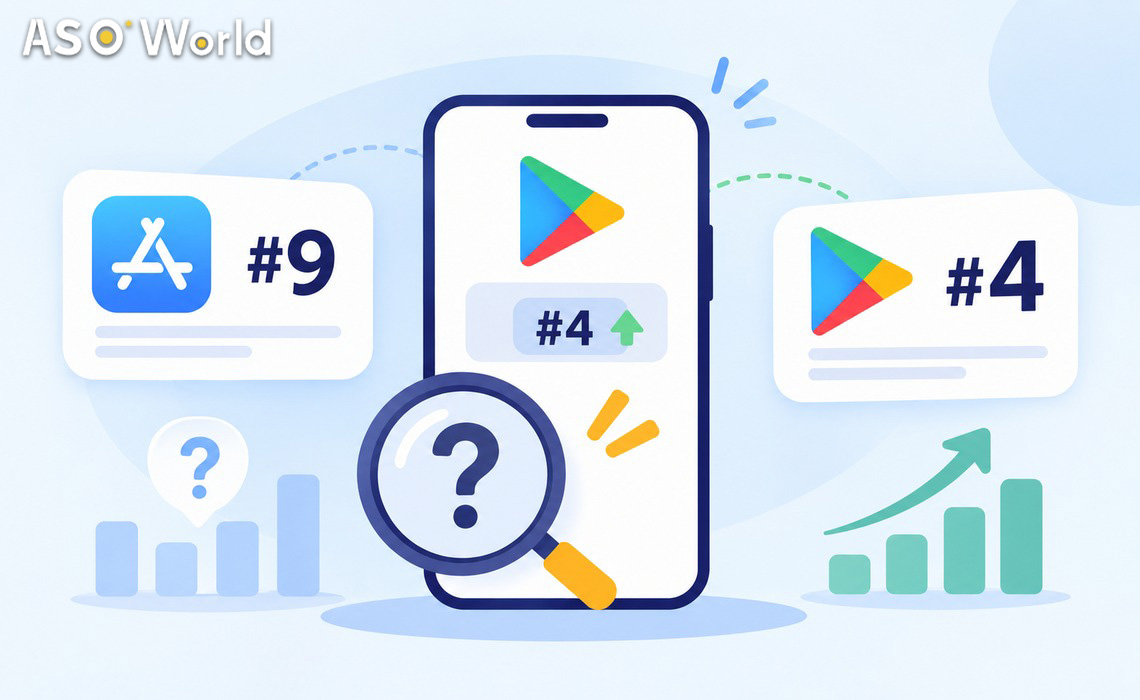
“My tool says #4, but on my iPhone I’m #9.” It’s one of the most common questions developers ask after a keyword campaign or a metadata update. In most cases both numbers are right; they’re measuring slightly different things.
Quick self-check: why rankings don’t match
| Reason | How to tell | What to do |
|---|---|---|
| Ads above organic results | Results marked “Ad” appear above yours | Count organic results only |
| Different storefront (country) | Your Apple ID or Google account is set to another country | Check in the target country’s store |
| Different device | iPhone vs iPad, or an older Android device | Compare on the device type your tool tracks |
| Different query | Plural, word order, spacing, accents or script differ | Type the exact tracked keyword |
| Personalisation | Logged-in results differ from a clean device | Use a neutral account or rely on a tool trend |
| Time of check | Tool sampled hours earlier | Compare same-day, same-time, or use daily averages |
| Tool methodology | Tools sample, cap or round positions | Read the tool’s method notes |
| Store-side display issues | Status or ranking looks wrong in one view only | Cross-check in a second source before acting |
What this means for your app: before you conclude a campaign failed or a ranking dropped, rule out these eight explanations. Most “drops” disappear once you check like for like.
1. Are you counting ads as search results?
Apple Ads appear at the top of App Store search results with an “Ad” label, and since 2026 more than one ad can appear for a single query. Google Play also shows sponsored results. If your app is the first organic result but two ads sit above it, it appears third on screen. Most ASO tools report the organic position only.
What this means for your app: count from the first non-ad result. If you want the visible top slot as well, that’s a paid-search decision, not an organic ranking problem.
2. Are you checking the right country’s store?
Rankings are calculated per storefront. The App Store has more than 175 country and region storefronts, and Google Play results also vary by country. Your phone shows the storefront tied to your Apple ID or Google account region, not necessarily the country you’re targeting. A developer in Singapore checking a US keyword campaign on a Singapore Apple ID will see Singapore results.
What this means for your app: check rankings in the storefront you’re optimising for. Use your ASO tool’s country filter, or a test account set to that country.
3. Are you using the same type of device?
iPhone and iPad search results can differ because apps are optimised for different devices and screen sizes. On Google Play, results are filtered by device compatibility: if an app doesn’t support your Android version or device type, it may not appear at all, which shifts every position below it.
What this means for your app: compare on the device type your tool tracks (usually iPhone for iOS). If you see an app missing on one device, check its compatibility before assuming it lost rank.
4. Is it exactly the same keyword?
Stores treat small differences as different queries. Singular vs plural, word order, spaces, accents and even alphabet can change results. Users who type a Russian keyword in Cyrillic and users who type a transliterated version in Latin letters are making two different searches, with two different rankings. We regularly see “the same keyword” showing two different positions for exactly this reason.
What this means for your app: copy the tracked keyword exactly when you check. If your audience uses both spellings or scripts, track both as separate keywords.
5. Is the store personalising your results?
Both stores use more than keyword matching to order results. Google Play personalises many surfaces using account and app history, and App Store discovery increasingly reflects user context in ways Apple doesn’t fully document. Apps you already have installed show “Open” instead of “Get”, and your own browsing history can nudge what you see.
What this means for your app: your developer phone is the least neutral device for checking your own app. Use a clean test account, or rely on tool trends that sample without your history.
6. When did each number get checked?
Rankings move during the day, especially for competitive keywords and during campaigns. A tool that sampled at 02:00 UTC and a manual check at 15:00 local time are looking at different moments. Positions can also differ briefly between store servers while results update.
What this means for your app: compare same-day, similar-time checks, or use daily averages. A one-position wobble between morning and afternoon isn’t a trend.
7. How does your ASO tool measure rankings?
Each tool has its own method: which country servers it queries, how often it samples, whether it tracks positions beyond the top 100 or 250, and how it handles ties and missing results. Two tools can report different positions for the same app on the same day without either being wrong.
What this means for your app: pick one tool as your source of truth for reporting, read its method notes, and compare trends rather than single numbers across tools.
8. Could it be a display or status issue?
Sometimes the data is fine but the display isn’t. We’ve seen cases where a dashboard showed an app as unavailable while it was live and ranking normally, usually because one view hadn’t refreshed. If only one view looks wrong, cross-check before you pause anything.
What this means for your app: confirm unusual statuses in the store itself and in a second data source before changing a campaign.
How to check your keyword ranking correctly (5 steps)
- Choose the storefront. Set your test account or tool filter to the country you’re targeting.
- Use the tracked device type. iPhone for iOS keyword tracking unless you specifically target iPad.
- Type the exact keyword. Same spelling, word order, accents and alphabet as your tracking list.
- Count organic results only. Skip anything labelled as an ad.
- Record the trend. Log the position daily at a similar time for at least five days before drawing conclusions.
Real drop or normal noise?
| What you see | Likely meaning | Action |
|---|---|---|
| 1–3 position difference between phone and tool | Normal variation | No action |
| Large difference on one day only | Sampling time or temporary fluctuation | Re-check tomorrow |
| Consistent drop for 3+ days in your tool | Real ranking change | Review conversion, ratings and competitors |
| Drop in one country only | Local competition or a seasonal shift | Check that storefront’s top 10 |
| Drop across many keywords at once | Metadata change, policy issue or algorithm shift | Audit recent changes and Play Console / App Store Connect notices |
If the drop is real, the cause is usually relevance, conversion or competition. A structured badly ranked or not ranked diagnostic helps you find which one before you spend. For a longer-term plan to win back positions, see ASOWorld’s approach to increasing keyword rankings and organic downloads.
What this means for keyword campaigns
If you run a keyword campaign, judge it on a consistent tracking method in the target storefront, not on what you see on a personal phone in another country. ASOWorld measures keyword installs by rank movement in the target country, and campaigns require the app to already appear in the top 250 results for each keyword. On Google Play, also remember that installs from generic keywords may be reported as “Explore” in Play Console; our guide to Google Play Explore vs Search traffic explains why.
FAQ
Why is my app ranked differently on my phone than in my ASO tool?
Usually because the check differs: another country’s storefront, a different device, a slightly different keyword, ads counted as results, personalisation, or a different time of day. A few positions of difference is normal.
Do ads count in App Store keyword rankings?
No. ASO tools report organic positions. Apple Ads appear above organic results with an “Ad” label, and since 2026 more than one ad can appear for a query, so your on-screen position may be lower than your organic rank.
Are App Store rankings different in each country?
Yes. Rankings are calculated per storefront, and the App Store has more than 175 country and region storefronts. Check the storefront you’re targeting.
Why does the same keyword show two different rankings?
Often because it’s not exactly the same query: plural vs singular, different word order, accents, or Cyrillic vs Latin spelling. Track each variant separately.
How often do app store rankings change?
Positions can move several times a day for competitive keywords. Use daily trends over at least five days rather than single checks.
When should I worry about a ranking drop?
When it lasts three or more days, appears in your main tracking tool, and affects the target storefront. Then review conversion, ratings, recent metadata changes and competitors.