COVID-19 UPDATE


TL;DR
- January is the biggest month of the year for health and fitness apps. Sensor Tower reported that January 2025 downloads reached their highest January total since 2022 and in-app revenue hit a record $385 million, up 10% year over year.
- The download wave starts before New Year’s Day: Sensor Tower’s Q4 2025 market reports show many top fitness apps peaking in the last week of December, when new phones and watches get set up.
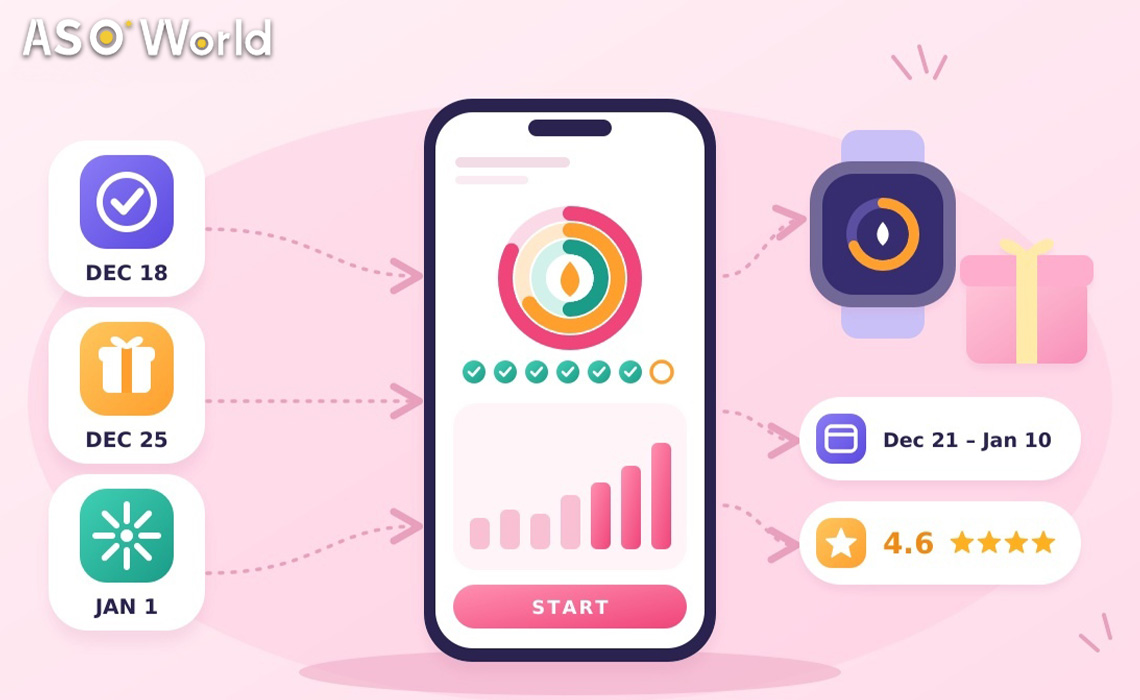
- That means your ratings, metadata and creatives must be live by mid-December, and keyword campaigns should ramp from 21 December, not 1 January.
- This guide gives a six-week schedule (23 November–3 January), a budget split by app type, and a compliance checklist for health claims.
Every December, fitness, nutrition and habit apps compete for the same moment: the week people decide to change something. Most teams plan for 1 January. The data says the decision starts earlier, on the day a new device comes out of its box.
Why does the New Year wave start in December?
Two things happen in late December. People get new phones, watches and fitness trackers as gifts, and they set up the apps that come with them, often companion apps like Mi Fitness or a gym chain’s app. At the same time, they start planning the habits they want to begin on 1 January.
Sensor Tower’s Q4 2025 market snapshots show the pattern clearly. In the US App Store, Planet Fitness downloads spiked to nearly 160,000 in the final week of December. On Android in Europe, Mi Fitness (Xiaomi Wear) peaked at over 600,000 weekly downloads in the week of 22 December. Calorie trackers followed the same curve in several markets.
| Signal | What the data shows | Source |
|---|---|---|
| Category size | 3.6 billion global health and fitness downloads in 2024, up 6% | Sensor Tower, State of Mobile 2025 |
| January peak | January 2025 downloads highest January since 2022; IAP revenue record $385M (+10% YoY) | Sensor Tower, Feb 2025 |
| Timing | Many top apps’ download spikes land in the last week of December | Sensor Tower Q4 2025 market reports |
| Momentum segments | MyFitnessPal 23.3M downloads in 2025 (+22.4%); 67% of top-500 mental health apps grew 50%+ | AppTweak, Health & Fitness report 2025 |
Source: Sensor Tower and AppTweak public reports | checked 3 November 2026
What this means for your app: treat 21 December – 10 January as one campaign window, not “January”. Your store page has to be ready before the first new-device downloads arrive on Christmas Day.
Which health and fitness apps benefit most?
Not every subcategory peaks the same way:
| App type | Typical New Year behaviour | What to prioritise |
|---|---|---|
| Calorie / nutrition trackers | Strong late-December and first-week-of-January spike | Keyword ranking for food logging terms; ratings |
| Workout / home fitness | Peaks with resolutions; drops in mid-January | Fast onboarding; first-week retention |
| Wearable companion apps | Peaks on 25–26 December with device gifts | Product page clarity; device compatibility in screenshots |
| Running / outdoor | Steadier; second lift in spring | Long-tail goals (“couch to 5k”, “first half marathon”) |
| Habit / motivation / mental health | Growing fastest in recent data | Specific outcomes (“sleep routine”, “daily journaling”) |
| Gym chain apps | Peaks with gym sign-ups after Christmas | Brand terms and local intent |
Source: ASOWorld category observations; growth segment data from AppTweak 2025
What this means for your app: if your users mainly arrive with a new device, your biggest day is 25 December. If they arrive with a resolution, it’s the first weekday of January (Monday, 4 January 2027, follows a holiday weekend). Plan the peak around your users, not the calendar.
The 6-week New Year schedule (23 November 2026 – 3 January 2027)
| Week | Dates | Focus | Actions |
|---|---|---|---|
| 1 | 23–29 Nov | Audit | Review last January’s downloads by day and country; list keywords that drove installs; check rating and recent reviews |
| 2 | 30 Nov–6 Dec | Keywords + creative brief | Shortlist 10–15 New Year terms; brief “start your year” screenshots; plan an In-App Event (“New Year Reset Challenge”) |
| 3 | 7–13 Dec | Ratings foundation | Fix the bugs reviewers mention; add in-app review prompts after a completed workout or logged week; start paced review support |
| 4 | 14–20 Dec | Ship everything | Submit metadata, screenshots and the In-App Event; aim to have them approved by 18 December, as review times vary around holidays |
| 5 | 21–27 Dec | Ramp | Start keyword campaigns on 3–5 terms; make sure device-compatibility screenshots are live for the 25 December wave |
| 6 | 28 Dec–3 Jan | Peak | Hold keyword positions; consider a short chart push for 1–4 January; update promotional text daily |
Source: ASOWorld planning framework; review timing per Apple App Review and Play Console guidance
After week 6, don’t stop on 3 January. Engagement often drops in the second and third weeks of January, around what Strava has called “Quitter’s Day”, the second Friday of January. Keep a maintenance pace on your best keywords through mid-January and shift messaging from “start” to “keep going”.
What this means for your app: the hard deadline is 18 December. Anything that needs review and isn’t approved by then may miss the window that matters most.
Which keywords should fitness apps target for New Year?
Seasonal head terms like “new year” or “resolution” are broad. Combine them with the goal or the format users actually search for:
| Layer | Example terms (validate per country) | Where to use them |
|---|---|---|
| Evergreen core | calorie counter, workout planner, step counter, habit tracker | Title / subtitle |
| Goal-based | lose weight plan, build muscle at home, first 5k, sleep better | Keyword field / short description |
| Seasonal modifier | new year workout, 30 day challenge, january challenge | In-App Event names, promotional text, keyword field |
| Format / audience | home workout no equipment, beginner gym plan, workouts for women over 40 | Keyword field, screenshots |
Source: ASOWorld keyword framework | seed terms are starting points; validate popularity and difficulty before use
Seasonal modifiers rarely belong in the title. They work best in In-App Events on iOS (event names can appear in search results and can be promoted up to 14 days before the start date) and in promotional text, which you can change without a new version. For terms where your app already ranks in the top 250, keyword installs can support the climb during weeks 5 and 6 (from $0.20 per install on Android and $0.30 on iOS, verified 3 November 2026).
What this means for your app: lock your keyword set in week 2 so your screenshots, event names and campaign all reinforce the same terms.
Ratings: the asset you can’t build in January
A new user comparing three calorie trackers on 2 January looks at stars first. Ratings take time to accumulate, Apple can take a few days to show new ratings, and Google Play filters a share of reviews. If you start collecting ratings on 1 January, they arrive after the wave.
Build them in weeks 3–5:
- Trigger in-app review prompts after a positive moment (a completed workout, a streak, a logged week), using Apple’s and Google’s official review APIs.
- Reply to recent negative reviews, especially about sync, subscriptions and crashes. These are the complaints new users read.
- Pace any review support over days, not in a single batch. Services with a written retention commitment are safer: ASOWorld’s guaranteed reviews are expected to keep more than 80% of reviews visible for 30 days, or the difference is refunded.
What this means for your app: a 4.6 rating on 21 December converts January traffic far better than a 4.2 rating you’re still fixing on 5 January.
How should you split a New Year budget?
| App situation | Ratings | Keyword campaigns | Creative / metadata | Chart push |
|---|---|---|---|---|
| New app, under 50 ratings | 45% | 30% | 25% | 0% |
| Established app, rating below 4.3 | 40% | 30% | 20% | 10% |
| Established app, rating 4.5+ | 15% | 45% | 15% | 25% |
| Wearable companion app | 20% | 25% | 40% (device screenshots) | 15% |
Source: ASOWorld planning heuristic, not a store rule
A chart push only makes sense for apps with a solid rating and a large organic base. If you use one, time it for 1–4 January with package installs (from $0.15 on Android and $0.30 on iOS, verified 3 November 2026) and keep daily volumes in proportion to your normal organic downloads. Sudden multiples of your baseline are exactly the pattern store fraud systems look for.
A worked example (hypothetical)
Consider a hypothetical calorie-tracking app with a 4.3 rating, about 1,500 organic iOS downloads a day in the US, and decent rankings for “calorie counter” (around #40) and “food diary” (around #25).
| Phase | Dates | Action | Daily volume |
|---|---|---|---|
| Ratings | 7–20 Dec | In-app prompts + paced review support | 20–40 new ratings a day |
| Ramp | 21–27 Dec | Keyword support on 4 terms where the app ranks in the top 100 | ~400 keyword installs a day in total |
| Peak | 28 Dec–4 Jan | Hold positions; promotional text updated daily | ~600 a day in total |
| Maintain | 5–17 Jan | Taper by about a third every 4 days | 400 → 150 a day |
Source: hypothetical illustration; volumes kept below half of the app’s organic baseline
The goal isn’t to buy the January wave. It’s to be ranked and rated when the wave arrives, so organic installs do most of the work.
Compliance checklist for health and fitness apps
Health apps face closer scrutiny, and January messaging tends to over-promise. Before you ship:
- No medical or guaranteed-results claims in metadata or screenshots (“lose 10 kg in 30 days”). Apple’s App Review Guidelines (1.4.1) require health apps to be clear about data and methodology, and both stores reject misleading claims.
- Complete Google Play’s health apps declaration in Play Console if your app handles health or fitness data.
- Disclose subscriptions clearly if your New Year offer is a discounted annual plan.
- Keep goals realistic and inclusive. Body-shaming or extreme-diet messaging creates review and policy risk, and it’s off-putting to most users.
For a combined plan covering keywords, ratings and seasonal creative, ASOWorld’s health and fitness app marketing practice and its seasonal and event marketing programme can map the full December–January calendar.
FAQ
When do health and fitness app downloads peak around New Year?
The wave typically starts in the last week of December, when new devices are set up, and continues into the first week of January. Sensor Tower’s Q4 2025 market reports show many top fitness apps’ download spikes in the final week of December.
When should fitness apps update their App Store metadata for January?
By mid-December. Aim to have metadata, screenshots and In-App Events approved by 18 December, because review times vary around the holidays.
How big is the January opportunity for fitness apps?
Sensor Tower reported that January 2025 health and fitness downloads were the highest for a January since 2022, and in-app revenue reached a record $385 million, up 10% year over year.
Should I put “new year” in my app title?
Usually not. Use seasonal terms in In-App Events, promotional text and the keyword field, and keep the title for your evergreen core term.
How do I get more ratings before January?
Trigger official in-app review prompts after positive moments, reply to recent negative reviews, and pace any review support over December rather than adding a batch at once.
What happens after the first week of January?
Engagement usually falls through mid-January. Keep a maintenance pace on your best keywords and switch messaging from “start your goal” to “keep your streak”.
External figures are from Sensor Tower and AppTweak public reports, checked 3 November 2026. The worked example is hypothetical. ASOWorld pricing verified 3 November 2026; no ranking outcome is guaranteed.