In short
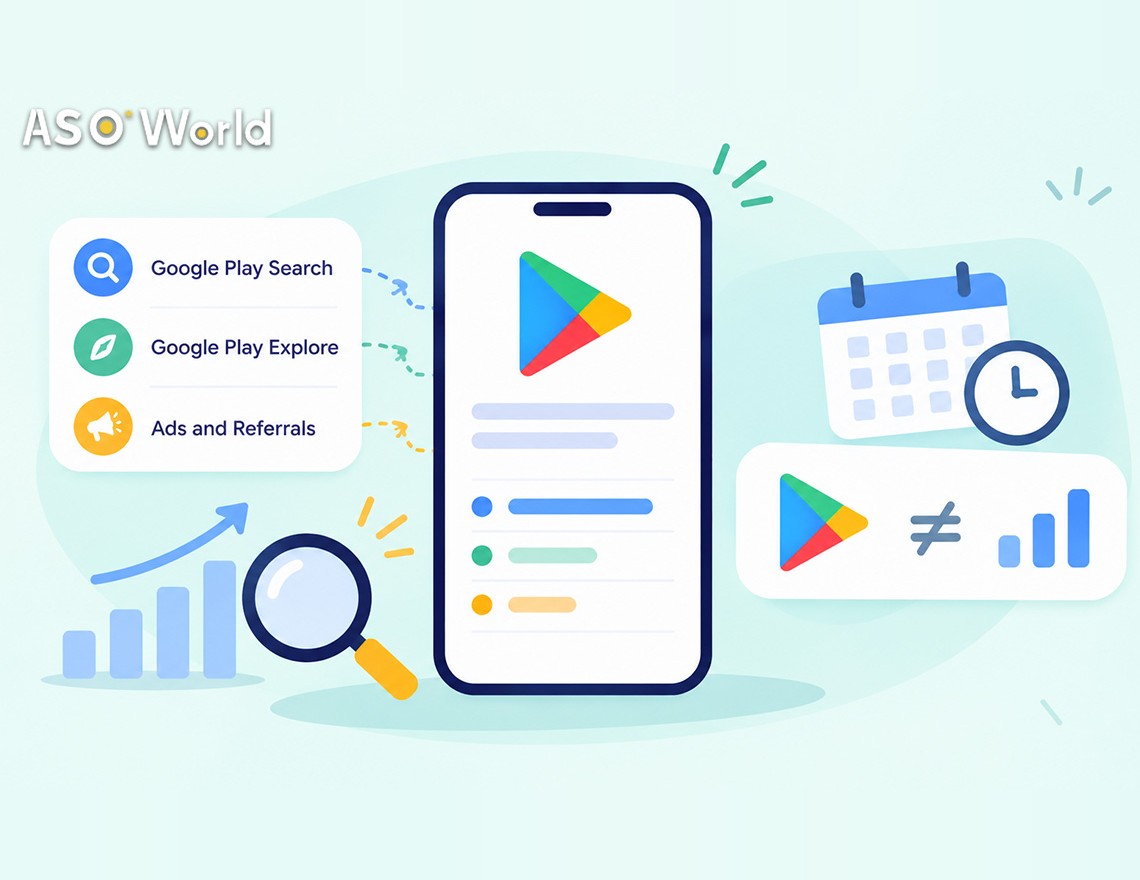
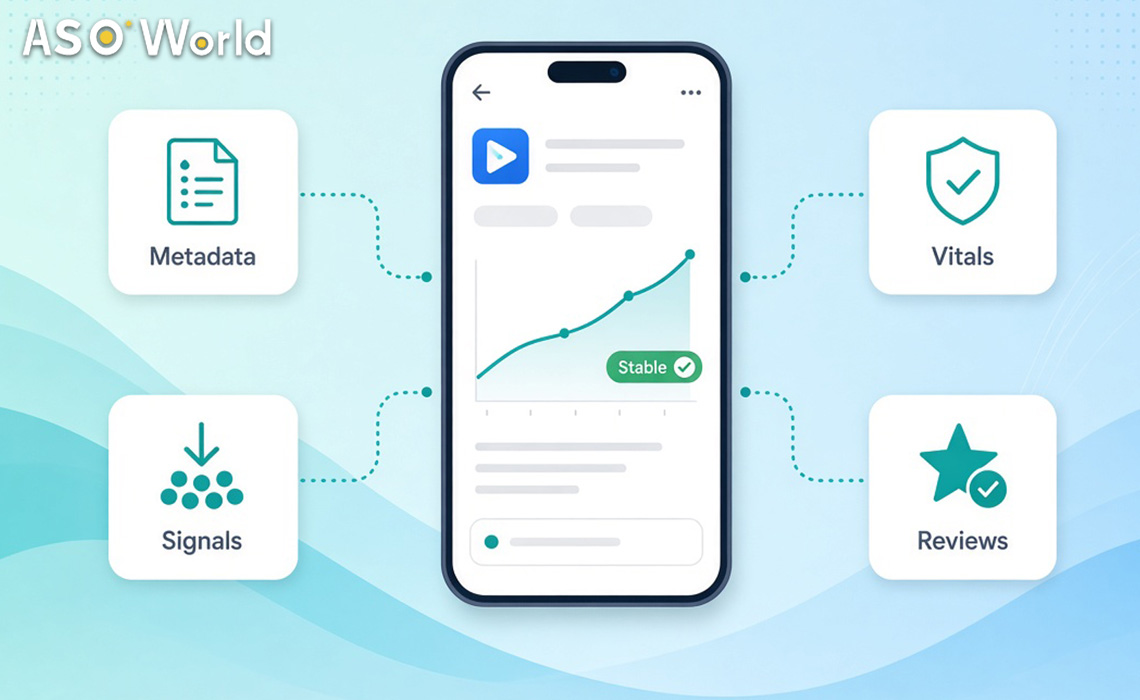
- Rankings on Google Play depend on relevance (your title, short description and full description), user signals (installs, retention, uninstalls, ratings and reviews), technical quality (Android vitals) and compliance with policy. Google confirms some of these directly; others are consistent observations from the industry.
- Google states that Android vitals affect visibility: an overall user-perceived crash rate above 1.09%, or an ANR rate above 0.47%, can reduce how often your app is shown.
- Rankings on Google Play react more slowly and more steadily than on the App Store. Allow about a week before you judge a change, and expect gains to last longer.
- When many keywords move at once, or a campaign works in one country but not another, the cause is usually at the level of the market rather than a problem with a single keyword.
"What does Google Play actually rank on?" is one of the questions we hear most often, especially when results shift for no obvious reason. This guide separates what Google has documented from what developers consistently observe, and shows how to tell which factor lies behind the movement in your app's position.
Which Factors Affect Rankings on Google Play?
| Factor |
Confirmed by Google? |
What you can control |
| Relevance of metadata (title, short and full description) |
Yes: Google indexes the text of the listing and sets rules on metadata |
Where keywords go, natural phrasing, localisation |
| Technical quality (Android vitals) |
Yes: core vitals affect visibility |
Crash and ANR rates, by device |
| Compliance with policy |
Yes: violations can limit visibility or lead to apps being removed |
Metadata, permissions, data safety, SDKs |
| Promotional content and featuring |
Yes: Google reports that featured events can more than double acquisitions from Explore |
Seasonal events, offers, major updates |
| Speed of installs and quality of sources |
Observation from the industry |
Pacing of campaigns, mix of channels |
| Retention, engagement and uninstalls |
Observation from the industry (Google cites quality and engagement) |
Onboarding, quality of the product |
| Ratings and reviews |
Visible to users; widely observed to matter |
Review prompts, replies, fixes to the product |
| Conversion rate (visits to installs) |
Observation from the industry |
Icon, screenshots, short description |
| Compatibility with devices and countries |
Yes: apps that aren't compatible aren't shown |
Supported devices, availability |
Source: Google Play Console Help and Android Developers documentation; ASOWorld observations from campaigns | checked 3 November 2026
What this means for your app: begin with the factors that Google confirms (relevance, vitals and compliance), as they're the cheapest to fix and the most predictable. Then work on the user signals that decide the rest.
How Does Google Play Decide Whether Your App Is Relevant?
Unlike the App Store, Google Play has no hidden field for keywords. It reads your title (30 characters), short description (80 characters) and full description (up to 4,000 characters). Relevance comes from using the terms your users search for, naturally and in the right places.
Google's policy on metadata also limits what you can write. Titles, icons and developer names shouldn't include promotional claims or claims about performance such as "best", "#1", "free" or "top", or use emojis and capital letters for emphasis. Stuffing keywords into the description can lead to rejection rather than better rankings.
What this means for your app: put your primary term in the title, a clear benefit in the short description, and supporting terms naturally across the full description. If you're unsure which terms to put first, a structured plan for increasing keyword rankings and organic downloads starts from that layer of relevance.
Does the Quality of an App Really Affect Its Visibility on Google Play?
Yes, and this is one of the few factors that Google quantifies. Android vitals tracks the user-perceived crash rate and the ANR (App Not Responding) rate. Google's documentation says that if your app exceeds the thresholds for bad behaviour, Play may reduce its visibility and may show users a warning on your store listing.
| Core vital |
Overall threshold |
Per phone model |
| User-perceived crash rate |
1.09% |
8% |
| User-perceived ANR rate |
0.47% |
8% |
Source: Android Developers, Android vitals documentation | checked 3 November 2026
Play evaluates these using data from the last 28 days. A problem on one device can also reduce visibility for users of that specific phone model, even if your overall average looks fine.
What this means for your app: check Android vitals before you blame keywords. A spike in crashes on one popular device can explain a slide in rankings that no change to metadata will fix.
How Much Do Installs, Retention and Reviews Matter?
Google doesn't publish weights, but consistent patterns emerge across campaigns:
- The speed of installs helps an app climb for keywords that it's already relevant for, especially when installs come from searches for those keywords.
- Retention and uninstalls decide whether the climb lasts. Apps that lose users quickly tend to slip back.
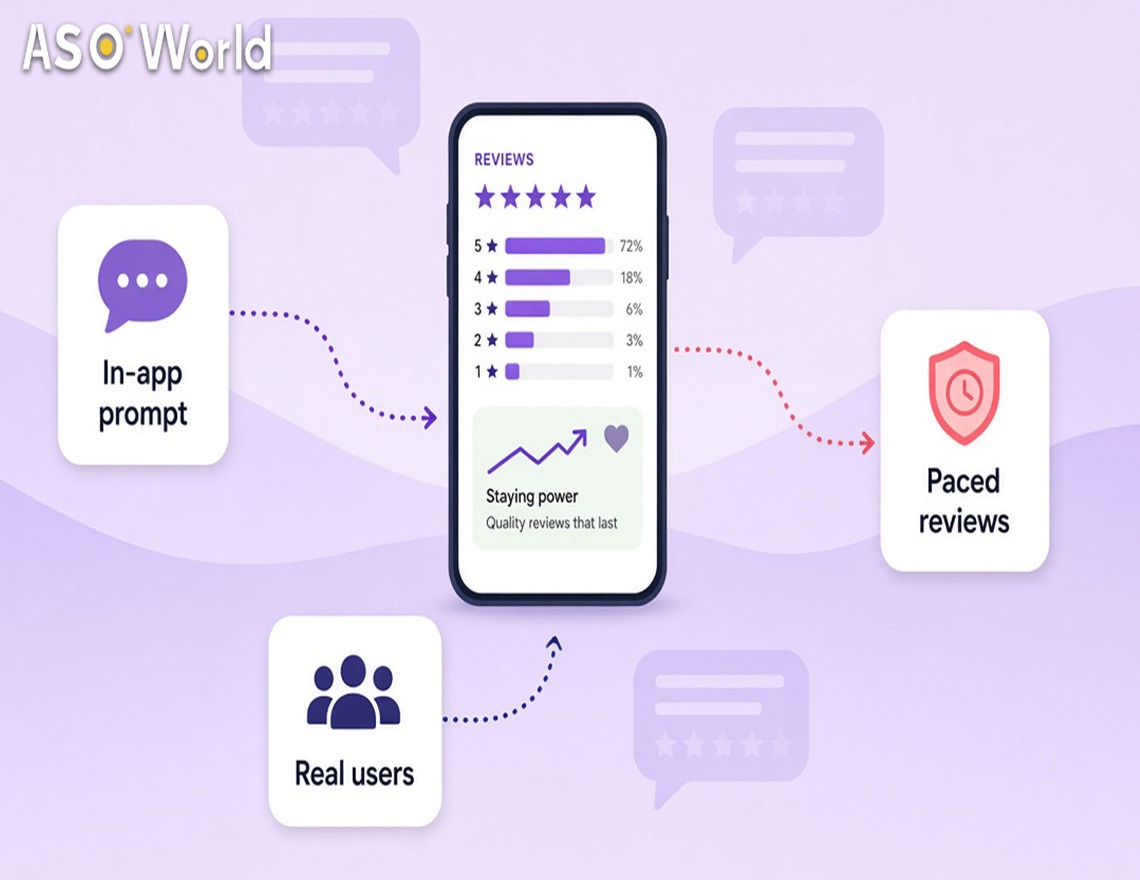
- Ratings influence conversion directly, since users compare stars before they tap install. Many developers report that Google Play filters out or removes a meaningful share of reviews, so the number of visible reviews often grows more slowly than expected.
What this means for your app: treat installs as a way of reaching the right position, and retention as the way of staying there. Campaigns that bring in users who leave on the first day rarely produce a rank that lasts.
How Quickly Do Rankings on Google Play React?
More slowly than on the App Store, in both directions. In practice, changes to keywords on Google Play often take about a week to settle, and positions tend to decay gradually rather than collapse. Around Black Friday 2025, for example, FoxData's estimates of rank for 18 US shopping apps showed average daily movement of 1.3 positions on Google Play against 2.2 on iOS.
That stability is useful once you've gained a position, but it also means that feedback is delayed. A ranking that hasn't moved three days after a change isn't necessarily a failure.
What this means for your app: judge changes on Google Play over 7–10 days, not overnight. Reports on ranking that update with a delay can make a campaign that's working look ineffective in its first few days.
Why Do All My Keywords Drop at Once?
When many keywords fall together, the cause usually lies with the app rather than with the keywords. Common reasons include:
- A spike in Android vitals or a bad release
- A change to metadata that reduced relevance across several terms
- A notice about policy or limited visibility
- A broad shift in the way Google Play ranks a category or market, which developers have reported in waves this autumn
What this means for your app: if everything has moved, check vitals, recent releases, Policy status and the date of your last change to the listing before adjusting individual keywords. A structured badly ranked or not ranked diagnostic takes you through this order.
Why Does the Same Campaign Work in One Country but Not in Another?
Rankings are calculated for each country, and every market has its own competitors, search behaviour and timing. Developers running the same keyword strategy across several markets have recently reported strong results in parts of Europe, Germany among them, while some Latin American markets such as Brazil have been harder to move.
Differences usually come from:
- Local competition: a few strong local apps can dominate a term
- Language: users search in local terms that your listing may not cover
- Seasonality: peaks in shopping and travel fall on different dates
- Changes at the level of the store: ranking behaviour can shift in one market before others
What this means for your app: compare results country by country and move budget towards the markets that respond. Keyword installs are ordered for each country, start from $0.20 per install on Android (verified 3 November 2026), and require your app to already appear in the top 250 results for each keyword in that market.
Common Misconceptions About Rankings on Google Play
- "More repetition of keywords means higher rankings." Stuffing can trigger rejection; natural relevance works better.
- "Ratings only matter for conversion." They affect conversion directly, and conversion shapes how your listing performs over time.
- "If rankings haven't moved in 48 hours, the change has failed." Google Play often needs about a week.
- "Crashes only affect reviews." Google documents that core vitals affect visibility.
- "A campaign that works in one country will work everywhere." Each storefront ranks separately.
A 10-Minute Check on Your Google Play Ranking
- Open Android vitals: are crash or ANR rates above the thresholds overall, or on a major device?
- Open Policy status: are there any warnings, limits on visibility or open issues?
- Review your last change to the listing: did you remove a term that was driving installs?
- Compare rankings by country: is the drop global or local?
- Check your rating and recent reviews: is there a new pattern of complaints?
- Look at conversion in Store listing analytics: are visitors still installing at the same rate?
If conversion is the weak point, ASOWorld's approach to improving organic conversions and user experience covers testing of icons, screenshots and the short description.
FAQ
What are the main ranking factors on Google Play in 2026?
Relevance of metadata, user signals such as installs, retention and ratings, technical quality as measured by Android vitals, and compliance with policy. Google confirms relevance, vitals and compliance directly, while the weight of user signals comes from observation in the industry.
Do crashes affect rankings on Google Play?
Yes. Google states that core vitals affect visibility. An overall user-perceived crash rate above 1.09%, or an ANR rate above 0.47%, can reduce visibility and trigger a warning on the store listing.
How long does it take for rankings on Google Play to change?
Often about a week for changes to keywords to settle. Rankings on Google Play usually move more slowly and steadily than rankings on the App Store.
Does Google Play have a keyword field like the App Store?
No. Google Play indexes your title, short description and full description instead.
Why did my app drop for all keywords at the same time?
Usually the cause lies with the app: a spike in vitals, a problem with a release, a change to metadata, a policy notice or a shift across the whole market. Check those before changing individual keywords.
Can promotional content help rankings on Google Play?
It can raise visibility. Google reports that apps that submit promotional content and request featuring can see more than twice as many acquisitions from Explore during a window of featuring.
Google documentation checked 3 November 2026. Google doesn't publish the weights of user signals; observations come from ASOWorld's experience of campaigns and from third-party data. No outcome for rankings is guaranteed.
 COVID-19 UPDATE