TL;DR
- App Store In-App Events are available to apps running on iOS 15 or later. You can have up to 15 approved events and 10 live at any one time. Each event may last up to 31 days and can be promoted up to 14 days before launch. A discount on its own is not eligible.
- Google Play promotional content can remain live for up to four weeks and should be submitted at least four days before it begins. Games have broad access, while most non-game apps must meet Google's activity requirements. Check whether the "Promotional content" option is available in your Play Console.
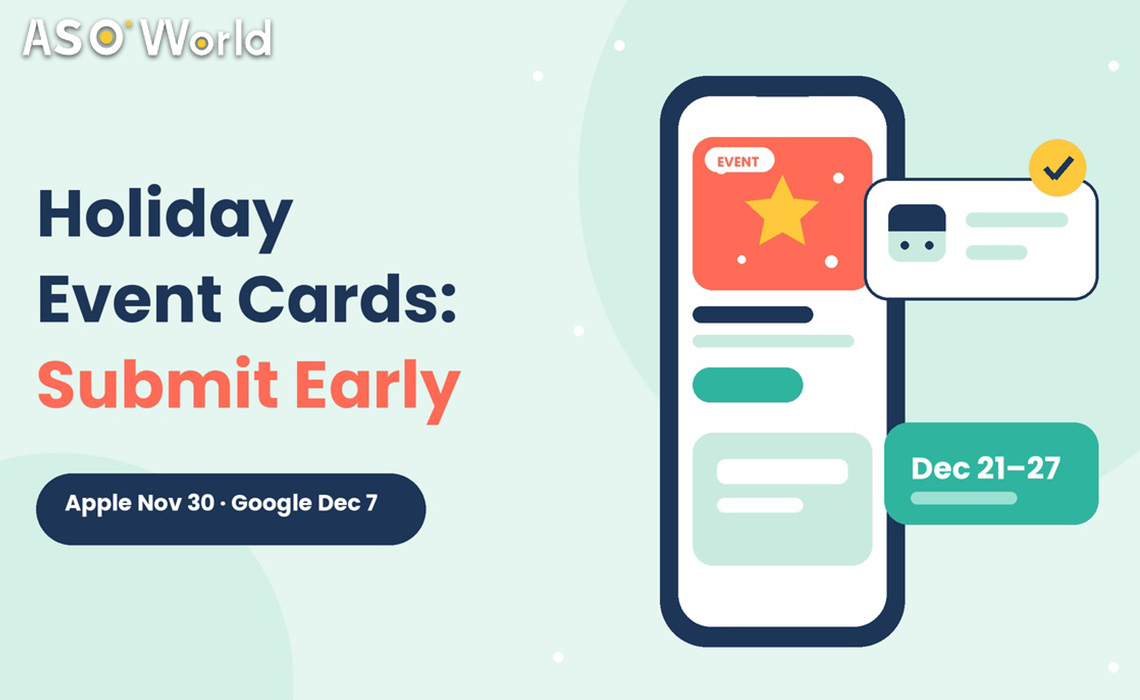
- For an event beginning on 21 December, aim to submit to Apple by around 30 November to use the full 14-day promotional period. For Google Play featuring, submit by 7 December.
Holiday growth is not driven by search alone. Event cards on the App Store and promotional content on Google Play can give new, existing and returning users a timely reason to open your app. These placements are most effective when the schedule is planned backwards from the holiday itself—a step that many teams leave too late.
How do In-App Events differ from Google Play promotional content?
Both formats use a store card to highlight something temporary within your app. However, their eligibility rules and submission processes differ, so they need separate planning.
| |
App Store In-App Events |
Google Play promotional content |
| Eligibility |
Any app or game on iOS/iPadOS 15 or later |
Games broadly; non-game apps that meet Google's activity thresholds |
| Content types |
Challenges, competitions, live events, major updates, new seasons, premieres and special events |
Offers, events, major updates and pre-registration announcements |
| Discount-only promotions |
Not accepted |
Accepted as "offers" when the value is clearly explained |
| Maximum duration |
31 days |
4 weeks |
| Advance visibility |
Can be promoted up to 14 days before the start |
Can be previewed up to 14 days before the start |
| Review process |
Submitted separately from app updates |
Content quality review; submit at least 4 days in advance |
| Limits |
15 approved, with 10 published at a time |
One item at a time; duplicate or repeated submissions are not allowed |
| Store placements |
Product page, search results, Today/Games/Apps tabs and personalised recommendations |
Store listing, home page, search and other Play surfaces |
| Audience options |
All users, new users, active users and lapsed users |
New, existing, lapsed or churned users |
On the App Store, an event may appear in search results alongside your app for people who have already installed it; users who have not installed the app will see your screenshots instead. Events can also be searched for directly. Google Play uses an algorithm to decide which promotional content is shown to each user, meaning the cards displayed can vary between audiences.
Can your app take part this holiday season?
App Store: yes, provided your app supports iOS 15 or later and offers something genuinely new and time-limited. A seasonal challenge, a holiday content release or a live New Year's Eve event can qualify. A card promoting "30% off for Christmas" without any new content will not.
Google Play: check your eligibility first. Promotional content is one of Google Play's premium growth features. Games have broad access, while non-game apps must meet Google's activity thresholds, based on monthly active users and active installs, with some category-specific differences. Google adds newly eligible apps monthly. If you can see "Promotional content" under Grow users > Store presence in Play Console, the feature is available to you.
If your app is not eligible on Google Play, use the store assets you can manage directly: your first two screenshots, short description and a country-specific custom store listing. Our guide to improving organic conversion and user experience explains which listing elements have the greatest influence on install conversion.
When should you submit holiday events in 2026?
Plan backwards from the date you want the promotional card to appear, rather than simply working from the event's start date.
| Example holiday event |
Event dates |
App Store: card visible from |
App Store: submit by* |
Google Play: submit by |
Google Play: submit by with featuring request** |
| Christmas week event |
21–27 Dec |
7 Dec |
30 Nov |
17 Dec |
7 Dec |
| New Year's Eve live event |
31 Dec |
17 Dec |
10 Dec |
27 Dec |
17 Dec |
| New Year challenge |
1–28 Jan |
18 Dec |
11 Dec |
28 Dec |
18 Dec |
| Lunar New Year content release |
Early Feb 2027 |
14 days before launch |
21 days before launch |
4 days before launch |
14 days before launch |
Apple does not provide a fixed review turnaround. We recommend allowing a seven-day buffer before the intended publication date, giving you time to address a rejection without sacrificing promotional days.
Google requires submissions at least four days before the event begins. Third-party guidance suggests allowing roughly 14 days when requesting featuring as well.
There are two useful details to remember. First, App Store Connect allows date changes to an approved event only while the relevant dates are still in the future. Once the event has started, only its end date can be edited. Secondly, Google Play accepts submissions up to 60 days before the start date, so January events can already be submitted.
What can cause an event to be rejected?
Many rejections come down to a small number of recurring issues.
On the App Store:
- Discounts without additional content. Apple identifies these as unsuitable event submissions, alongside repetitive daily tasks and general awareness campaigns.
- Prices included in event metadata. Apple states that adding prices to the metadata will result in rejection.
- An event badge that overstates the experience. Selecting "Major Update" for a minor change may lead to rejection. Choose the badge that accurately reflects what users will encounter in the app.
On Google Play:
- Routine or ongoing content submitted as promotional content.
- Duplicate or closely repeated submissions, or multiple promotions running simultaneously.
- Offers without a clear benefit. The tagline must explain the value, and offers below approximately 10% are generally not accepted.
- Promotions that are not available in the app during the dates provided in the submission.
Which App Store event badge suits your holiday campaign?
| Holiday concept |
Badge |
Example event name (30 characters max) |
| Daily Advent-style unlocks ending with a reward |
Challenge |
"Winter Countdown Challenge" |
| A leaderboard competition during the holiday week |
Competition |
"Holiday Cup: Week 52" |
| A New Year's Eve livestream or workout class |
Live Event |
"New Year's Eve Live Workout" |
| New holiday levels, filters or a story chapter |
New Season |
"Season 4: Snowfall" |
| A first-time series, film or album release |
Premiere |
"Holiday Special Premiere" |
| Several seasonal activities brought together |
Special Event |
"Winter Festival 2026" |
Make the event name, short description (50 characters) and long description (120 characters) clearly reflect the activity. Generic titles such as "Holiday Fun" are less informative for users and may be more difficult to get approved.
Can event cards improve keyword rankings?
Think of event cards as tools for visibility and conversion, rather than direct keyword-ranking tools. Apple confirms that events can appear in search results and can be searched for independently, but it does not state that event metadata improves rankings for other search terms. On Google Play, promotional content demonstrates ongoing investment in your app. Google reports that apps requesting featuring can receive more than twice as many Explore acquisitions during a featuring period. This is a discovery benefit, not evidence of a search-ranking boost.
For that reason, combine event activity with your holiday keyword strategy rather than replacing it. If your December keyword plan is not ready, How to Pick the Right Keywords explains how to assess search volume and difficulty. Our guide Missed Black Friday? A December keyword plan provides a schedule for 1–24 December.
How should event dates align with holiday install peaks?
The highest-install days do not always coincide with the holiday itself. Adjust's 2025 data showed game installs increasing by 7% on Christmas Day, 13–15% on 27–28 December and 18% on New Year's Day. This has two implications for your event calendar:
- Keep a promotional card live from 24 December through 3 January, even if the main event finishes earlier. A "New Year" or "New Season" event can maintain visibility during the second half of the period.
- Target lapsed users during the final week of December. Users may reinstall or rediscover apps on new devices, making this a useful time to reach returning players and subscribers.
For the complete daily breakdown, read Christmas to New Year app installs: why 27–28 December and New Year's Day outperform Christmas Day. Health and fitness developers can also use the New Year 2027 ASO plan for health and fitness apps, which incorporates a January challenge into a six-week schedule.
Holiday event submission checklist
- Check eligibility. Apple requires iOS 15 or later; on Google Play, confirm that "Promotional content" is available in your console.
- Define the in-app experience first. Decide what users will do, when it will be available and where they will find it in the app.
- Select the appropriate badge or content category for the planned experience.
- Prepare metadata within the character limits: Apple event name 30, short description 50 and long description 120 characters; Google tagline up to 80 and description up to 500 characters. Do not include prices in Apple metadata.
- Create the required artwork: Apple card artwork at a minimum of 1920 × 1080 (16:9), plus a details image or video at a minimum of 1080 × 1920 (9:16); Google requires a 1920 × 1080 image, with optional short animation.
- Set up a deep link to the event's exact in-app screen and test it on a fresh install.
- Choose the relevant regions and dates for each country, along with the intended audience.
- Submit with enough lead time: allow seven days before Apple's planned publication date, and at least four days—or around 14 days when requesting featuring—before the Google event starts.
- Make the content available on schedule. Google requires the promotion to be live in the app throughout the submitted dates.
- Review performance: Apple metrics include downloads by event, impressions, details-page views, app opens and notification opt-ins. On Google Play, use the promotional content report. Compare results with the equivalent dates from the previous year.
If you need support with event artwork or seasonal screenshots, ASOWorld's ASO service includes icon, screenshot, promotional graphic and preview video design. Packages start at $300, with delivery in five working days (prices checked on 24 November 2026).
Frequently asked questions
How many In-App Events can I publish at the same time?
You can have up to 10 events published on the App Store at once and up to 15 approved in App Store Connect. Older articles that refer to a limit of five are no longer current.
Can I submit a Black Friday or Christmas discount as an In-App Event?
Not as a discount alone. Apple does not accept price promotions that introduce no new content, features or goods. You can combine a discount with a genuine seasonal experience, but leave the price out of the event metadata.
How early should I submit Google Play promotional content?
Submit at least four days before the event begins, or approximately 14 days ahead if you are also requesting featuring. Submissions can be made up to 60 days in advance.
Does an In-App Event require a new app version?
No. Events are reviewed separately from app versions. However, the associated in-app experience must be available when the event begins.
What should I do if my app cannot use Google Play promotional content?
Use your screenshots, short description and country-specific custom store listings to communicate the seasonal offer. You can also concentrate your event planning on the App Store.
Can event cards replace keyword optimisation?
No. Event cards support visibility and re-engagement during a specific period. Keyword rankings continue to depend on factors such as relevance, installs and conversion over time.
What other holiday guides should I read?
This article belongs to our Holiday ASO 2026 series. Before submitting your events, these two guides may also be useful:
What should you do next?
- New to ASOWorld? Start with a free app diagnosis to identify which keywords are already within reach before planning your December activity.
- Planning for December but unsure about visibility? Our app ranking and user acquisition solution explains how chart and keyword visibility can work alongside seasonal creatives.
- Already running a holiday campaign? Coordinate your event card with the peak days of your keyword campaign, so users arriving through search find a timely reason to install.
 COVID-19 UPDATE