noticeCOVID-19 UPDATE ASO World entire team is working remotely. we expect no disruptions in our ASO services.
Browser close
50% OFF FIRST ORDER
Referral Program
bonusprogram
50% OFF FIRST ORDER
Referral Program
bonusprogram
logo
  • App Promotion
    Keyword Installs
    Package (Direct) Installs
    Ratings & Reviews
    Guaranteed Reviews Service
    Guaranteed Keyword Ranking Service
    ASO Service
    Customized Solution
    More Services
  • ASO Tools
    Free ASO Tools
    Keyword Research Tools
    How to Pick Keywords
    promote
    Turn Every Season into a Growth Spike
    From the FIFA World Cup to Summer surge, from Black Friday to Christmas — every peak season is a user acquisition window your competitors are already targeting. Don't show up late.
  • Solutions
    By vertical
    Sports
    HOT
    AI
    Health & Fitness
    Ecommerce
    Fintech
    HOT
    Gaming
    Education
    Dating
    HOT
    Entertainment
    Travel
    Social Media
    Restaurant & Foodtech
    Productivity
    Lifestyle
    Music
    Utility
    Photo & Video
    Casino
    Business
    News
    NEW
    By Performance
    Seasonal & Event Marketing
    NEW
    FIFA World Cup 2026 App Growth
    HOT
    App Reputation & Negative Reviews Management
    Boost App Rankings & User Acquisition
    Improve Organic Conversions & User Experience
    Mobile App Launch Marketing
    Increase Keyword Rankings & Organic Downloads
    solution-suffix
    Customer Stories
    Explore inspiring Customer Stories to see how businesses like yours have successfully leveraged ASO World to create powerful mobile apps.
    how-to-pick-keywords
    How to Pick the Right Keywords for App Store & Google Play
    A research-to-ranking framework for finding, grouping and validating the keywords that turn store search into real installs — then a safe execution plan for getting them ranked.
  • ASO Academy
    Blog
    Case Studies
    Guides & Insights
    FAQs
    Glossary
    promote
    Turn Every Season into a Growth Spike
    From the FIFA World Cup to Summer surge, from Black Friday to Christmas — every peak season is a user acquisition window your competitors are already targeting. Don't show up late.
    promote
    iPhone Duo ASO Guide: Optimize Screenshots, Previews and Product Pages
    Get your App Store listing ready for iPhone Duo: screenshot sizes, outer vs. inner display creative, PPO/CPP testing, localization, metrics and App Review rules.
  • Pricing
Login Register
logo
  • App Promotion
    Keyword Installs
    Package (Direct) Installs
    Ratings & Reviews
    Guaranteed Reviews Service
    Guaranteed Keyword Ranking Service
    ASO Service
    Customized Solution
    More Services
  • ASO Tools
  • Solutions
    By vertical
    Sports
    AI
    Health & Fitness
    Ecommerce
    Fintech
    Gaming
    Education
    Dating
    Entertainment
    Travel
    Social Media
    Restaurant & Foodtech
    Productivity
    Lifestyle
    Music
    Utility
    Photo & Video
    Casino
    Business
    News
    By Performance
    Seasonal & Event Marketing
    FIFA World Cup 2026 App Growth
    App Reputation & Negative Reviews Management
    Boost App Rankings & User Acquisition
    Improve Organic Conversions & User Experience
    Mobile App Launch Marketing
    Increase Keyword Rankings & Organic Downloads
  • ASO Academy
    Blog
    Case Studies
    Guides & Insights
    FAQs
    Glossary
  • Pricing
Important Notice
Important Notice:Beware of scams using ASOWorld's name for part-time recruitment or ASO earning app activities. ASOWorld is not hiring any part-time staff. Trust only official information posted by ASOWorld.
Close the Important Notice

ASO Report Template: How to Report Keyword Rankings and App Growth to Your Boss Every Week

Copy a one-page ASO report template: 5–8 KPIs, keyword ranking tiers, spend vs. effect by tool, and next steps your boss can act on every week.

Posted: Yesterday
Updated: Today

Home Blog ASO Guides ASO Report Template: How to Report Keyword Rankings and App Growth to Your Boss Every Week

In twitter faceBook rss

ASO Report Template

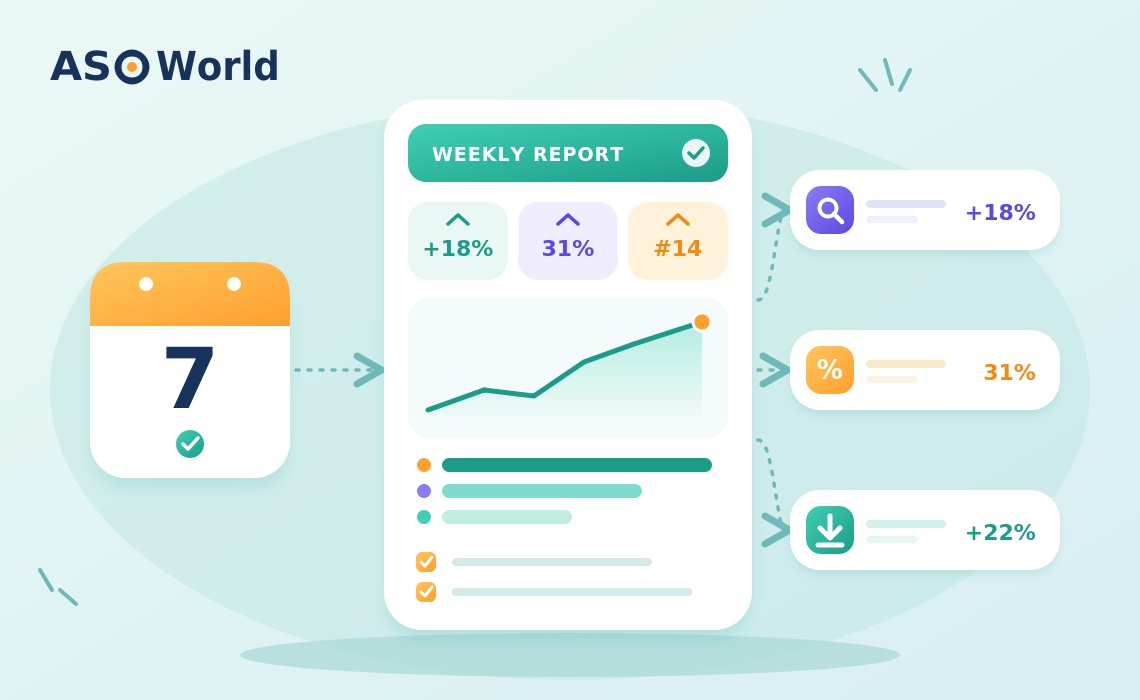
TL;DR: A good weekly ASO report fits on one page and answers five questions: Did visibility improve? Did conversion improve? Which keywords moved and why? What did we spend and what did it change? What do we do next week? Track five to eight KPIs, group keywords by ranking tier instead of listing hundreds of positions, report each growth tool against its own metric, and finish with three concrete next steps. The template below is ready to copy.


Most ASO reports fail for one of two reasons. Either they are a screenshot dump of ranking charts that no one outside the ASO team can read, or they report a single number - downloads - that hides everything that actually happened. In both cases the result is the same: the person who approves the budget can't tell whether the work is paying off.


This guide gives you a one-page weekly template, the KPIs that belong in it, a filled-in example, and the mistakes that make reports misleading.


What Should a Weekly ASO Report Answer?

Before choosing metrics, agree on the questions. A weekly report for a manager or client should answer:

  1. Visibility: Are more people seeing the app in search and charts?
  2. Conversion: Are more of those people installing?
  3. Keywords: Which important terms moved, in which countries, and why?
  4. Investment: What did we spend or change this week, and what did it affect?
  5. Next steps: What will we do next week, and what decision do we need?


If a metric doesn't help answer one of these, leave it out of the weekly report and keep it in your working dashboard.


Which ASO KPIs Belong in the Report?

Keep the core set to five to eight KPIs. More than that and nobody reads it.

KPI What it shows Where to get it
Keyword tier distribution How many tracked keywords sit at #1, top 5, top 10, top 50, top 250 Your keyword tracking tool
Search impressions Whether visibility in search is growing App Store Connect / Google Play Console
Product page conversion rate Share of page viewers who install Store consoles
Organic installs (search + browse) Downloads you didn't pay for directly Store consoles
Category rank Position in your main category chart Tracking tool
Average rating and new ratings Trust signal that drives conversion Store consoles
Spend by tool What was invested in keyword, install, or ad campaigns Your own records
Cost per organic install (optional) Spend divided by organic installs gained Calculated


Why Use Ranking Tiers Instead of Individual Ranks?

Listing 200 keywords with their positions is unreadable. Grouping them tells the story in one line: “Top-10 keywords went from 12 to 17 this week; two dropped out of the top 50.” It also smooths daily noise. A common tier structure is #1, top 5, top 10, top 50, top 100, and top 250.


Pick the keywords you track carefully - a report is only as good as the list behind it. If you haven't built that list with volume, difficulty, and relevance in mind, start with our guide on how to pick the right keywords.


The One-Page Weekly ASO Report Template

Copy this structure into a document or spreadsheet. Fill it in the same way every week so trends are easy to see.

Section What to include Length
1. Headline One sentence: the most important change this week 1 line
2. KPI snapshot The 5 – 8 KPIs, this week vs. last week vs. 4 weeks ago 1 table
3. Keyword tiers Count per tier by country, with week-over-week change 1 table
4. Movers Top 3 risers and top 3 fallers, with likely reason 6 lines
5. Activity log What was launched, changed, or paused, with dates Bullets
6. Spend vs. effect Spend by tool, reported against that tool's own metric 1 table
7. Risks Rating drops, store notices, unusual volatility Bullets
8. Next week Three actions and any decision needed 3 lines


Report Each Tool Against Its Own Metric

Section 6 is where most reports go wrong. Different growth tools move different numbers:

Tool Report it against
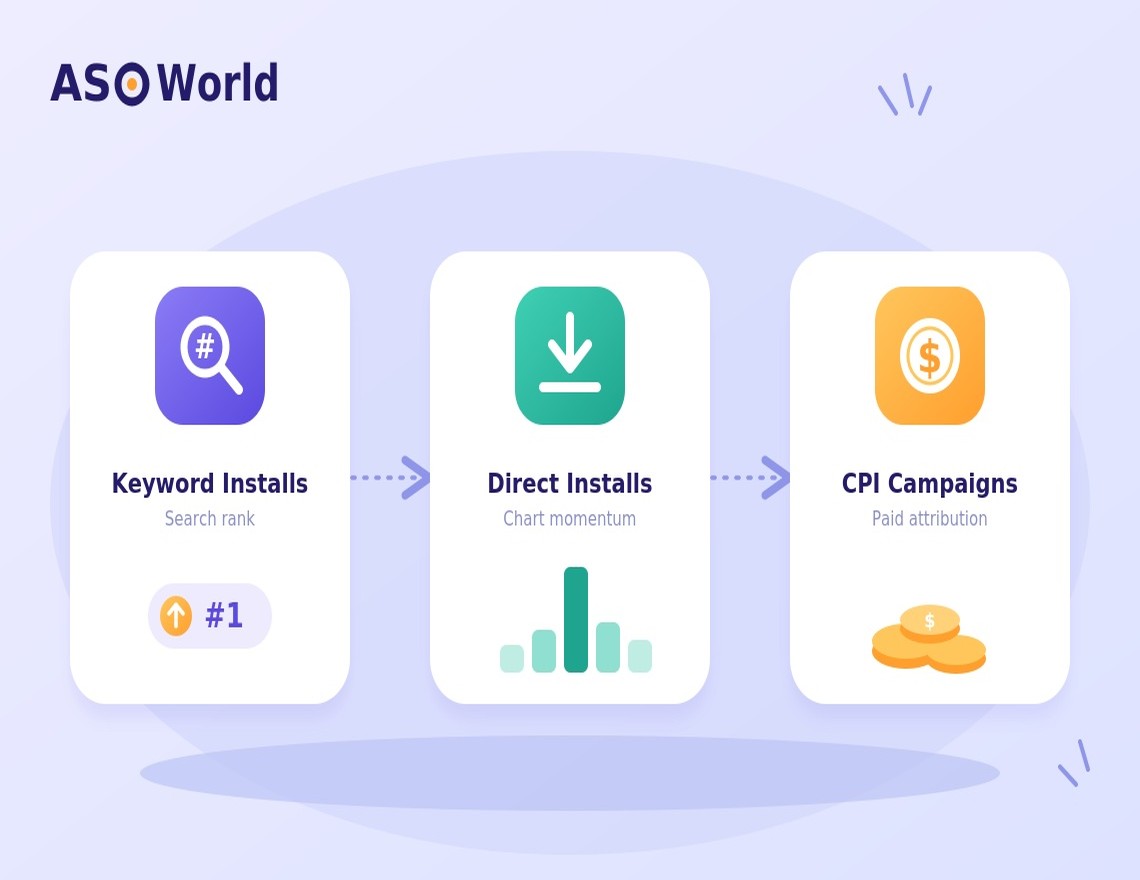
Keyword installs Rank on the target keywords, then search impressions and organic search installs
Direct installs Category / top chart position and total downloads during the campaign
Paid ads (CPI) Cost per install, retention, return on ad spend
Metadata or creative changes Conversion rate at stable impression volume

If you report a keyword campaign by total downloads, it will often look like nothing happened. If you report it by rank and the organic search installs that follow, the effect is visible.


A Filled-In Example

Here is how a hypothetical productivity app's week might look. The numbers are illustrative only.


Headline: iOS US top-10 keywords rose from 9 to 14; search impressions up 18% week over week.

KPI This week Last week 4 weeks ago
Keywords in top 10 (iOS, US) 14 9 6
Search impressions (iOS, US) 41,200 34,900 28,300
Product page conversion rate 31% 30% 27%
Organic installs (search + browse) 2,950 2,410 1,980
Category rank (Productivity, US) 64 71 88
Average rating (new ratings) 4.6 (112) 4.6 (97) 4.5 (80)


Movers: “habit tracker” 14 → 6 (keyword campaign week 2); “daily planner” 8 → 5 (new screenshots); “focus timer” 11 → 19 (competitor launched update - watch).


Spend vs. effect: keyword campaign on 4 terms; 3 reached the top 10. No direct installs this week. Paid ads paused while testing new creatives.


Risks: Google Play ranks volatile for two terms; holding at maintenance pace.


Next week: (1) Step two top-10 terms down to maintenance pace. (2) Add two long-tail terms to the campaign. (3) Decide on Black Friday chart push - budget approval needed by Friday.


How Often Should You Report - and to Whom?

Cadence Audience Focus
Daily ASO operator Alerts: big rank drops, rating dips, store notices
Weekly Manager, client, team The one-page report above
Monthly Department head Trends, cost per organic install, country mix
Quarterly Leadership Strategy: markets, categories, budget for next quarter

Don't judge decisions on daily data. iOS can move within a few days, but Google Play keyword ranks typically need about seven to nine days to settle. A weekly rhythm matches how the stores actually behave.


How Do You Explain a Bad Week?

Bad weeks happen. A useful report explains them instead of hiding them:

  1. Separate visibility from conversion. Did fewer people see the app, or did fewer of them install? Our ASO budget diagnostic uses ranking buckets and impression sources to tell the two apart.
  2. Check outside causes. Competitor updates, seasonality, store volatility, or an app update that reset something.
  3. Check your own changes. Metadata edits, paused campaigns, a new build with bugs.
  4. State the fix and the date you'll re-check. “We'll review after seven days” is better than “monitoring.”


How Do You Turn the Report Into the Next Decision?

The best reports end with a decision, not just a summary. A few common patterns:

  • Keywords reached the top 10 and are holding. Step down to a lighter maintenance pace rather than stopping abruptly - on iOS especially, sudden stops lead to fast decay.
  • Keywords stuck between 11 and 40. These are the cheapest wins; a short, steady push on keyword installs often moves them onto the first screen.
  • Ranks up, installs flat. Fix conversion first: icon, first screenshots, rating.
  • Category rank is the goal. Plan a time-boxed chart push and report it against chart position. For a broader view of ranking and acquisition levers, see how teams boost app rankings and user acquisition.


Common Mistakes in ASO Reporting

  • Reporting only downloads. Downloads lag behind rank and mix paid with organic.
  • Mixing countries. A global average hides the market where something actually changed.
  • Changing the keyword list every week. Keep a stable core list; add new terms in a separate section.
  • No activity log. Without dates for launches and changes, nobody can link cause and effect.
  • Celebrating rank without traffic. A #1 rank on a term nobody searches doesn't matter. Pair rank with impressions.


How to Build the Report in Under an Hour Each Week

  1. Export keyword ranks for your core list, by country, on the same weekday each week.
  2. Count keywords per tier and compare with last week.
  3. Pull impressions, conversion rate, and organic installs from both store consoles.
  4. Note the top three risers and fallers and write one reason for each.
  5. Update the activity log and spend table.
  6. Write the headline last - it should be the single most important change.


FAQ

What should an ASO report include?
Keyword ranking tiers, search impressions, conversion rate, organic installs, category rank, ratings, spend by tool, and three next steps. Keep it to five to eight core KPIs.


How often should I send an ASO report?
Weekly for managers and clients, monthly for trends, and quarterly for leadership strategy. Use daily data only for alerts.


How do I show the impact of keyword installs?
Report them against keyword rank first, then search impressions and organic search installs over the following weeks - not against total downloads.


What is a good conversion rate for an app store page?
It varies widely by category, country, and traffic source. Track your own trend week over week rather than chasing a universal benchmark.


Should I track every keyword?
Track a stable core list that matters to the business, grouped into ranking tiers. Monitor long-tail experiments separately.


What if my boss only cares about downloads?
Show downloads, but split them into organic and paid, and show the leading indicators - rank and impressions - that predict next month's downloads.


A report that explains cause and effect earns the next budget. Track the right list, report each tool by its own metric, and always end with what you'll do next.


ASO Topic Mobile Insights,

SHARE THIS POST

In twitter faceBook

Get FREE Optimization Consultation

Let's Grow Your App & Get Massive Traffic!


All content, layout and frame code of all ASOWorld blog sections belong to the original content and technical team, all reproduction and references need to indicate the source and link in the obvious position, otherwise legal responsibility will be pursued.

Start Your Store Ranking Acquisition Capability Detection
Step by step to measure all of your app store optimization efforts with our ASO tools.
Table of contents

    Categories

    • App Marketing
    • App Promotion Strategy
    • App Promotion Case Study
    • Mobile Game & App Insights
    • App Store News
    • ASO Guides
    • ASO Basics for Beginners
    • App Store Rankings
    • User Acquisition
    • Mobile App Market Trends
    • Gaming Community
    • iOS 26 ASO Hub
    • ASOWorld News
    • Guideline of ASO World Platform
    ASOWorld
    App Store Optimization service provider
    Follow ASOWorld:
    Boost your app via App Installs, Keyword Installs, App Reviews & Ratings & Guaranteed App Ranking.

    Comments

    You are not logged in yet. Please Login / Register first

    Related Blogs
    Keyword Installs vs. Direct Installs vs. CPI: Which Really Moves Your Rankings, Downloads or Reviews?
    ASO Guides

    Keyword Installs vs. Direct Installs vs. CPI: Which Really Moves Your Rankings, Downloads or Reviews?

    Yesterday
    Received an App Store "Fraudulent Activity" Warning? What the Notice Means and How to Respond
    ASO Guides

    Received an App Store "Fraudulent Activity" Warning? What the Notice Means and How to Respond

    5 days ago
    Promote now, and start your App adventure!
    Whether you are a big company or a small startup, we can help you to promote your app in Google Play, App Store, Galaxy Store and RuStore with a lower price.
    Promote now, and start your App adventure!
    • ASO
    • Email [email protected]
    • Contact Contact Us
    • twitter facebook linkedin instagram
    • SERVICE
    • Keyword Installs
    • Package (Direct) Installs
    • Ratings & Reviews
    • Guaranteed Reviews Service
    • Guaranteed Keyword Ranking Service
    • ASO Service
    • More Services
    • ASO Tools
    • Free ASO Tools
    • Keyword Research Tools
    • How to Pick Keywords
    • ASO Academy
    • Blog
    • Case Studies
    • Guides & Insights
    • FAQs
    • Glossary
    • Marketing News
    • COMPANY
    • Why ASO World
    • About Us
    • Contact Us
    • Reseller Program
    • How to Start
    • LLM & AI Info
    ASO World © 2020-2026 All Rights Reserved
    Privacy Policy Terms of Service

    We use cookies on our website to give you the most relevant experience by remembering your preferences and repeat visits. By clicking "Accept", you consent to the use of ALL the cookies.