COVID-19 UPDATE


重要なお知らせ:ASOWorld の名前を騙ってパートタイムの採用や ASO 収入アプリ活動を行う詐欺にご注意ください。ASOWorld はパートタイムのスタッフを募集していません。ASOWorld が投稿した公式情報のみを信頼してください。

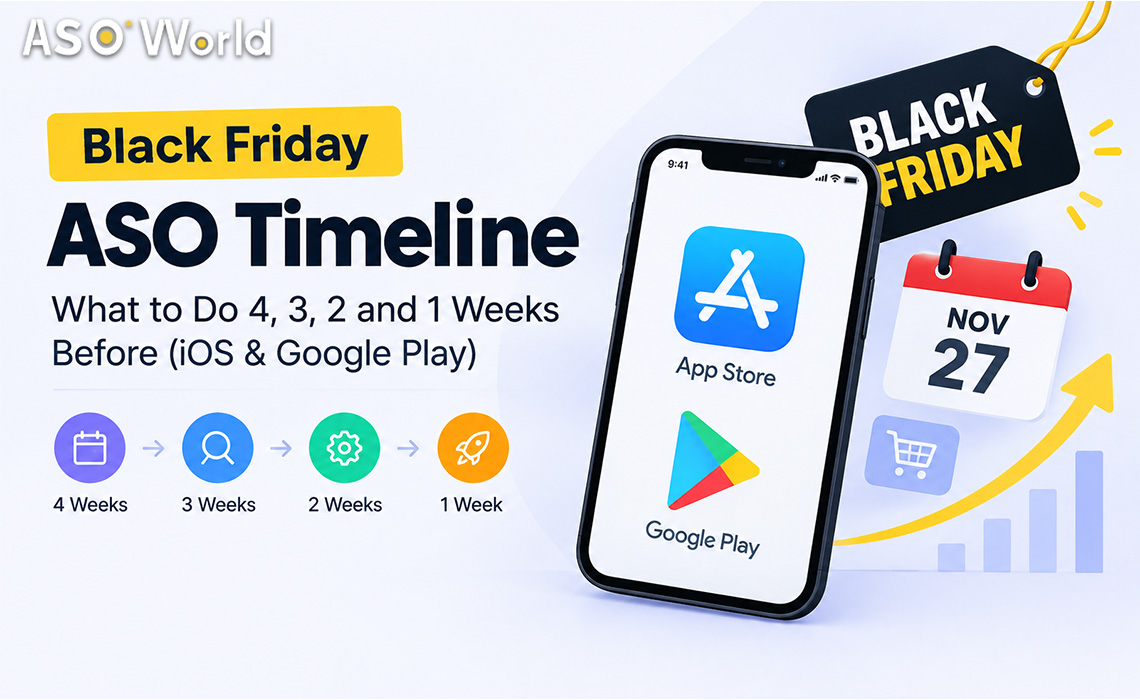
Black Friday is Nov 27. See what to do 4, 3, 2 and 1 weeks out on iOS and Google Play: keyword lead times, review timing, chart pushes and budget splits.


TL;DR
Most Black Friday ASO advice focuses on what to change — seasonal keywords, festive icons, promotional text. Far less of it tells you when. Yet timing is where most holiday budgets are won or lost: an iOS campaign that starts too early burns budget before demand peaks, while a Google Play campaign that starts too late never stabilises in time. This guide lays out a week-by-week plan for both stores.
Start the research phase four weeks out (late October) and the execution phase two to three weeks out. The exact moment depends on the store and the asset:
| Asset or action | Google Play lead time | App Store lead time | Why |
|---|---|---|---|
| Keyword research and metadata changes | 4 weeks | 4 weeks | Indexing and review cycles take time; you want data before you commit budget |
| Seasonal screenshots and promotional text | 2–3 weeks | 2–3 weeks (promotional text can change without review) | Gives store listing experiments time to produce a winner |
| Keyword ranking campaigns | Start ~3 weeks out | Start ~10–14 days out, run continuously | GP needs 7–9 days to settle; iOS responds fast but fades when activity stops |
| Ratings and reviews | Complete by 2 weeks out | Complete by 10 days out | Display delays and filtering mean late reviews may not be visible in time |
| Top-chart pushes | 1–3 days before the peak | 1–3 days before the peak | Chart positions depend on very recent download velocity |
The pattern is simple: the slower and less predictable a signal is, the earlier it needs to start.
This week has no visible results, and it decides everything that follows.
Now the work becomes visible.
By the middle of week 2 you have enough data to make decisions.
The final week is for defending ground, not taking new ground.
Two things happen right after Cyber Monday. Competitors who front-loaded their budget go quiet, and the Christmas new-device season begins, when millions of people set up phones and tablets and browse the stores. Apps that remain ranked through December inherit that traffic cheaply.
The right split depends on your budget and on how your app is positioned today:
| Situation | Metadata and creative | Keyword ranking | Ratings and reviews | Chart pushes |
|---|---|---|---|---|
| Small budget, app ranks 50–250 for key terms | 30% | 50% on 2–3 low-competition terms | 20% | 0% |
| Mid budget, app ranks 10–50 | 20% | 50% | 15% | 15% |
| Large budget, app already ranks top 10 | 15% | 35% (maintenance) | 15% | 35% |
| New app with no ratings | 30% | 30% | 40% (in-app prompts first) | 0% |
Treat these as starting points, not rules. If your Google Play rankings have been unstable recently, shift part of the keyword budget to iOS, where many developers currently report more predictable results, and to formats that build rankings gradually. If you want a single plan that combines installs, reviews and ASO across both stores, the app promotion service overview lists the campaign types available, and first orders currently get 50% off.
| Category | Peak demand window | Timeline adjustment |
|---|---|---|
| Shopping and e-commerce | Mid-November to Cyber Monday | Start everything one week earlier; promotional text changes on launch day |
| Games | Black Friday weekend and the Christmas holiday | Split budget across two peaks; keep chart pushes for the holiday break |
| Finance (budgeting, payments, loans) | Late November to January bills season | Compliance first: confirm disclosures and policy requirements before any campaign; avoid aggressive volumes |
| Utilities and VPN | Steady, with deal-driven spikes | Focus on conversion; red-ocean terms need longer runways |
| AI tools | Driven by launches and trends rather than one day | Use the season as a reason to launch features; target long-tail AI terms |
| Health and fitness | January resolution season | Use November to build ratings; save the big keyword push for late December |
When is Black Friday 2026?
Black Friday 2026 is on Friday, November 27, the day after US Thanksgiving. Cyber Monday is November 30.
How long does it take to rank for a keyword before Black Friday?
On Google Play, plan for about 7–9 days of steady activity before rankings settle. On the App Store, rankings often move within a few days but need continuous activity to hold.
Should I add "Black Friday" to my app title?
Only if your app genuinely offers Black Friday deals. For most apps, seasonal terms fit better in promotional text, descriptions and screenshots than in the title.
Is it too late to start ASO for Black Friday in November?
Not if you start in the first half of November. Prioritise iOS keyword campaigns, ratings and creative updates, and use Google Play for terms where you already rank in the top 50.
Should I focus on iOS or Google Play this season?
Run both if your audience is on both, but adjust the timing: start Google Play earlier, keep iOS continuous. If Google Play has been volatile for your app, weight more budget toward iOS.
What should I do after Cyber Monday?
Keep a maintenance pace on your best keywords, switch creatives to gift and new-device messaging, and review your results within a week.
Get FREE Optimization Consultation
Let's Grow Your App & Get Massive Traffic!
All content, layout and frame code of all ASOWorld blog sections belong to the original content and technical team, all reproduction and references need to indicate the source and link in the obvious position, otherwise legal responsibility will be pursued.