COVID-19 UPDATE


If your app has just launched and displays no ratings, no reviews and no keyword rankings, that is not a bug — it is the default state of every new app. App stores require three inputs before they will show you anywhere: complete metadata, an initial batch of installs, and enough keyword signal to know what to rank you for.
This guide walks through what is actually happening during the first 2–4 weeks after launch, what you can control, and a step-by-step checklist to get unstuck.
The Question Every New App Developer Asks
You have just shipped your app. You check the App Store or Google Play a few days later and see: zero reviews, no star rating displayed, and your app is nowhere to be found when you search the exact keywords you built the app around.
The instinct is to assume something is broken — a rejected metadata field, a suppressed listing, a shadow ban. In the overwhelming majority of cases, none of that is true. What you are looking at is cold start: the period before an app store’s algorithm has enough data about your app to know who to show it to.
Understanding the mechanics of cold start — and separating what is normal from what is actually fixable — is the first real decision point in a new app’s growth. Get it wrong, and you either panic-spend on the wrong fix, or you sit still for months waiting for something that needs a push.
Why Ratings and Reviews Don’t Show Up Immediately
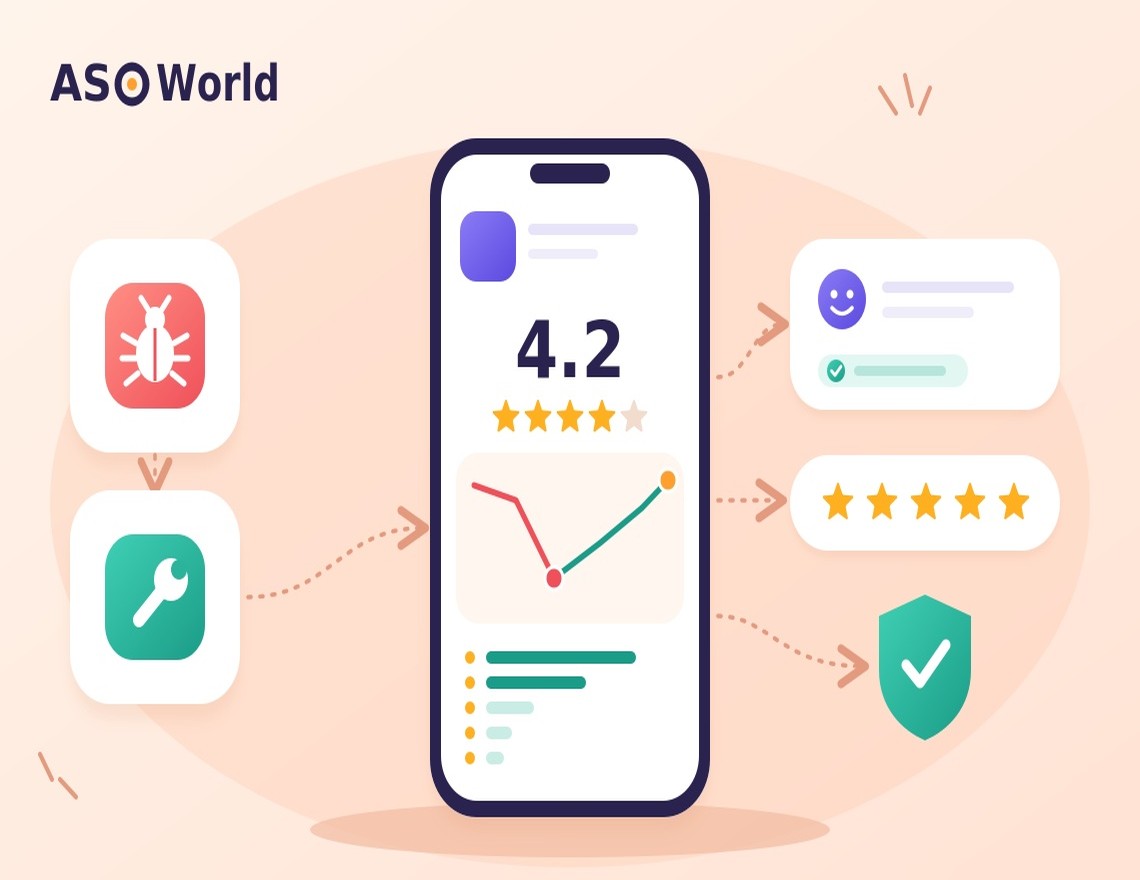
Both Apple and Google require a minimum threshold of ratings before they display a star rating publicly. Below that floor, the app store shows nothing rather than an unreliable single data point. This is a deliberate design choice, not a penalty against your app — a “4.0 stars from 2 reviews” listing would mislead users far more than showing no rating at all.
The practical implication: your first handful of genuine reviews matter disproportionately, because they are the ones that cross the visibility threshold. This is also why review velocity in week one and two often receives more attention from app marketers than review volume six months in — the early reviews unlock the star display, and the star display is one of the strongest conversion signals on a listing page. If your launch plan does not include a deliberate way to earn (or accelerate) that first batch of reviews, ASOWorld’s guaranteed reviews service is built specifically for this gap — reviews are backed by a 30-day retention guarantee, so the visibility you unlock actually sticks.
Why Keyword Rankings Take Time to Establish
Keyword ranking on both platforms is not a static lookup of your metadata against a search query. It is a live signal that combines relevance (does your title, subtitle and description actually match the term) with performance (do people who find you through that term actually install and keep using the app).
A brand-new app has relevance signals from day one — you wrote the metadata — but zero performance history. The algorithm has nothing to confirm that ranking you for a keyword would produce a good outcome for searchers. That confirmation only comes from real search-and-install behaviour accumulating over time, which is why even a perfectly optimised new listing can sit unranked for its first two to three weeks.
This is the point where App Store Optimisation stops being a one-time metadata task and becomes an ongoing discipline. ASOWorld’s core ASO service treats visual identity, keyword optimisation and metadata as a connected system precisely because none of the three works in isolation during cold start.
The Quick Start Diagnostic Checklist
Work through these in order. Most new-app “why isn’t this working” cases resolve somewhere in steps 1–6, before any paid acceleration is needed.
- Confirm your listing is fully indexed. Search your exact app name in both stores. If it does not appear even for its own name, you have an indexing or metadata-rejection issue, not a ranking issue — check your developer console for warnings.
- Check your keyword field against your actual title and subtitle. Overlapping the same keyword across title, subtitle/short description and the keyword field wastes character budget. Each field should carry different terms.
- List your 10–15 target keywords and bucket them by realistic difficulty. A keyword with a search volume your competitors are winning at 500,000+ downloads is not a launch-week target. Start with long-tail, lower-competition terms you can actually contest.
- Verify your screenshots and preview video address the search intent, not just the keyword. A user who searches “invoice generator for freelancers” wants to see an invoice being generated in your first screenshot, not just the word “invoice” in your title.
- Check whether you have any reviews at all, and if not, why. Did you prompt in-app? Is the review prompt timed after a moment of value (task completed, milestone hit) rather than immediately on open?
- Look at your install source mix. If 100% of your installs are organic search with near-zero conversion, that is a metadata/screenshot problem. If you have paid or social installs with poor retention, that is a targeting problem feeding the algorithm the wrong performance signal.
- Run a visibility-vs-conversion self-check. Are people finding your listing but not clicking (a conversion problem) or is nobody finding it at all (a visibility problem)? These require completely different fixes, and mixing them up is the single most common reason cold-start budgets get wasted. ASOWorld’s ASO budget diagnostic walks through exactly this split using your own impression and page-view data.
- Decide whether you need keyword selection help or keyword traffic help. If your keyword list itself is the problem, start with ASOWorld’s guide to picking the right keywords. If your keywords are right but you lack the initial performance signal to rank for them, a structured keyword install campaign is designed to supply exactly that early signal.
- Set a realistic timeline. iOS and Google Play do not move at the same speed — Apple’s indexing and ranking updates typically show measurable movement within 24–72 hours of a metadata change, while Google Play’s algorithm weighs a longer behavioural window, so expect Android ranking shifts to take longer to register even when the underlying fix is identical.
- Re-check weekly, not daily. Cold start data is noisy in small samples. Daily checking during the first two weeks will show you random variance that looks like signal but is not.
Common Myths That Waste Cold Start Budget
- “My app isn’t ranking, so my metadata must be wrong.” Not ranking for a competitive term in week one is expected behaviour, not a diagnostic finding. Check indexing (step 1) before you rewrite anything.
- “I need reviews before I can get keyword rankings.” These are related but separate systems. You can build keyword ranking momentum with install-based performance signal before review volume catches up — they reinforce each other rather than gating one another.
- “Buying installs is a shortcut that replaces organic growth.” A structured install campaign is a way to supply the app store’s algorithm with the initial performance signal it needs to evaluate you fairly — it works best as a launch accelerant feeding into an otherwise sound ASO foundation, not as a replacement for one.
New App Quick Start: Quick Reference
| Symptom | Likely cause | First move |
|---|---|---|
| App doesn’t show even for its own name | Indexing/metadata rejection | Check developer console warnings |
| No star rating displayed | Below minimum review threshold | Prompt for reviews post-value moment; consider a guaranteed review programme |
| Zero keyword rankings after 1 week | Normal cold start — no performance history yet | Wait through the algorithm’s evaluation window; don’t rewrite metadata prematurely |
| High impressions, low installs | Conversion problem (screenshots/description mismatch search intent) | Rework creative assets, not keywords |
| Low impressions, decent conversion when found | Visibility problem (not ranking for enough terms) | Expand keyword coverage, consider install-based ranking support |
FAQ
How long does app store cold start actually last?
Most apps see initial keyword ranking movement within 2–3 weeks on iOS and 3–4 weeks on Google Play, assuming metadata and creative assets are sound. Full ranking stabilisation for competitive terms can take 6–8 weeks.
Do I need reviews before I can rank for keywords?
No — they are correlated but not dependent on each other. Ranking is driven primarily by relevance and install/engagement performance; reviews influence conversion rate and, indirectly, retention signals over a longer horizon.
Is it normal for a new app to have zero downloads in week one outside of friends and family?
Yes. Organic discovery for a brand-new app with no ranking, no reviews and no external marketing is close to zero by default — this is exactly why a deliberate cold-start plan (metadata, initial installs, review generation) matters more than most first-time app marketers expect.
Should I fix keywords or buy installs first?
Fix keywords first if you are not confident your target terms match real search demand and realistic competition. If your keyword list is already validated and the gap is purely a lack of performance history, an install-based push is the more direct next step.
Still not sure whether your new app’s real problem is visibility, conversion or reviews? Work back through the diagnostic checklist above before spending on any single fix — it is built to point you at the right one first.