noticeCOVID-19 UPDATE ASO World entire team is working remotely. we expect no disruptions in our ASO services.
Browser close
50% OFF FIRST ORDER
Referral Program
bonusprogram
50% OFF FIRST ORDER
Referral Program
bonusprogram
logo
  • 앱 프로모션 서비스
    키워드 설치
    패키지명(직접) 설치
    평점 및 리뷰
    고품질 리뷰 서비스
    키워드 랭킹 서비스 보증
    ASO 제공하다
    맞춤형 솔루션
    더 많은 서비스
  • ASO 도구
    무료 ASO 도구
    키워드 리서치 도구
    키워드 선택 방법
    promote
    모든 시즌을 성장 급증으로 바꾸세요
    FIFA 월드컵부터 여름 성수기, 블랙프라이데이부터 크리스마스까지 — 모든 성수기는 이미 경쟁사들이 공략하고 있는 사용자 확보의 기회입니다. 늦지 마세요.
  • 솔루션
    By vertical
    스포츠
    HOT
    일체 포함
    건강 및 피트니스
    전자상거래
    핀테크
    HOT
    게임
    교육
    데이트
    엔터테인먼트
    여행하다
    소셜 미디어
    레스토랑 및 푸드테크
    생산력
    Lifestyle
    음악
    Utility
    사진 & 비디오
    Casino
    Business
    소식
    NEW
    By Performance
    시즌 및 이벤트 마케팅
    NEW
    FIFA 월드컵 2026 앱 성장 전략
    HOT
    앱 평판 및 부정적 리뷰 관리
    앱 순위 및 사용자 확보 향상
    NEW
    유기적 반응 및 사용자 경험 개선
    NEW
    모바일 앱 출시 마케팅
    NEW
    키워드 순위 및 유기적 다운로드 증가
    NEW
    solution-suffix
    고객 스토리
    영감을 주는 고객 사례를 살펴보고 귀하와 같은 기업이 ASO World를 성공적으로 활용하여 강력한 모바일 앱을 만든 방법을 알아보세요.
    how-to-pick-keywords
    앱스토어와 구글플레이를 위한 올바른 키워드 선택 방법
    스토어 검색을 실제 설치로 전환하는 키워드를 찾고, 분류하고, 검증하는 리서치-투-랭킹 프레임워크와 안전하게 순위를 올리는 실행 플랜을 소개합니다.
  • ASO 아카데미
    블로그
    사례 연구
    가이드 및 통찰력
    일반적인 문제
    용어 사전
    promote
    모든 시즌을 성장 급증으로 바꾸세요
    FIFA 월드컵부터 여름 성수기, 블랙프라이데이부터 크리스마스까지 — 모든 성수기는 이미 경쟁사들이 공략하고 있는 사용자 확보의 기회입니다. 늦지 마세요.
    promote
    iPhone 듀오 ASO 가이드: 스크린샷, 미리보기 및 제품 페이지 최적화
    iPhone Duo를 위한 App Store 등록정보를 준비하세요: 스크린샷 크기, 외부 vs 내부 디스플레이 크리에이티브, PPO/CPP 테스트, 현지화, 지표 및 앱 심사 규정.
  • 가격
로그인 가입
logo
  • 앱 프로모션 서비스
    키워드 설치
    패키지명(직접) 설치
    평점 및 리뷰
    고품질 리뷰 서비스
    키워드 랭킹 서비스 보증
    ASO 제공하다
    맞춤형 솔루션
    더 많은 서비스
  • ASO 도구
  • 솔루션
    By vertical
    스포츠
    일체 포함
    건강 및 피트니스
    전자상거래
    핀테크
    게임
    교육
    데이트
    엔터테인먼트
    여행하다
    소셜 미디어
    레스토랑 및 푸드테크
    생산력
    Lifestyle
    음악
    Utility
    사진 & 비디오
    Casino
    Business
    소식
    By Performance
    시즌 및 이벤트 마케팅
    FIFA 월드컵 2026 앱 성장 전략
    앱 평판 및 부정적 리뷰 관리
    앱 순위 및 사용자 확보 향상
    유기적 반응 및 사용자 경험 개선
    모바일 앱 출시 마케팅
    키워드 순위 및 유기적 다운로드 증가
  • ASO 아카데미
    블로그
    사례 연구
    가이드 및 통찰력
    일반적인 문제
    용어 사전
  • 가격
Important Notice
중요 공지:파트타임 채용이나 ASO 수익 앱 활동을 위해 ASOWorld의 이름을 사용하는 사기에 주의하세요. ASOWorld는 파트타임 직원을 채용하지 않습니다. ASOWorld가 게시한 공식 정보만 신뢰하세요.
Close the Important Notice

Is a Popularity-5 Keyword Worth It? What Low App Store Keyword Popularity Really Means

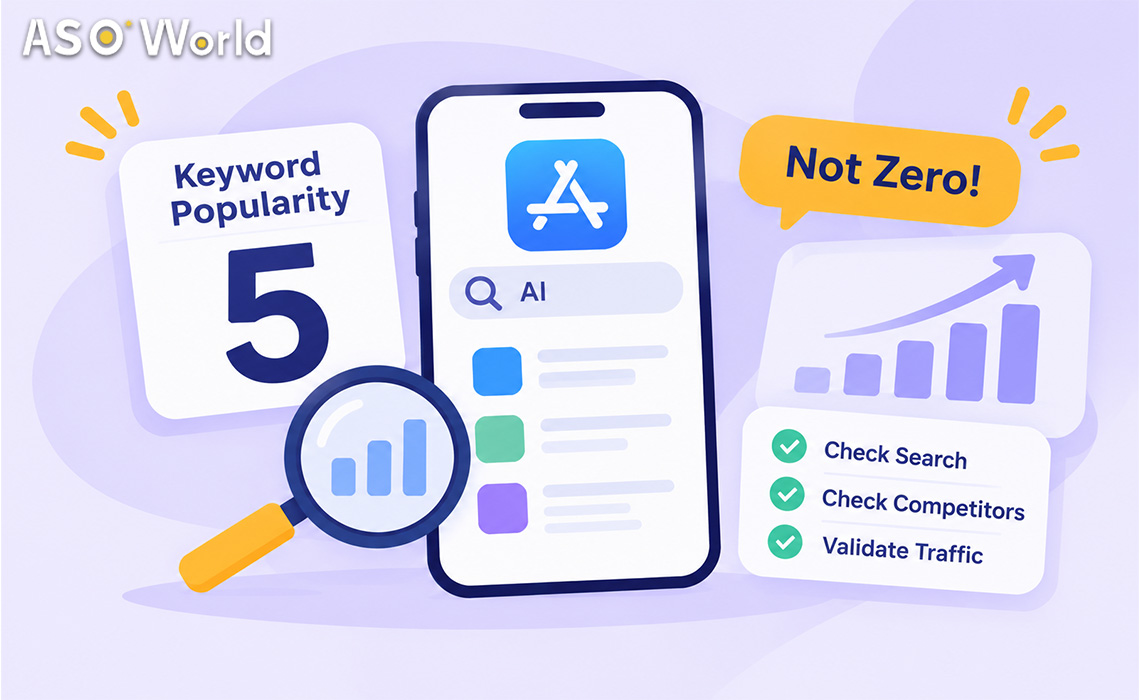
Popularity 5 isn't zero. Learn what low App Store keyword popularity really means, 5 checks to spot a live keyword, and a 2-week test before you scale.

공개 날짜: Today
업데이트 날짜: Today

홈페이지 블로그 ASO 가이드 Is a Popularity-5 Keyword Worth It? What Low App Store Keyword Popularity Really Means

In twitter faceBook rss

Low Popularity Keywords

TL;DR

  • Apple's keyword popularity score runs from 5 to 100, and 5 is the floor, not zero. Independent studies estimate that roughly 90–98% of App Store keywords sit at 5.
  • A score of 5 means "below Apple's reporting threshold". It doesn't mean nobody searches it. Two keywords that both show 5 can have very different real traffic.
  • In ASOWorld campaigns we have repeatedly seen some popularity-5 keywords bring in traffic similar to keywords scored 25–30, usually long, specific phrases with strong intent and little competition.
  • Use the five checks below to tell a live "5" from a dead one. Then run a two-week test before putting a real budget on it.
  • The aim isn't to win one big keyword. It's to rank Top 10 on many relevant keywords. Leading apps add dozens of new Top-3 and Top-10 keywords each month this way.


What does keyword popularity mean in the App Store?

Keyword popularity is Apple's relative index of how often a search term is used in the App Store. It is shown in Apple Search Ads and in most ASO tools, on a scale from 5 (lowest) to 100 (highest).


Three things about the scale often get misread:

  1. It's relative, not absolute. A popularity score doesn't tell you a number of searches per day.
  2. It's non-linear. MobileAction's analysis found that impressions rise exponentially as popularity rises. The gap between 30 and 31 is much larger than the gap between 5 and 6.
  3. It has a floor. Any keyword below Apple's minimum threshold is shown as 5. That covers a very large share of all keywords.


Google Play doesn't publish an official popularity score. ASO tools estimate Google Play volume from other signals, so Google Play "volume" numbers are best treated as rough guides.


Why do so many keywords show a popularity of 5?

Because 5 is the default for every keyword under the threshold.


Source What they found
MobileAction, Apple Search Popularity Decoded Nearly 90% of keywords they looked at received a score of 5; 5 is the lower bound
Sonar, low-competition keyword study (US sample of 3,510 keywords) 94.5% sat at the floor; across ~1.67M iOS keywords, about 98% did


So when your keyword tool shows a long list of 5s, it isn't telling you those keywords are dead. It's telling you the tool can't see how much traffic they have.


Can a popularity-5 keyword really drive as much traffic as a 25 or 30?

Sometimes, yes. In keyword campaigns we've run, we have seen some keywords scored 5 bring in traffic comparable to keywords scored 25–30. That runs against how most developers pick keywords.


There are three reasons this happens:

  • The threshold hides real demand. A keyword just under the cutoff shows 5, the same as one with almost no searches.
  • Long phrases convert better. Someone searching "receipt scanner for taxes" knows what they want. Someone searching "scanner" might want a QR reader, a document app or a printer utility.
  • Competition is thin. Sonar found that on the App Store, the exact keyword phrase appears in a top-10 app's name 45% of the time for one-word keywords, but only 1.6% of the time for phrases of four or more words. About one in six top-10 results is led by an app with fewer than 100 ratings.


A popularity-5 keyword that you can rank #1–3 for may bring in more installs than a popularity-30 keyword where you sit at #25.


But not every 5 is a hidden gem. Most really are low-traffic. You need a way to tell the two apart.


How do you tell a "live 5" from a dead one? Five checks

Run these before adding any popularity-5 keyword to a campaign.


Check How to do it Live 5 Dead 5
1. Autocomplete Type the first 2–3 words into the store search bar in the target country The phrase or a close variant is suggested Not suggested at all
2. Competitor rankings Look at who ranks Top 10 Relevant apps with reasonable ratings; at least one competitor clearly targets it Random or unrelated apps
3. Relevance Would a user typing this phrase be happy to find your app? Directly describes a core feature Only loosely related
4. Your impressions after indexing Add it to metadata, wait 7–14 days, check impressions (App Store Connect / Play Console) Impressions appear once you rank Top 10 No impressions even at Top 5
5. Country fit Compare the phrase in each local language and storefront Natural local wording Literal translation nobody types


Two "live" signals from checks 1–3 are enough to put a keyword into a small test. Check 4 is the real proof.


Popularity 5 vs. 25–30 vs. 50+: what are you really choosing between?


  Popularity 5 (live) Popularity 25–30 Popularity 50+
Typical form 3–5 word specific phrase 2–3 word feature term 1–2 word category head term
Competition Usually low Medium High, led by big brands
Time to reach Top 10 Short Medium Long, often not realistic for new apps
Cost to hold a position Low Medium High
Conversion after a search High (clear intent) Medium Lower (mixed intent)
Best role in a portfolio Volume through many terms Core growth terms One or two "reach" terms, if any


That's why ASOWorld's keyword selection guide recommends a 10–30% core / 70–90% long-tail mix, and scoring every candidate on volume, difficulty and chance together rather than on volume alone.


Where do you find low-popularity keywords worth testing?

The best candidates rarely come from sorting a tool's list by popularity. Look in these four places:

  • Store autocomplete, one word at a time. Type your core feature and note every suggestion that adds a modifier (for students, offline, with widget, no ads).
  • Your own reviews and support emails. The words users use to describe your app are often the exact phrases they search for.
  • Competitor long descriptions and subtitles. If several relevant apps repeat a phrase, someone found it worth targeting.
  • Smaller storefronts and local languages. A phrase that sits at 5 in the US may be a real search term in Canada, the UK or a non-English storefront, where competition is lower.


Keep a shared list with three columns (phrase, source, check results) so the next test cycle starts from evidence instead of guesses.


How should low-popularity keywords fit into your strategy?

Think in coverage, not single positions.


The fastest-growing apps rarely win by taking one big keyword. They rank Top 10 on dozens or hundreds of relevant keywords at once. We have seen competitor apps add well over a hundred new Top-3 keywords and several hundred Top-10 keywords in a single month. A keyword performance case study from a Bluetooth finder app shows how quickly that coverage compounds once the long tail starts ranking. Most of those keywords would look "too small" in a popularity column.


A practical starting setup:

  1. 2–4 core terms (popularity 20–40) that describe your main feature.
  2. 10–20 long-tail terms, including live 5s that passed the checks above.
  3. Group long-tail terms by feature, so one metadata update supports several of them.
  4. Review every 2–4 weeks. Drop terms that stay at zero impressions and add new long-tail candidates.


Once a group of long-tail terms ranks well, the store sees your app as more relevant for the related core term. That relevance often helps the core term move later.


ASO World 키워드 최적화
앱 스토어 및 구글 플레이 검색 결과에서 앱 가시성을 높이세요!
adImg


How do you test a low-popularity keyword before spending more?

Use a short, two-week test:

Week 1: index and measure

  • Add 5–10 candidate phrases to your metadata (iOS keyword field and subtitle; Google Play title, short and long description).
  • Record your starting position and impressions for each.


Week 2: give them a small push

  • For phrases already in the top 250 results, run a low, steady daily volume of keyword installs across all candidates. Pricing starts from $0.20 per install on Google Play and $0.30 on iOS (checked November 10, 2026). Spread the volume across all candidates rather than putting it on one.
  • Keep the run continuous. On iOS, rankings fade quickly if activity stops.


Decide at day 14

A day-by-day 14-day ramp plan shows what those two weeks look like when the push is done properly.


Result What it means Next step
Top 10 + impressions + installs Live 5 Move to maintenance pace; add similar phrases
Top 10, impressions but few installs Traffic exists, page doesn't convert Fix screenshots or description before scaling
Top 10, no impressions Dead 5 Drop it
Still outside Top 50 Relevance or competition problem Re-check metadata and relevance; don't add volume


If you want this test planned and tracked for you, the keyword ranking and organic downloads solution covers keyword discovery, ranking work and reporting.


Common mistakes with low-popularity keywords

  1. Deleting every keyword that shows 5. You throw away most of the real long tail.
  2. Adding every keyword that shows 5. Relevance still matters more than anything else.
  3. Judging after three days. Run these in a keyword ranking tool before adding any popularity-5 keyword to a campaign.
  4. Putting all of the volume on one long-tail phrase. Spread it so ranking growth looks like natural search demand.
  5. Testing in the most crowded market first. Smaller storefronts with less competition show results faster and cheaper.


Not sure whether your problem is the keywords you chose, your ranking, or conversion? The badly ranked or not ranked ASO budget diagnostic walks through it step by step.


FAQ

What is the lowest keyword popularity score in the App Store?

5. Every keyword below Apple's minimum threshold is shown as 5, so the score is a floor, not a measure of zero searches.


Are popularity-5 keywords worth targeting?

Some are. Long, specific phrases that appear in autocomplete, have relevant competitors and describe your core feature can bring meaningful, high-converting traffic. Test before scaling.


Is a popularity score of 30 twice as much traffic as 15?

No. The scale isn't linear, and traffic rises much faster toward the top of the scale. Use popularity to compare keywords against each other, not to estimate a number of searches.


Does Google Play have a keyword popularity score?

Google doesn't publish one. ASO tools estimate Google Play volume from other signals, so treat those numbers as rough guides and confirm with Play Console impressions.


How many long-tail keywords should a new app target?

A common starting point is 2–4 core terms plus 10–20 long-tail terms, reviewed every few weeks. Add new phrases as weak ones drop out.


How long should I wait before judging a low-popularity keyword?

Allow 7–14 days after indexing, and at least a week of continuous activity if you are supporting it with installs. Shorter windows mostly measure ranking refresh lag.


ASO Topic 앱 스토어 최적화,키워드 연구,

SHARE THIS POST

In twitter faceBook

Get FREE Optimization Consultation

Let's Grow Your App & Get Massive Traffic!


All content, layout and frame code of all ASOWorld blog sections belong to the original content and technical team, all reproduction and references need to indicate the source and link in the obvious position, otherwise legal responsibility will be pursued.

스토어 랭킹 취득 능력 검출 시작
ASO 도구로 한 단계씩 모든 앱 스토어 최적화 작업 측정
목차

    Categories

    • 앱 마케팅
    • 앱 프로모션 전략
    • 앱 프로모션 사례 연구
    • 모바일 게임 및 앱 인사이트
    • 앱 스토어 뉴스
    • ASO 가이드
    • 초보자를 위한 ASO 기초
    • 앱 스토어 순위
    • 사용자 획득
    • 모바일 앱 시장 동향
    • 게임 커뮤니티
    • iOS 17 ASO 허브
    • 아소월드 뉴스
    • ASO World Platform 가이드라인
    ASOWorld
    App Store Optimization service provider
    Follow ASOWorld:
    Boost your app via App Installs, Keyword Installs, App Reviews & Ratings & Guaranteed App Ranking.

    댓글

    아직 로그인하지 않았습니다. 먼저 로그인 / 회원가입 해주세요.

    관련 블로그
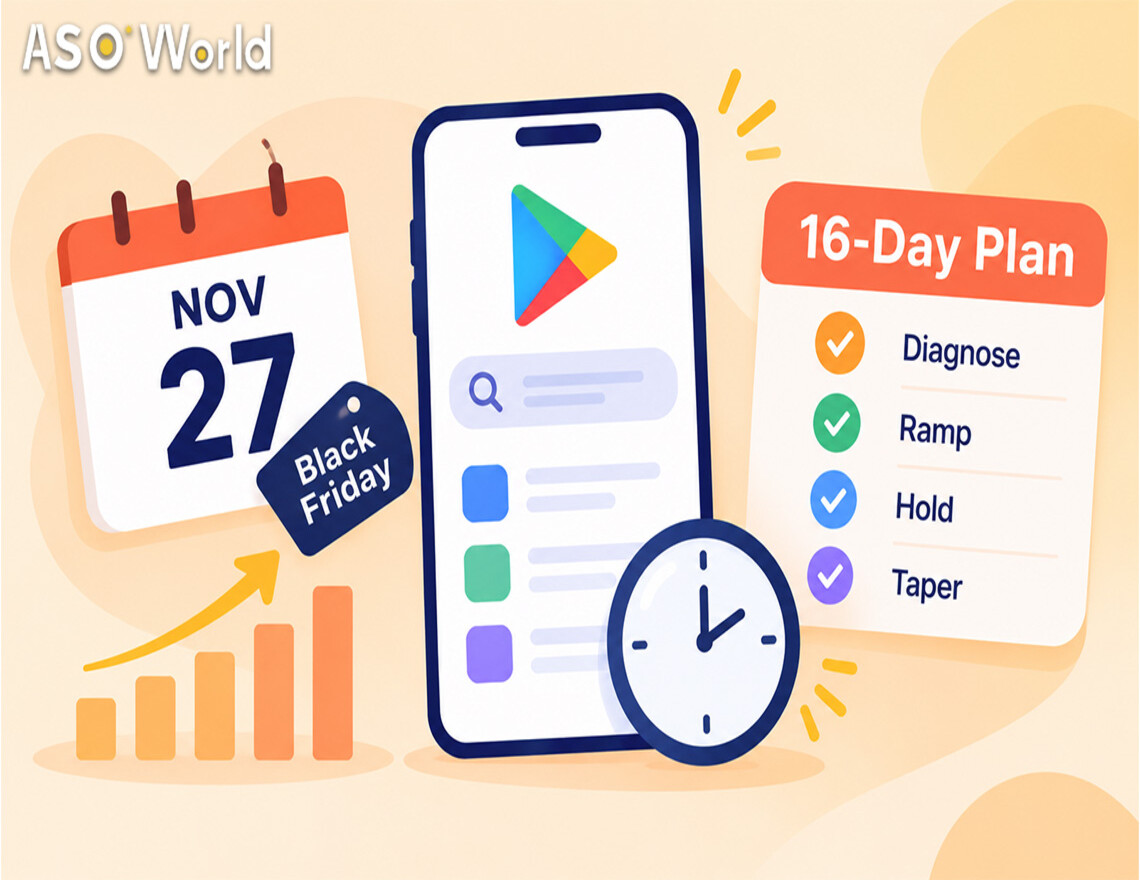
    Black Friday Is 16 Days Away: A Late-Start ASO Schedule for Keyword Installs and Chart Pushes
    ASO 가이드

    Black Friday Is 16 Days Away: A Late-Start ASO Schedule for Keyword Installs and Chart Pushes

    Today
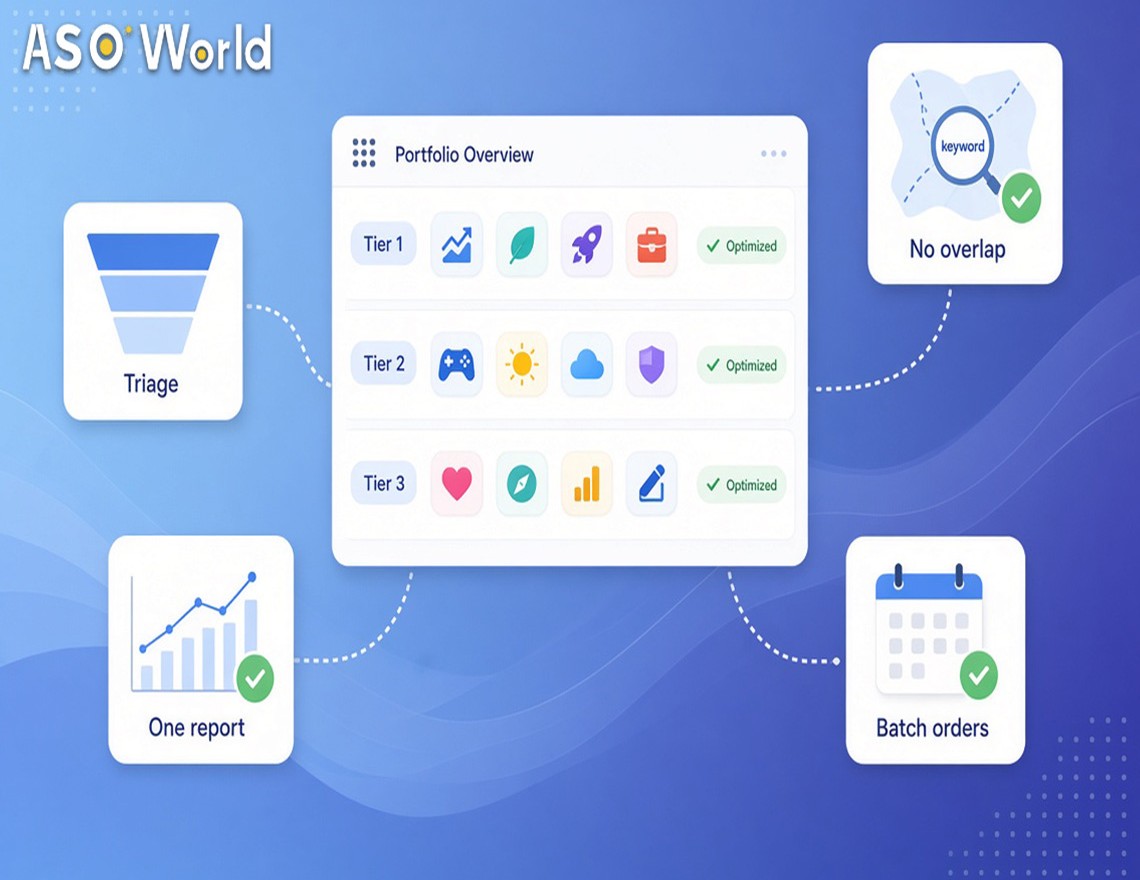
    10개 이상의 앱을 위한 ASO 관리 방법: 에이전시, 리셀러 및 퍼블리셔를 위한 포트폴리오 워크플로우
    ASO 가이드

    10개 이상의 앱을 위한 ASO 관리 방법: 에이전시, 리셀러 및 퍼블리셔를 위한 포트폴리오 워크플로우

    Today
    프로모션 지금 바로 시작, 당신의 앱 탐색 여행을 시작하세요!
    고객님이 대기업이든 소규모 신생기업이든 Google Play, App Store, Galaxy Store 와 RuStore 에서 더 저렴한 가격으로 고객님의 앱을 홍보할 수 있도록 도와드립니다.
    프로모션 지금 바로 시작, 당신의 앱 탐색 여행을 시작하세요!
    • ASO
    • Email [email protected]
    • Contact Contact Us
    • twitter facebook linkedin instagram
    • 제공하다
    • 키워드 설치
    • 패키지명(직접) 설치
    • 평점 및 리뷰
    • 고품질 리뷰 서비스
    • 키워드 랭킹 서비스 보증
    • ASO 제공하다
    • 더 많은 서비스
    • ASO 도구
    • 무료 ASO 도구
    • 키워드 리서치 도구
    • 키워드 선택 방법
    • ASO 아카데미
    • 블로그
    • 사례 연구
    • 가이드 및 통찰력
    • 일반적인 문제
    • 용어 사전
    • 마케팅 뉴스
    • 회사
    • ASO World를 선택하는 이유
    • 우리에 관해
    • 문의하기
    • 리셀러 프로그램
    • 시작하기
    • LLM & AI 정보
    ASO World © 2020-2026 all rights reserved
    개인정보 처리 방침 서비스 약관

    당사는 웹사이트에서 쿠키를 사용하여 귀하의 기본 설정과 반복 방문을 기억하여 가장 관련성 높은 경험을 제공합니다. "수락"을 클릭하면 모든 쿠키 사용에 동의하는 것입니다.