COVID-19 UPDATE

ASO Report Template: How to Report Keyword Rankings and App Growth to Your Boss Every Week


중요 공지:파트타임 채용이나 ASO 수익 앱 활동을 위해 ASOWorld의 이름을 사용하는 사기에 주의하세요. ASOWorld는 파트타임 직원을 채용하지 않습니다. ASOWorld가 게시한 공식 정보만 신뢰하세요.

Google Play rating dropped? Learn the 6 most common causes, diagnose yours in 15 minutes, and follow a 30-day recovery plan built for indie apps.


TL;DR
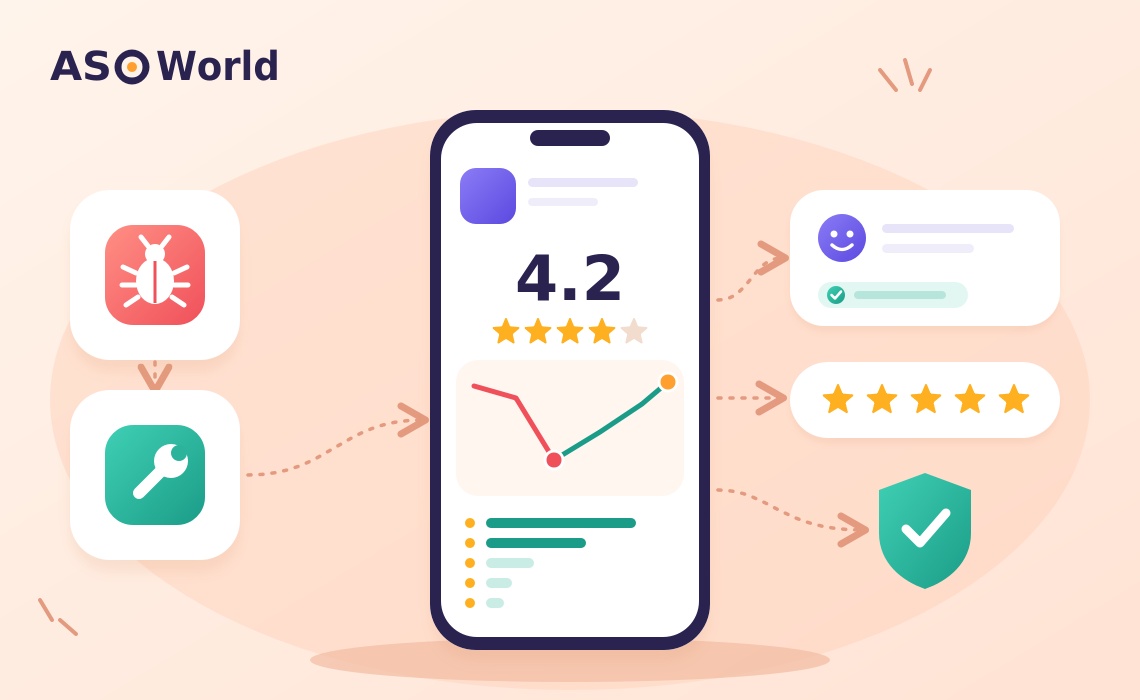
Few things worry a small app team more than opening Play Console and seeing the star rating slide from 4.4 to 3.9 in a single week. For indie developers in India, Pakistan and other fast-growing Android markets, where Google Play is effectively the only store that matters, a lower rating does two kinds of damage at once: fewer people install from the listing, and the algorithm has less reason to show your app at all.
The good news: rating drops are diagnosable, and most are recoverable within one to two months if you act on the real cause. This guide walks through the six most common causes, a quick diagnostic table, and a 30-day recovery plan you can run without a big budget.
Since 2019, Google Play has calculated the public star rating with more weight on recent ratings rather than a simple lifetime average. Google made the change so that a rating reflects the current version of an app, not one from three years ago.
That has two consequences small teams often miss:
Google Play also shows different ratings in different contexts — users can see ratings tailored to their country and device type (phone, tablet, Chromebook, etc.). So "my rating dropped" may really mean "my rating in India on phones dropped," which points to a very different cause than a global drop.
This is the most frequent cause by far. Check Android vitals in Play Console. Google's published "bad behavior" thresholds are a user-perceived crash rate of 1.09% and a user-perceived ANR rate of 0.47% (across all devices). If you crossed either line after an update, you have found your problem — and you may also be losing visibility, because Google can reduce the discoverability of apps that exceed those thresholds.
Typical signs: 1-star reviews mention "crash," "not opening," "stuck," "after update"; the drop starts within 48 hours of a release.
New interstitial ads, a paywall on a previously free feature, a forced login or a redesigned home screen can all trigger a wave of angry reviews from loyal users. These reviews are usually long and emotional, and they often say "used to be good."
Google regularly deletes reviews it considers fake, incentivized, off-topic or abusive. If a large share of your 5-star ratings came from sources Google later flags, the rating can drop with no change in your app at all. Look for a falling total rating count alongside a falling average — that pattern points to removal, not new negative ratings. (We cover this in more detail in our guide to why Google Play deletes app reviews.)
Because ratings are segmented, a localization error (broken Hindi or Urdu strings, a currency bug, a payment method that fails in one market) or a performance problem on low-RAM devices can tank the rating for one segment. Filter ratings by country and device in Play Console to confirm.
Utility, live-sports and festival-themed apps see bursts of new users during peak moments. New users who arrive with high expectations and hit a slow or confusing first session rate harshly. The app didn't get worse — the audience got bigger and less forgiving.
Sometimes a coordinated group posts negative reviews unrelated to the app's quality (politics, a viral complaint, a rival community). These reviews arrive in a tight window, often with similar wording. Google's policies prohibit this, and you can flag such reviews from Play Console — but it is the least common cause, so rule out the first five before assuming it.
Open Play Console → Ratings and reviews and Android vitals, then answer the questions in this table.
| What you see | Most likely cause | First action |
|---|---|---|
| Drop starts within 48h of a release; reviews mention crashes | Bad release (Cause 1) | Check vitals; ship a hotfix or halt the staged rollout |
| Many long reviews mention ads, price, login or "new design" | Monetization/UX change (Cause 2) | Roll back or soften the change; explain in replies |
| Total rating count falls along with the average | Review removal (Cause 3) | Stop any non-organic rating source; focus on organic prompts |
| Drop only in one country or device type | Localization/device issue (Cause 4) | Test on that locale and on low-end devices |
| Drop coincides with a traffic spike from a big event | Expectation mismatch (Cause 5) | Improve onboarding and first-session speed |
| Burst of similar 1-star reviews in 1–3 days, off-topic | Review bombing (Cause 6) | Flag reviews; document; continue normal replies |
A useful companion check: is your problem actually the rating — or is it that fewer people see your app in the first place? If impressions are fine but conversion fell, the rating is likely the culprit. If impressions collapsed, you may have a visibility problem that a rating fix alone won't solve. Our diagnostic for "badly ranked vs. not ranked" apps explains how to tell the two apart before you spend money.
Here is a plan built for teams of one to five people. It assumes the root cause is fixable within the first week.
| Window | Goal | Key actions |
|---|---|---|
| Day 0–2 | Stop the bleeding | Halt or roll back the staged rollout; post a short acknowledgment in your store listing's "What's new" if users are affected; reply to the 20 most recent 1-star reviews |
| Day 3–7 | Fix the root cause | Ship the hotfix; confirm crash and ANR rates are back below Google's thresholds; reply to every new negative review mentioning the fix |
| Day 8–21 | Rebuild positive volume | Trigger the In-App Review API at "success moments"; prompt only users who completed a key action; keep replying daily |
| Day 22–30 | Lock in and prevent | Compare rating by country and device; set alerts on 1–2 star spikes; add a pre-release checklist (vitals, low-end devices, locales) |
If you'd rather have specialists run the audit, replies and monitoring for you, ASOWorld's app reputation and negative review management service covers review audits, professional responses, in-app prompt timing and ongoing sentiment monitoring. In one client case listed on that page, the rating recovered from 3.5 to 4.2 over three months.
No — and this is the most expensive mistake we see small teams make after a rating drop.
| Approach | Short-term effect | Long-term risk | Recommended? |
|---|---|---|---|
| Replying to reviews + fixing bugs | Slow but steady; users edit ratings | None | ✅ Yes |
| In-App Review API at success moments | Increases organic rating volume | None if used per Google's guidance | ✅ Yes |
| Improving the store listing (screenshots, description) | Better-matched expectations, fewer angry first-time users | None | ✅ Yes |
| Buying or incentivizing ratings/reviews | Temporary bump | Removed by Google; violates Play's Ratings & Reviews policy; can trigger enforcement; in the US, fake reviews are also targeted by the FTC's 2024 rule | ❌ No |
Google Play's policy prohibits developers from manipulating ratings and reviews through incentives or fake accounts. Google actively filters such reviews — which is exactly why many developers see a second drop weeks after a paid "boost." The fastest durable recovery is still a fixed product plus a steady stream of real, happy users being asked at the right moment.
If you've fixed the bugs and replies are going out daily, but conversion is still weak, the problem may be your listing itself: screenshots that over-promise, a description that attracts the wrong users, or an icon that looks dated next to competitors. A professional app store optimization service can rework the title, description, icon and screenshots so expectations match the real product — which reduces the angry first-session ratings that started the problem. ASOWorld's packages start at $300 (Base, 5 working days) at the time of writing; check the page for current pricing and inclusions.
For most apps, two to six weeks after the root cause is fixed. Because Google weights recent ratings, the visible rating improves as healthy new ratings accumulate. Apps with very low rating volume take longer simply because fewer new ratings arrive each week.
Check whether your total rating count also fell — that usually means Google removed reviews it flagged as spam or incentivized. Other causes are a server-side change, a third-party SDK issue, a payment or login failure in one country, or a sudden influx of new users with different expectations.
No. Developers can't delete reviews. You can reply to them, and you can flag reviews that violate Google's policies (spam, off-topic, hate speech, review bombing) for Google to review.
They can. Users are notified when you reply and are able to update their rating. A reply that confirms a fix gives them a specific reason to do so.
Indirectly, yes. A lower rating typically reduces listing conversion, and Google Play uses engagement and conversion signals when deciding how prominently to show an app. Severe crash or ANR rates can also directly reduce visibility.
No. Paid or incentivized reviews violate Google Play policy, are frequently removed, and can expose your developer account to enforcement. Focus on product fixes, replies and the In-App Review API.
Next step: Run the 15-minute diagnostic above today. If the problem turns out to be visibility rather than rating, read our guide on choosing the right growth path for your stage before spending on installs.
Get FREE Optimization Consultation
Let's Grow Your App & Get Massive Traffic!
All content, layout and frame code of all ASOWorld blog sections belong to the original content and technical team, all reproduction and references need to indicate the source and link in the obvious position, otherwise legal responsibility will be pursued.