In short: Most "missing" ratings and reviews haven't actually been lost. They're either delayed, being shown to a different audience from the one you're checking from, or still sitting below the store's display threshold. A smaller share are taken down by the stores' spam filters, usually because they arrived too quickly or came from traffic that doesn't resemble genuine users of your app. Start by checking timing, storefront, device and rating volume. If reviews really are being removed, the remedy is almost always slower pacing and better-matched traffic, not a larger order.
Few things irritate a developer more than spotting a rating notification in the console and then finding nothing on the public store page. It feels as though the review has vanished, or as though the effort behind it was wasted. In our day-to-day conversations with developers, "my reviews aren't showing" has become one of the most common questions of the season, on both the App Store and Google Play.
This guide goes through the five most frequent causes, shows you how to tell them apart in under ten minutes, and explains what genuinely helps ratings to stay put.
Are Your Reviews Missing, or Simply Not Visible to You Yet?
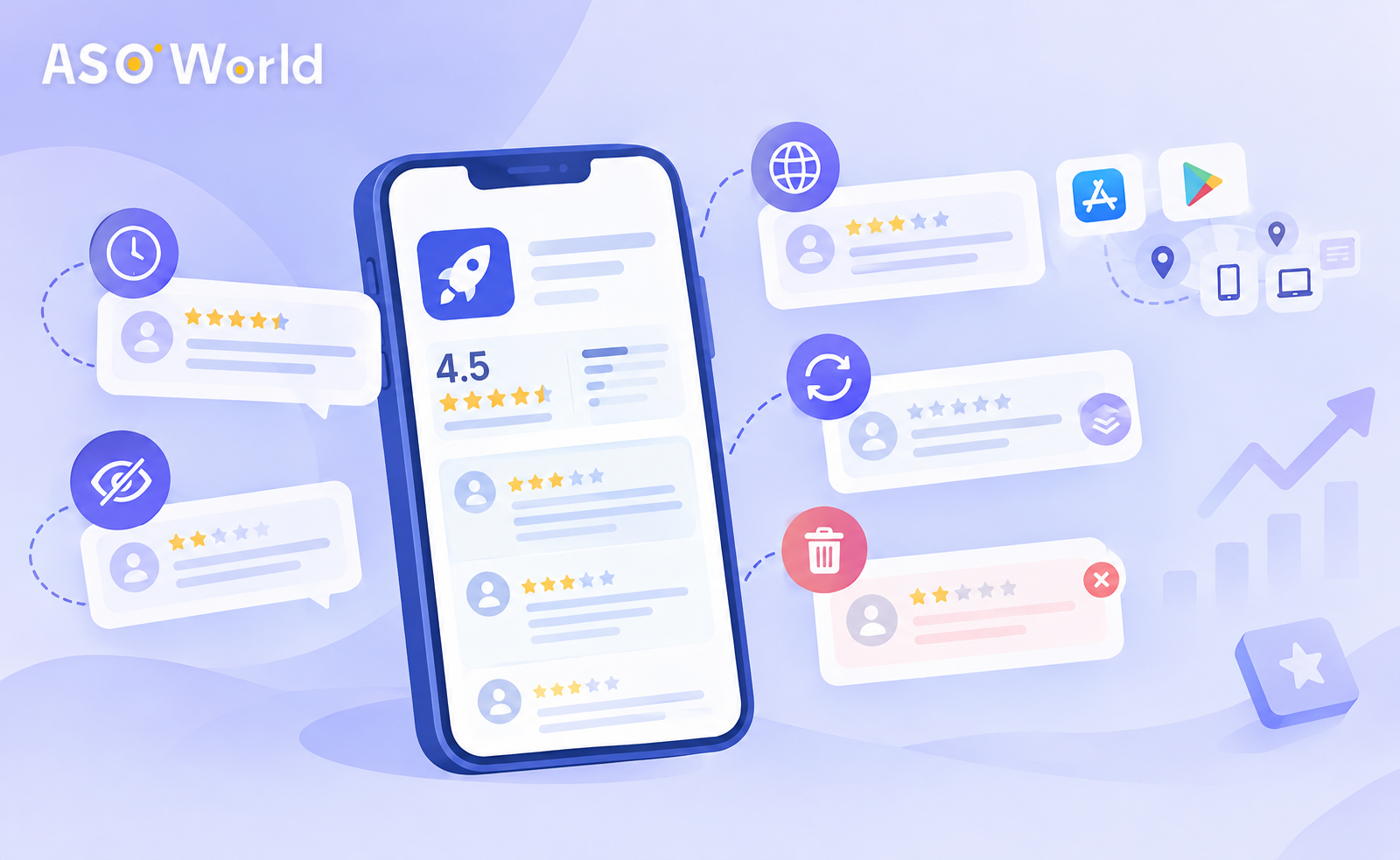
Before you assume anything has been deleted, separate three very different situations:
- Delayed – the rating exists but hasn't been published yet.
- Not visible from where you're looking – it's live, but on a different storefront, device type or summary from the one on your screen.
- Removed – the store has filtered it out or taken it down.
Only the third is a genuine loss, and it's usually the least common. The table below is the quickest way to work out which one applies to you.
| What you're seeing |
Most probable cause |
Where to look first |
| A rating appears in the console but not on the store page |
Processing delay |
Wait 48–72 hours before drawing conclusions |
| The store page says "Not Enough Ratings" or shows no star average |
Rating volume below the display threshold |
Total rating count in each country |
| A friend can see reviews that you can't |
Different storefront or device type |
Your device's country or region and its device category |
| The rating average fell to zero after an update |
The rating summary was reset with the new version (iOS) |
Version settings in App Store Connect |
| A batch of reviews vanished all at once, days after being posted |
Spam or integrity filtering |
The timing and pattern in which those reviews arrived |
Reason 1: Processing Delays Are Perfectly Normal
Neither store publishes ratings straight away. Reviews go through automated checks before they appear, and how long that takes varies. In practice, developers commonly report a wait of two to three days, and longer at busy times or after a new release.
Two habits account for most of the alarm here:
- Checking on the same day. A review submitted this morning often won't be public by this evening.
- Comparing the console with the store page. Developer consoles and public listings aren't refreshed on the same schedule, so they'll disagree for a while.
What to do: Allow at least 72 hours before treating a review as missing. If you're running a review campaign, assess it over a week rather than day by day.
Reason 2: Your Rating Count Is Under the Display Threshold
A brand-new app with only a handful of ratings will often show no star average at all. On the App Store, listings below the threshold display "Not Enough Ratings". Google Play likewise needs a minimum volume before an average is shown.
This matters more than most developers realise. With a very small rating base, each new rating is judged against hardly any history, which makes the listing more sensitive to anything out of the ordinary. In our experience, apps with a tiny base see far lower display rates for new ratings than established apps do.
What to do:
- Build the base steadily, and from real usage first. Switch on in-app rating prompts at a natural moment, such as after a completed task or a successful session, rather than at first launch.
- Make sure the people arriving at your app genuinely match what it does. Users who searched for a relevant keyword and found what they needed are much more likely to leave a rating that lasts. This is where well-targeted keyword installs can help: relevance builds the rating base, not sheer volume.
Reason 3: You're Looking at the Wrong Storefront or Device
Ratings aren't a single global figure.
- App Store: Ratings and reviews are tied to each country's storefront. A review left in Germany won't appear on the US page.
- Google Play: Ratings are shown by country and by device type (phone, tablet, Chromebook, wearable). A phone user and a tablet user can see different averages for the same app.
This also accounts for a related complaint we hear all the time: "the ranking on my phone doesn't match what the data tool shows." Device model, OS version, signed-in account and region all affect what a single handset displays. A tracking tool aggregates the data, whereas your phone shows just one slice.
What to do: Before you report a problem, confirm the country, device type and account you're checking from. If your campaign targeted a particular country, look at that country's storefront, either through a tracking tool or on a correctly configured test device.
Reason 4: The Rating Summary Was Reset After an Update
On iOS, developers can choose to reset the summary rating when they release a new version. If someone on your team ticked that option, the star average starts again from zero and older ratings no longer count towards the headline figure. Written reviews may still be there, but the summary users see on the listing looks empty.
What to do: Look at the release settings for your recent versions in App Store Connect. A reset can make sense after a major fix that deals with the complaints behind older low ratings, but it should be a deliberate decision rather than an accident.
Reason 5: Reviews Are Being Filtered or Removed
This is the scenario everyone dreads, and it does happen. Both stores remove reviews that look like spam, stray off-topic or appear to breach their policies, and Apple's terms give it discretion to remove reviews without a detailed explanation.
Across the many campaigns we've seen, removals tend to cluster around a few patterns:
- Bursts. A large number of ratings arriving within a short window is the clearest single risk factor. Developers who pushed through plenty of ratings in a few days have seen large-scale removals and, on Google Play, alerts on their account.
- A mismatch with real activity. Ratings rising far faster than organic downloads, or turning up in countries where the app has barely any users, look unnatural.
- A thin rating base. As covered under Reason 2, a small base makes everything new stand out more to the filters.
- Repetitive content. Very similar wording repeated across many reviews.
Even a modest daily volume can be wiped out in bulk if the overall pattern looks wrong, so pacing is about the overall shape of the activity, not just the daily figure.
What to do:
- Slow down. Spread ratings over weeks rather than days, and avoid concentrated pushes, especially on a new listing.
- Grow ratings alongside downloads. Ratings should climb roughly in step with installs and active users.
- Put quality before quantity. A small number of detailed, relevant reviews each day beats a large batch of short ones.
- Heed any warnings. If you receive a notice from a store, halt all non-organic review activity and deal with the root cause before doing anything else.
If you use an external review service, read the retention terms carefully. ASOWorld's Guaranteed Reviews, for example, states that more than 80% of reviews should stay up for at least 30 days, or the order is refunded. That's a concrete, checkable standard rather than a vague promise. No provider can guarantee that a store will never remove a review, so be wary of anyone who claims otherwise.
A Ten-Minute Self-Check
Work through these questions in order, and stop at the first "yes".
| Step |
Question |
If yes |
| 1 |
Were the reviews posted less than 72 hours ago? |
Wait, then check again in three days |
| 2 |
Is the total rating count in that country still very small? |
Concentrate on building the base gradually |
| 3 |
Are you checking from a different country, device type or account? |
Look again from the target storefront |
| 4 |
Was a new iOS version released with the summary reset? |
This is expected behaviour, so plan around it |
| 5 |
Did many ratings arrive in a short burst, or far faster than downloads? |
Probably filtered, so slow your pacing |
| 6 |
Have you received a notice or warning from a store? |
Stop non-organic activity and review your policy compliance |
How to Build Ratings That Genuinely Last
Over the long term, apps with stable ratings tend to share a few traits:
- Relevant traffic first. Users who find exactly what they searched for leave better, longer-lasting ratings. Keyword targeting and a clear listing do more for rating quality than any review campaign.
- Well-judged in-app prompts. Apple's native prompt can be shown to each user at most three times in 365 days, and Google's in-app review flow has quotas too, so timing matters. Ask just after a moment of success.
- Tackle the cause of bad reviews. If a recent update introduced a bug, new five-star reviews won't outweigh fresh one-star complaints. A structured approach to negative review and reputation management (diagnose, recover, improve sentiment, then monitor) protects your rating over time.
- Reply to reviews. Responses show prospective users that you provide active support, and they sometimes persuade reviewers to update their rating.
- Treat your rating as a conversion lever. A higher average turns the same traffic into more installs. If your rating is hovering below 4.0, work on improving organic conversions and user experience alongside the rating itself.
Common Misconceptions
"If I order more ratings, more of them will stick." Usually the reverse is true. Volume beyond what your organic activity can support increases the likelihood of bulk removal.
"A missing review means the service didn't deliver." Check for delay, storefront and threshold issues first. Most "missing" reviews turn up within a few days.
"Ratings and reviews are the same thing." A star rating without any text counts towards the average but will never appear as a written review.
"The store owes me an explanation for every removal." Both stores reserve the right to remove reviews, and detailed explanations are rare. Concentrate on the pattern that you can control.
FAQ
How long does it take for an App Store review to appear?
Often two to three days, and sometimes longer after a release or at peak times. Wait at least 72 hours before treating it as missing.
Why does my app say "Not Enough Ratings"?
Your rating count in that country is below the App Store's display threshold. The average will appear once enough ratings have built up.
Why can my colleague see reviews that I can't?
Ratings and reviews are linked to the storefront (country) and, on Google Play, to the device type. You're most likely looking at a different slice of the listing.
Why did a group of reviews disappear at the same time?
Batch removals are usually the work of automated integrity filters, which are often triggered when many ratings arrive in a short window or out of step with real usage.
Can I get deleted reviews reinstated?
Rarely. You'll get further by slowing your pacing, improving the relevance of your traffic and letting new ratings accumulate steadily.
Do keyword installs help my rating?
Indirectly. Relevant users who find what they searched for are more likely to rate the app, and to rate it well. They help to build the base, but they're no substitute for a good product experience.
Ratings that last come from the right users arriving at a believable pace. If you're unsure whether your problem lies in visibility, conversion or rating quality, begin with a proper diagnosis before you spend any more.
 COVID-19 UPDATE