COVID-19 UPDATE


Most app developers hit the same wall: you’ve built something great, it’s live on the App Store or Google Play — and then nothing happens. No surge in downloads. No keyword rankings. Just your app sitting there while competitors slowly pull ahead.
The problem usually isn’t the product. It’s the promotion.
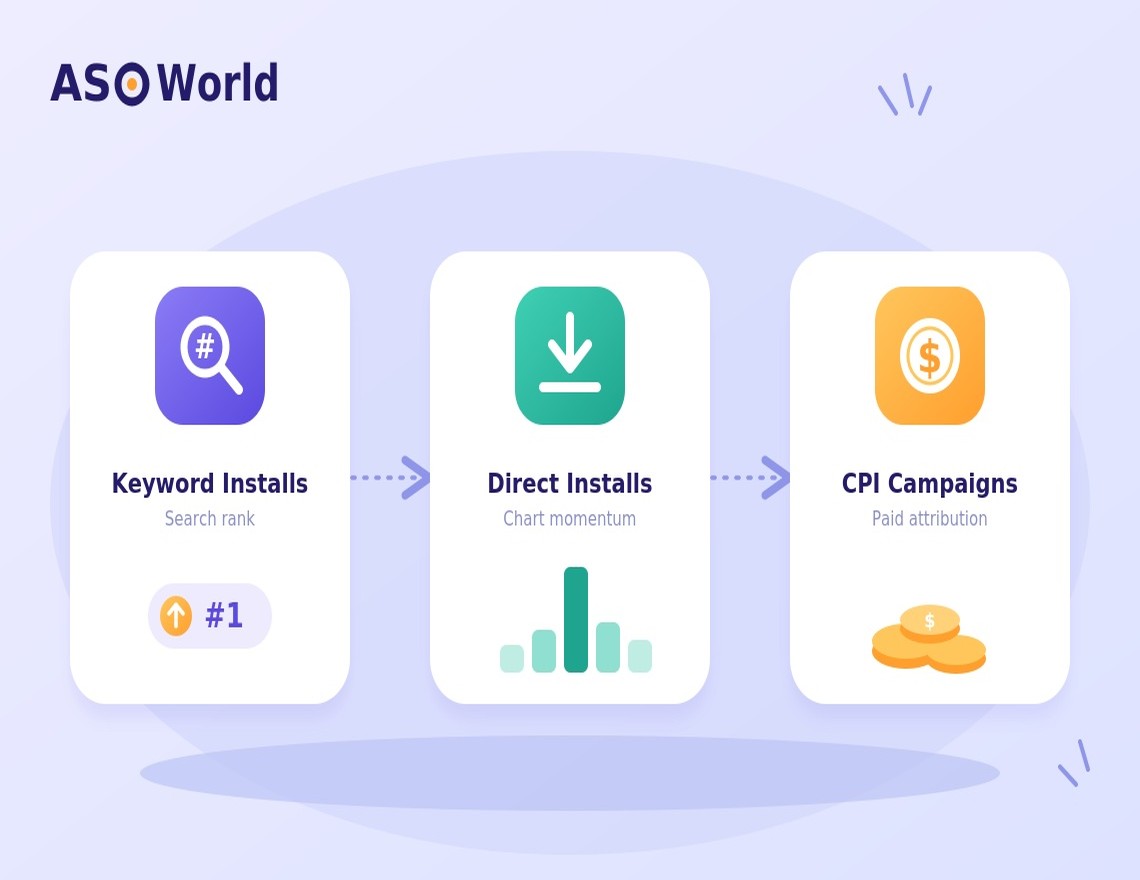
App store promotion sounds complicated from the outside — keyword installs, algorithm timing, CPI campaigns, ranking velocity. But when you break it down, the actual process of getting started is surprisingly structured. This guide walks you through exactly how to launch your first campaign on ASOWorld, step by step, even if you’ve never done this before.
Step 1: Diagnose Your App Before You Spend Anything
The most common mistake first-time promoters make is jumping straight to orders without checking where their app actually stands.
Before you set a budget or choose a service, you need to answer one question: Is your app already indexed for any keywords?
If Your App Is Brand New (Not Yet Indexed)
Your first move isn’t keyword installs — it’s visibility. An unindexed app won’t benefit from keyword push campaigns because the algorithm doesn’t associate it with any search terms yet.
Start with Direct Installs to signal real user demand, or use a keyword coverage service to get your app indexed for your target terms first. Pair this with solid ASO metadata (title, subtitle, description) — that foundation matters before anything else.
If Your App Is Already Ranking for Some Keywords
This is where it gets exciting. You don’t need to build from scratch — you need to climb. Keyword Install campaigns are your core tool here. The goal is to push the keywords you already rank for (even if it’s page 3 or 4) up into the top 3 positions, where the majority of organic clicks actually happen.
💡 Pro Tip: Not sure which category your app falls into? ASOWorld’s free Advanced ASO Tools let you check your current keyword rankings, estimated search volume and competitor positioning before you commit to any strategy.
Step 2: Pick the Right Strategy for Your App Store
Here’s something a lot of guides skip: iOS and Android have fundamentally different ranking algorithms, and your campaign design should reflect that.
iOS App Store Strategy
Apple’s algorithm responds well to install velocity. A concentrated burst of activity signals relevance quickly, and you can often see ranking movement within about 3 days. That said, a single-day burst rarely holds — continuous orders over at least 3 days give your new rankings a chance to stabilise instead of spiking and immediately dropping back.
Android Google Play Strategy
Google’s algorithm is more sceptical of sudden spikes. It rewards consistency over time. Plan for longer campaigns — typically 7 to 9 days — with a gradual, sustained install curve rather than front-loaded volume. If your app qualifies for CPI (Cost Per Install) campaigns, running CPI alongside your keyword strategy is one of the most effective ways to lift rankings on Android right now.
The platform distinction matters because the same budget spent the wrong way can produce very different results. Getting this right early saves you from running a second campaign to fix the first one.
🎯 Need a custom plan? Reach out to your dedicated account manager for a Customised User Acquisition Solution. ASOWorld’s team builds bespoke strategies based on your specific app category, target market and budget.
Step 3: Launch Your Campaign in the Dashboard
Once your strategy is clear, the actual order process in ASOWorld is straightforward. Here’s what the flow looks like:
1. Add Your App
Navigate to “My Apps,” paste your App Store or Google Play URL, and select your target country. ASOWorld supports campaigns across multiple regions, so if you’re targeting different markets, you can set them up separately.
2. Select Your Service
Go to “Add Campaign” and choose what you need — Keyword Installs, Direct Installs, Ratings & Reviews, or another service depending on your Step 1 diagnosis.
3. Target & Allocate Keywords
Input your researched keywords. ASOWorld’s dashboard saves you time with:
- Suggested keyword recommendations or your own custom library
- One-click volume allocation across multiple keywords
- A trend planning tool for shaping multi-day volume curves (ramp-up, steady, or burst)
- Quick inline editing of daily volumes directly from the Preview interface
4. Set the Pace
Distribute your install volume across your chosen timeframe — velocity for iOS, gradual consistency for Android.
5. Review and Launch
Double-check your delivery type and settings, then hit Start.
The whole setup process for a first campaign typically takes under 15 minutes once your keywords are ready.
Step 4: Track, Analyse and Iterate
ASO is not a one-and-done activity. After your campaign ends, give the store algorithm a few days to fully process and reflect the new ranking signals before you draw conclusions.
When you’re monitoring results, three things to watch:
Keyword Rank Movement
The immediate signal. ASOWorld’s dashboard lets you switch between your orders and keyword tracking views without losing context, so you don’t have to juggle multiple tools to understand what moved.
Volume vs. Ranking Correlation
The insight that improves future campaigns. The built-in bar charts overlay your daily install volume against ranking changes over the same period — you can literally see which days of traffic drove which ranking shifts.
Organic Traffic Lift
The real payoff. Once a keyword climbs into the top 3–5 results, you should start seeing organic downloads attributable to that keyword. This is the indicator that your paid promotion is converting into sustainable growth, not just a temporary ranking spike.
From there, the strategy is simple: identify your highest-converting keywords, push them further up with additional campaigns, and expand into adjacent keywords with real search volume.
Ready to Start? Here’s Your Next Step
If you haven’t created an account yet, ASOWorld offers a 50% discount on your first order — which makes the initial test campaign a low-risk way to validate the process for your specific app.
The full How to Start guide on ASOWorld walks through the dashboard mechanics in detail and includes a campaign setup walkthrough video. It’s worth a read before you place your first order.
The fundamentals are straightforward: know where your app stands, match your strategy to the algorithm, track what’s working, and iterate. Everything else follows from there.