COVID-19 UPDATE


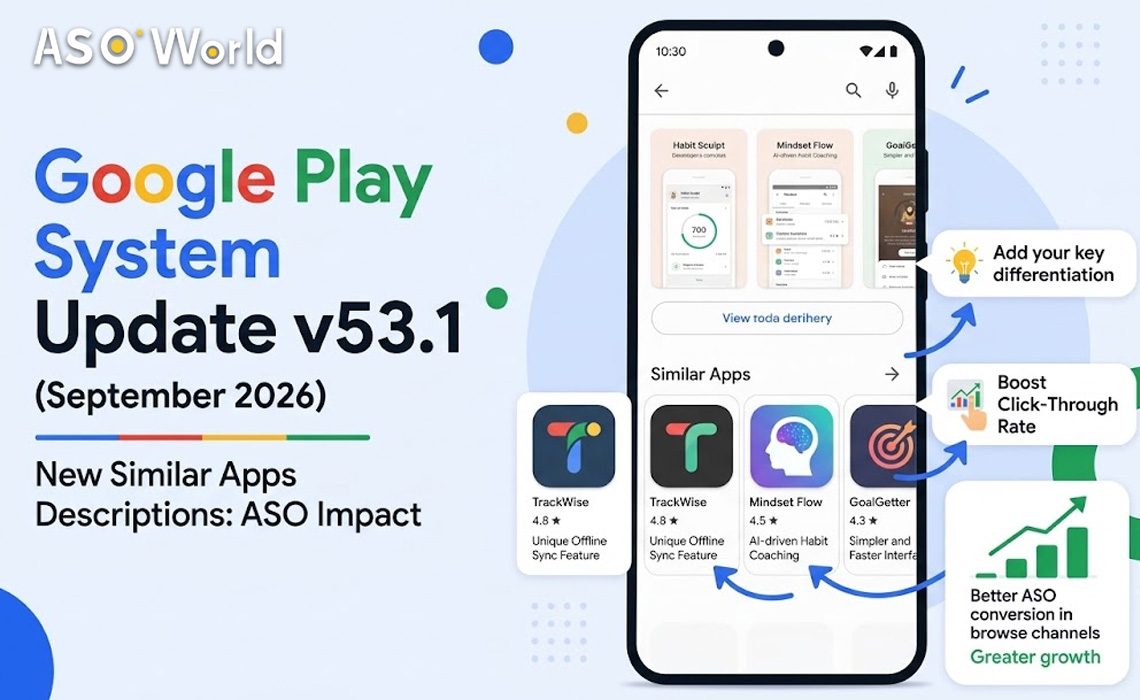
The Google Play System Update for September 2026 (v53.1, released 7 September) quietly shipped a change that is easy to miss in the changelog but worth pausing on if you care about organic visibility: the Similar Apps section on product pages now shows a short description highlighting a key feature of each recommended app, instead of just an icon, name and rating.
It is a small UI tweak on the surface. But if you have been treating Similar Apps as a placement you either get or don’t — a black box you have no control over — this update is a reminder that it is not just a placement, it is real estate. And real estate can be optimised.
What Actually Changed in v53.1
Alongside a couple of other navigation updates, Google’s release notes for this version include:
- [Phone] A short description now appears for each app in the Similar Apps section of app detail pages, highlighting one of that app’s key features
- [Phone] Visibility into which devices an app is installed on, when browsing recommendations under the “other devices” sub-navigation
- [Phone] A new navigation bar for exploring interests directly from Play home pages
The first change is the one that matters for ASO. Until now, a Similar Apps card was essentially a beauty contest between icon, name and star rating. Now there is a line of copy competing for the user’s attention too — and copy is something you can write, test and improve, unlike your rating or install count, which move slowly.
Why the Similar Apps Section Is Worth This Much Attention
We covered this in depth in Unlocking Traffic Potential: The Power of Similar Apps on the Google Play Store, but the short version: keyword search still drives the majority of app discovery on Google Play, and Similar Apps is one of the largest browse-based discovery surfaces sitting right next to it.
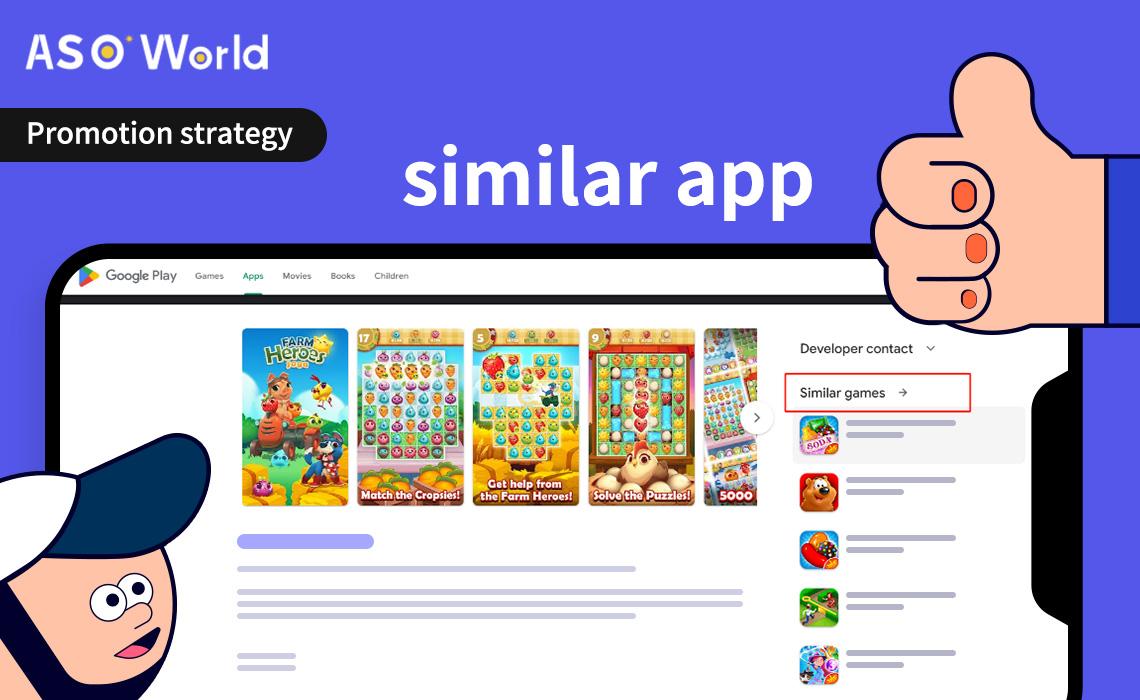
Getting recommended there does three things at once — it puts you in front of an audience that already has purchase intent for your category, it borrows trust from the app the user was already looking at, and it does not cost a single dollar in CPI.
The catch has always been that placement is earned, not bought — driven by category and genre match, keyword overlap, ratings and reputation, and co-download patterns. That part has not changed with v53.1. What has changed is that now, even after you have earned the placement, there is a new variable deciding whether that placement actually converts into a tap.
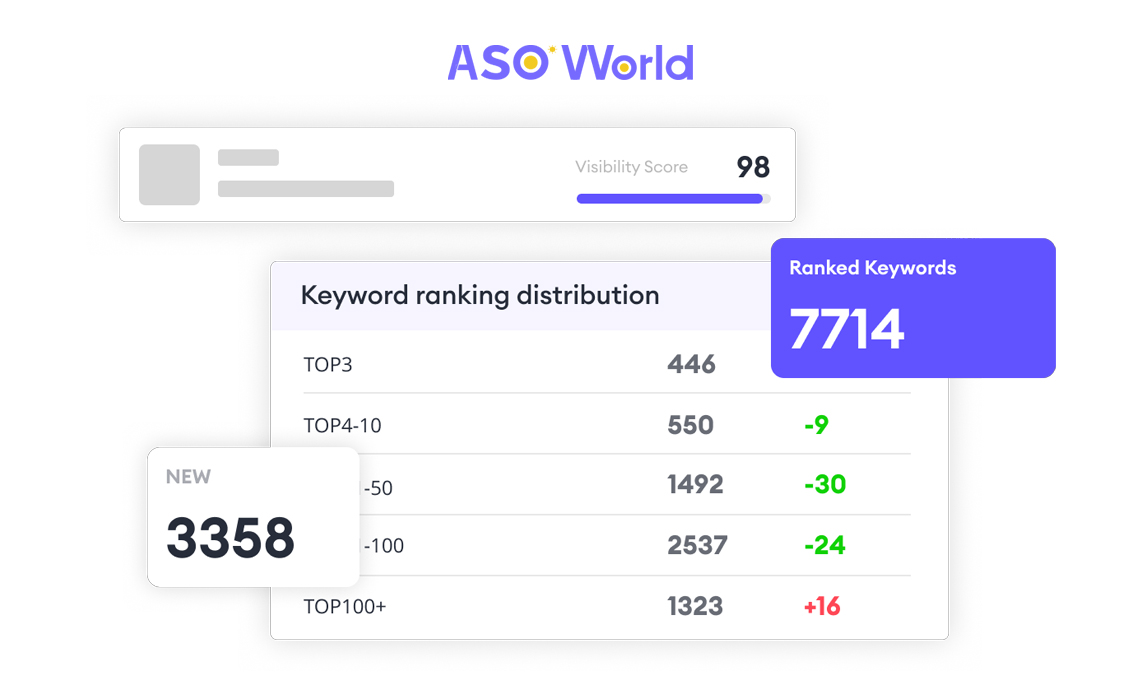
Not sure how your current listing performs against that criteria? Our free ASO tools let you check your app’s current keyword coverage and ranking distribution in a couple of clicks — a useful starting point before you touch any copy.
What the New Short Description Field Actually Does
Think of it as a miniature version of your app’s subtitle, except it only shows up in one specific context: when your app is being recommended against a direct competitor the user is already evaluating. That context matters. The user is not in “browsing the store” mode — they are in “comparing this app to that app” mode, which means the description’s job is not to describe your app in general, it is to answer one implicit question: why should I look at this one instead of the one I was already looking at?
That is a different writing brief from your main store listing description, and treating it identically is the most common mistake we would expect to see once this rolls out broadly.
How to Optimise Your Short Description for This Placement
A few practical starting points while this feature is still new and most developers have not touched it yet:
- Lead with the one feature that differentiates you, not a generic value proposition. If the app you are being shown against is a habit tracker, “the only tracker with offline sync” beats “track your habits daily.”
- Keep it scannable. Users are comparing multiple cards in a short session — the description needs to land in under two seconds of reading.
- Don’t keyword-stuff it. This is a comparison surface, not a search-results snippet; it should read like a reason, not a tag cloud.
- A/B test it. Since this is new, ranking best practices have not converged yet — the developers who test early will have a data advantage over the ones who copy-paste their main description.
These four points cover the Similar Apps card specifically, but they are really a compressed version of a bigger shift: description copy across the store now has to work for algorithms, human skimmers and AI-driven search at once. If you want the fuller framework — how to structure benefits before features, define your audience explicitly, and weave in keywords without stuffing them — we broke it down in How to Write App Descriptions for AI Search and App Store Optimisation. The same principles scale down cleanly to a one-line Similar Apps description.
If you want a structured way to test title, description and screenshot variants (including this new field once it is available in your store listing experiments), that is exactly the kind of work our App Store Optimisation service handles end to end — from metadata audits to running the experiments and reading the results, so the description you land on is backed by data rather than a guess.
Don’t Skip the Part Before the Copy: Earning the Placement
A polished short description will not matter if your app was never eligible to appear in Similar Apps in the first place. That eligibility is still governed by the same factors we broke down in our full guide to Similar Apps ranking — category and keyword alignment, rating and review volume, and how consistently users download your app alongside the ones you want to be recommended next to. If those fundamentals are not in place yet, that is the higher-leverage fix to make before spending time wordsmithing a description field.
The Takeaway
Google Play just turned a passive recommendation slot into an active one. The apps that show up in front of you now have to say something, not just look good next to a star rating. That is a small window where most developers will not have optimised yet — worth taking seriously while it is still early.