COVID-19 UPDATE


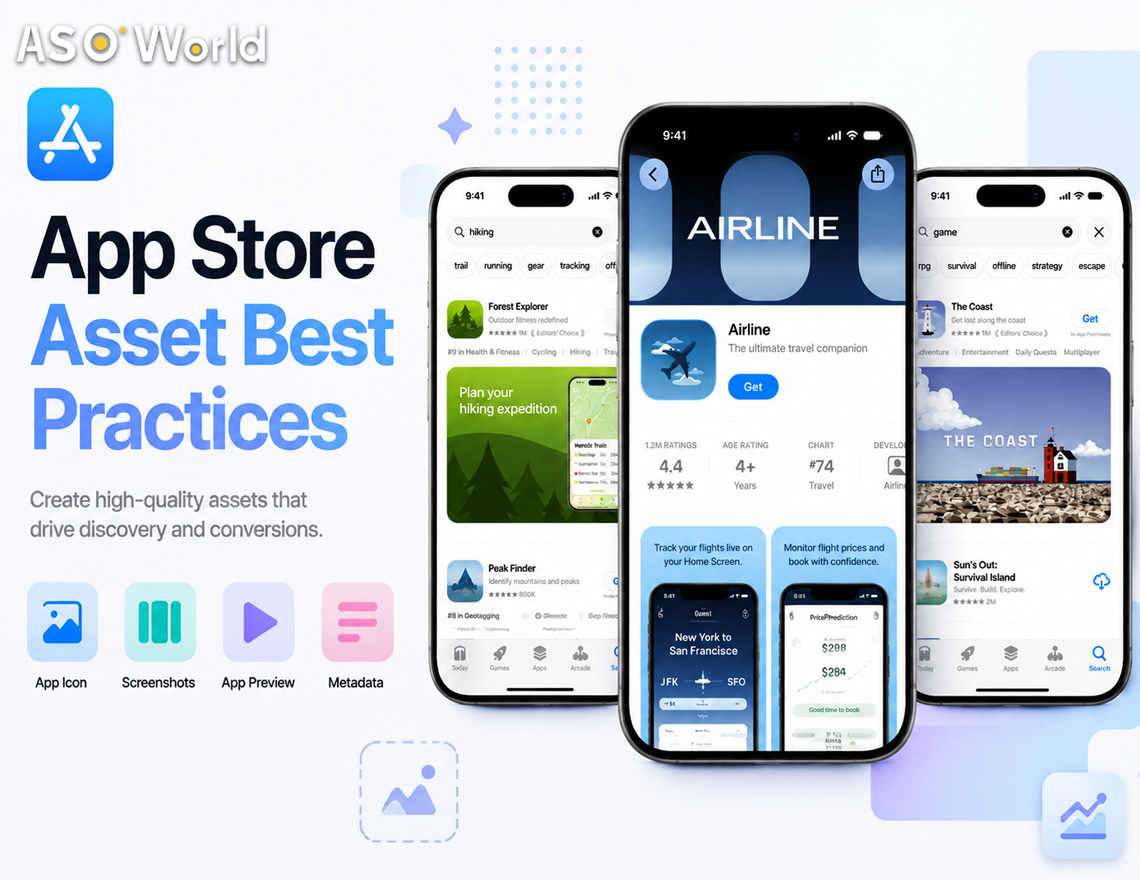
Apple has just confirmed the rollout details for a marketing surface it first teased back in June: Creative Assets, a new type of App Store visual that sits alongside — not instead of — your existing screenshots and app preview videos. Starting with iOS 27 and iPadOS 27 this autumn, these assets will appear in three places: your product page header, search results and In-App Events.
If you have been treating your App Store presence purely as “show the UI, show the features,” this update changes the equation. Here is what is actually new, and what to do about it before the autumn launch window closes.
What’s Different From Screenshots
Screenshots and app previews exist to answer one question: what does this app actually do? Creative assets answer a different one: what is this app, and why should I care right now?
That distinction matters for how you brief your design team:
- Screenshots/previews → in-use visuals, UI walkthroughs, gameplay footage
- Creative assets → brand storytelling, seasonal campaigns, new content drops, tone-setting imagery
Apple is explicit that creative assets can — and should — reuse a single design across the header and search result placements to reinforce brand recognition, rather than treating each slot as a separate creative brief.
Where They Show Up
| Placement | What it replaces or adds to | Strategic role |
|---|---|---|
| Product page header | First thing visitors see on your page | Sets the tone for a first-time visitor — brand/campaign framing |
| Search results | Appears before someone even reaches your page | Needs to state your app’s purpose “at a glance” for people actively searching |
| In-App Events | Event cards and detail pages (16:9 and 9:16) | Drives urgency around limited-time content, launches, seasonal pushes |
Skip the search result asset and Apple falls back to showing your In-App Events, previews or screenshots instead — so this is not a mandatory field, but an opt-in opportunity most competitors will be slow to fill.
The Rules You Can’t Miss
Apple’s guidelines double as a rejection checklist. Before you brief creative:
- No pricing, discounts, URLs or copyright symbols
- No unverifiable claims (awards you haven’t actually won)
- No other-platform logos or references
- No Apple-designated badges baked into your art (Editor’s Choice, App of the Day, etc.) — these render automatically, so including them yourself is redundant and against policy
- Must clear a 4+ age rating regardless of your app’s actual rating
- Design for a global, all-ages audience — localise where relevant
Apple has also released free Figma, Photoshop and Pixelmator templates for both the header and search result formats, which meaningfully lowers the production lift.
What to Do Before Autumn
Now — audit, don’t design yet. Pull your current product page and screenshots and check them against the new restrictions above. Anything with pricing, URLs or self-applied badges needs to come out regardless of the new asset rollout — this is also a good moment to catch metadata that has been quietly non-compliant.
August–October — build one asset system, not three. Use the official templates to design a single visual system that scales across the header (product page) and search result placements. Treat it as a brand refresh moment: consistent colour palette, iconography and message across both slots, rather than three unrelated pieces of creative.
At launch — test, don’t guess. Once creative assets go live, run them through Product Page Optimisation to A/B test variants against your current header. Early-window traffic on a new placement type tends to be more forgiving of experimentation — and less crowded, since most teams will still be scrambling to produce a first version.
Ongoing — treat In-App Events as a recurring lever. If you already run seasonal content, promotions or version launches, the In-App Events creative asset gives you a dedicated visual moment for each one — worth folding into your existing content calendar rather than treating as a one-off design task. Apple’s centralised Asset Library in App Store Connect makes this easier, since approved assets can be reused across placements without a new app version.
If you are already running paid acquisition alongside organic, it is worth pairing this with your Custom Product Pages strategy, so paid and organic creative stay aligned rather than sending mixed brand signals.
The Bottom Line
This is a low-complexity, high-timing-sensitivity update. There is nothing technically hard here — it is a new image/video slot with clear rules and free templates. The advantage goes to teams who plan their asset system before the autumn rush, not after.