COVID-19 UPDATE


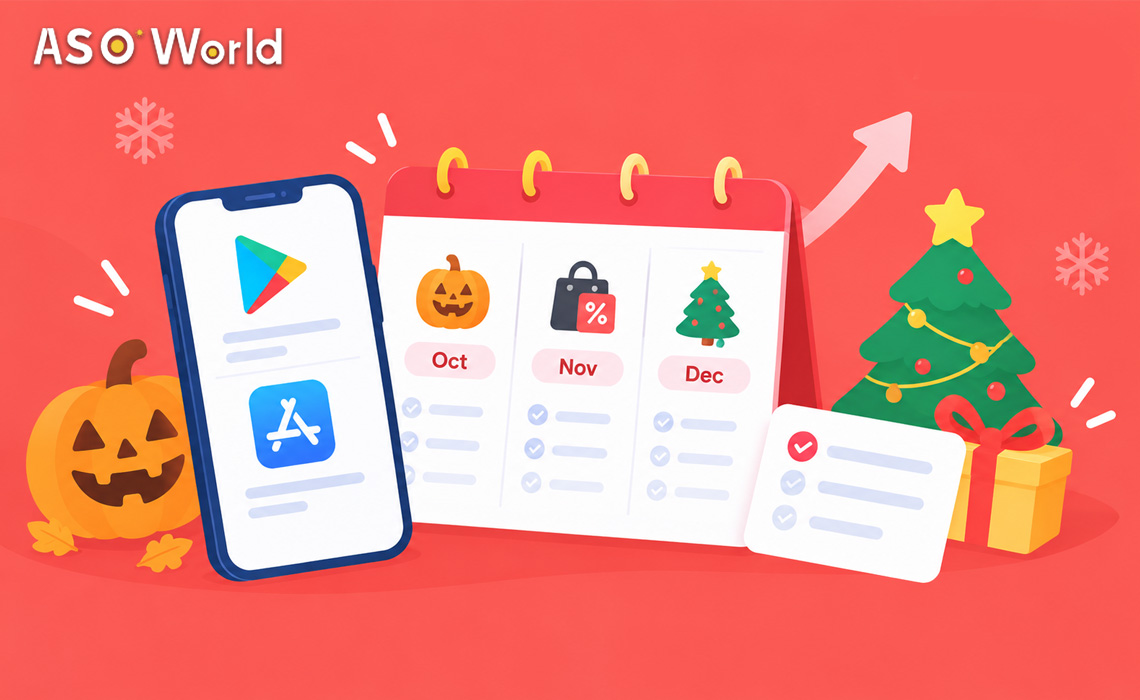
Because Google Play requires 7–9 days per keyword cycle and iOS needs a minimum of 3, “starting on the day” is already too late for every major Q4 moment. This calendar works backwards from Halloween (31 October), Black Friday (27 November) and Christmas (25 December) 2026, so you know precisely which week to update metadata, launch keyword campaigns and scale volume for each one.
Why lead time matters more than the holiday itself
Search demand for seasonal terms (“halloween costume app,” “black friday shopping app,” “christmas games”) begins climbing well before the actual date, and both stores need time to register new keyword volume before it appears in ranking. Launching a seasonal push on the holiday itself means you are competing for a search spike that is already peaking — with a campaign that has not yet finished its first cycle.
| Platform | Minimum cycle to see ranking movement | Recommended lead time before a key date |
|---|---|---|
| iOS App Store | ~3 days | At least 10–14 days |
| Google Play | 7–9 days | At least 14–21 days |
The full Q4 2026 calendar
| Week of | What to do |
|---|---|
| 22 Sep – 28 Sep | Finalise Halloween keyword list and metadata (title, subtitle, description) updates |
| 29 Sep – 5 Oct | Start Halloween keyword campaigns on Google Play (7–9 day cycles need runway before 17 Oct) |
| 13 Oct – 19 Oct | Start or scale iOS Halloween keyword campaigns |
| 20 Oct – 26 Oct | Peak Halloween search window — monitor ranking daily, adjust volume on underperforming terms |
| 27 Oct – 31 Oct | Halloween live; begin drafting Black Friday metadata in parallel |
| 3 Nov – 9 Nov | Start Black Friday / Cyber Monday Google Play keyword campaigns |
| 10 Nov – 16 Nov | Swap seasonal screenshots and promotional text; start iOS Black Friday campaigns |
| 17 Nov – 23 Nov | Peak pre-Black Friday search window — this is when shopping/deal-related search volume climbs fastest |
| 24 Nov – 27 Nov | Black Friday (27 Nov) live; begin Christmas metadata drafting |
| 30 Nov – 6 Dec | Start Christmas Google Play keyword campaigns (needs the longest runway of the three) |
| 7 Dec – 13 Dec | Start or scale iOS Christmas campaigns; finalise gifting/holiday screenshots |
| 14 Dec – 20 Dec | Peak Christmas search window |
| 21 Dec – 25 Dec | Christmas live; hold volume through New Year’s rather than stopping on the 25th |
Halloween checklist (31 Oct 2026)
- Update title/subtitle or short description with Halloween-relevant terms only if genuinely relevant to your app category
- Refresh at least 2–3 screenshots with seasonal visuals
- Start Google Play keyword campaign by 5 Oct at the latest so the 7–9 day cycle lands before peak week
- Watch competitor ranking on the same seasonal terms — Halloween search is short-lived, so a competitor’s push shows up quickly
For category-specific tactics, see ASO Halloween: Optimize App to Boost Downloads.
Black Friday checklist (27 Nov 2026)
- If your app has any purchase, deal or discount functionality, this is the highest-intent search window of the quarter — prioritise it over Halloween if you have to choose
- Update metadata to reflect deal/discount language where accurate
- Start keyword campaigns no later than 9 Nov for Google Play, given the shorter runway to 27 Nov than Christmas has
- Plan for a second wave through Cyber Monday rather than stopping volume on 28 Nov
Christmas checklist (25 Dec 2026)
- This window needs the earliest start of the three — Google Play campaigns should begin by the first week of December
- Gifting-related and “family/kids” category apps typically see the largest seasonal lift; adjust keyword priority accordingly
- Do not drop volume immediately after 25 Dec — search interest for gift-related app downloads often continues through New Year’s as new devices get set up
Background on this specific pattern is in Get Your App Ready for Christmas App Store and Seasonal App Store Optimization for December.
Setting up a multi-day campaign without guesswork
Running three overlapping seasonal pushes in one quarter is easiest to manage when you can plan volume across days in one view rather than configuring each day manually. In Keyword Installs, the workflow is:
- Pull keyword suggestions from the recommended or your own custom keyword library
- One-click fill a day’s volume across your chosen keywords
- Plan a multi-day volume trend in a single view — useful for ramping up towards 27 Nov or 25 Dec rather than flat volume the whole period
- Preview and adjust individual days’ volume per keyword before the schedule locks in, so a Halloween-to-Black-Friday transition does not require rebuilding the campaign from scratch
If your app has no existing keyword coverage heading into Q4, start with Direct Installs to establish a baseline before layering seasonal keyword campaigns on top.
FAQ
What if I can only prepare for one holiday this year?
For apps with any commerce, deals or purchase component, Black Friday (27 Nov) typically has the highest-intent search traffic of the three. For gaming, kids and lifestyle categories, Christmas usually has the largest overall volume. Halloween is the narrowest window and most relevant to costume, photo-editing, gaming and social categories specifically.
Is it too late to start if I’m reading this in early October?
For Halloween, it is tight but workable if you start immediately — expect a partial rather than full cycle of benefit. For Black Friday and Christmas, early October is still comfortably ahead of the recommended start windows above.
Should I stop seasonal keywords immediately after the holiday passes?
No — stopping abruptly causes the same ranking pullback any campaign sees when volume support ends suddenly. Taper down over a few days instead, especially heading into Christmas, where post-holiday search activity continues into the New Year.
Do I need different metadata for each holiday, or can I combine them?
Combining diluted, generic “holiday” language across all three tends to underperform compared with being specific to each moment. A short, timed metadata update for each event — even if simple — outperforms one static “holiday season” description running the whole quarter.